Sony DSC-P41 User Manual
Page 30
30
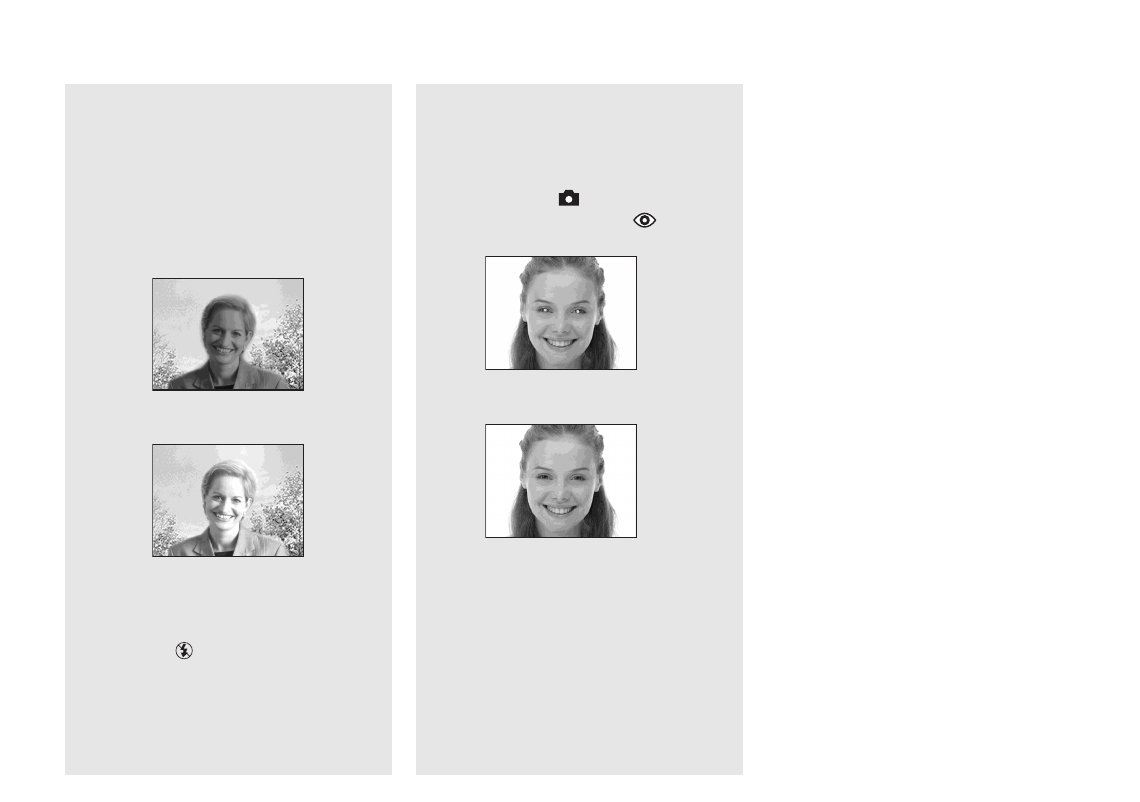
When shooting against a light
source
In Auto mode, shooting against a light
source automatically flashes even when
there is enough light around the subject.
(Daylight synchro)
Before flashed
When flashed
•
The best performance may not be given
depending on shooting conditions.
•
When you do not want to use the flash, set the
flash mode to
(No flash).
To reduce “red-eye” when
shooting live subjects
The flash pre-strobes before shooting to
reduce the red-eye phenomenon. Set [Red
Eye Reduction] in
(Camera) to [On] on
the Setup screen (page 109).
appears
on the LCD screen.
•
The amount of red-eye reduction possible
varies according to the individual. In addition,
the distance to the subject, and whether or not
the subject has seen pre-strobe light begin to
strobe may also reduce the effectiveness of the
red-eye reduction process.
•
When [Red Eye Reduction] is set to [On], the
flash fires twice or more.
m