Shooting with special effects, Picture effect – Sony DSC-P41 User Manual
Page 58
58
d
Select
(Interval) with
b
/
B
,
then select the desired
between-frame interval with
v
/
V
.
You can choose from [1/7.5], [1/15],
[1/30].
e
Shoot the image.
16 frames in a row will be recorded in
a single image (image size: 1M).
•
The following functions cannot be used in
Multi Burst mode:
–
Smart zoom
–
Shooting with the flash
–
Inserting the date and time
•
When
(Camera) is set to [Auto], frame
interval is automatically set to [1/30].
•
You may not shoot in Multi Burst mode,
depending on the setting of
(Camera) in
the menu (page 36).
•
For the number of images that can be recorded,
see page 105.
•
When you play back images recorded in Multi
Burst mode on the camera, see page 62.
Shooting with special
effects
– Picture Effect
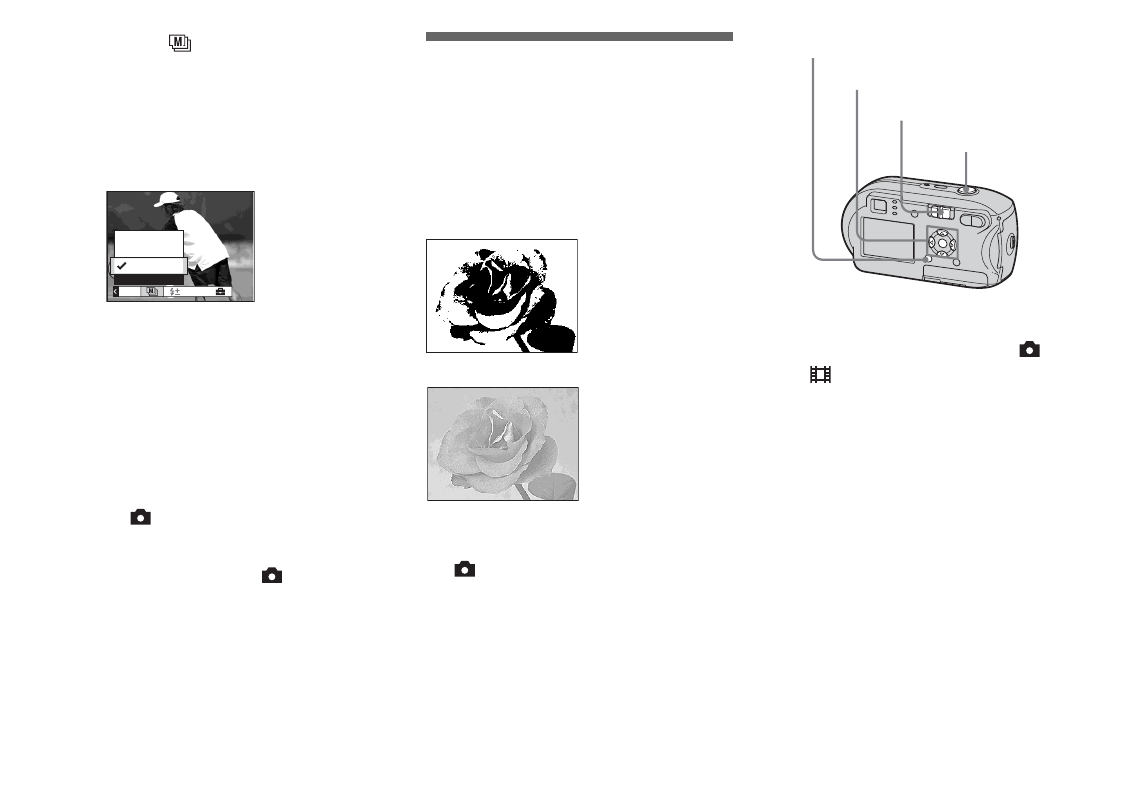
You can add special effects to bring out the
contrast in your images.
Before operation
Set
(Camera) in the menu to other than
a
Set the mode switch to
or
.
b
Press MENU.
The menu appears.
c
Select [PFX] (P.Effect) with
b
/
B
, then select the desired
mode with
v
/
V
.
d
Shoot the image.
To cancel Picture Effect
In Step
3
, select [Off].
1/15
1/30"
1/30
1/7.5
Interval
Mode
PFX
B&W
Sepia
Colored to look like
an old photograph
In black and white
Mode switch
Control button
MENU
Shutter button