Related topics – QuickLabel Vivo! Touch User Manual
Page 50
Advertising
Designing and Printing Labels
36
Vivo! Touch User Guide
•
The height and width of the label file “canvas” should be the same as the height
and width of the physical label.
•
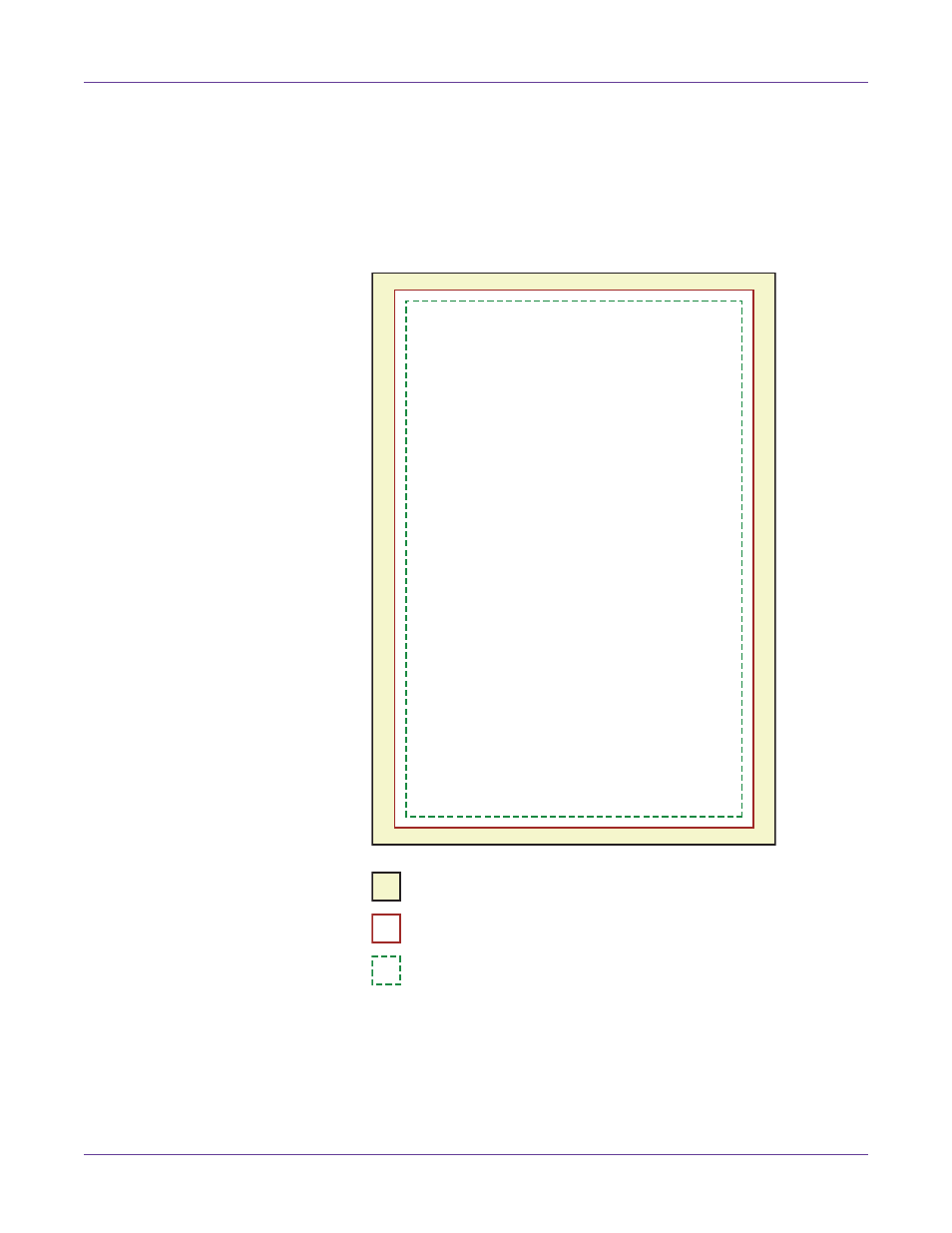
All design elements should be placed inside a .125” (3 mm) border of the canvas.
This will ensure such design elements never run to or over the edge of the label.
•
The following example illustrates important dimensions for a non-bleed 4” x 6”
label. Ensure you place design elements within the border.
Related Topics:
- Planning Full-Bleed and Non-Bleed Labels on page 33
Matrix or Liner
Label 4" x 6" (102 x 152 mm)
Non-Bleed Area 3.75" x 5.75" (95 x 146 mm)
Advertising