Rs232 interface, Output interface, Gigabit copper port – RGBLink VSP 1314 User Manual User Manual
Page 25: 24:power supply port of sending card, 25:usb control port of sending card, 26:dvi input, 20:dvi output, 21:dvi +vga-dvi output, Hardware orientation, 24 : power supply port of sending card
2.Hardware Orientation
VSP 1314 Rear Panel
VSP 1314 User Manual 25
11.RS232 Interface
Used to connect the computer.
OUTPUT Interface
12.13.22.23: Gigabit copper port
Gigabit copper port, connect to LED screen.
14.24:Power supply port of Sending Card
Power has been already supplied by video processor itself, don
’t need
external power supply.
15.25:USB control port of sending card
16.26:DVI Input
Input the DVI out originating from other video processors. (This DVI
connector does not support hot-plugging)
20:DVI Output
Connect to the monitor or LED screen which has DVI interface(This DVI
connector does not support hot-plugging).
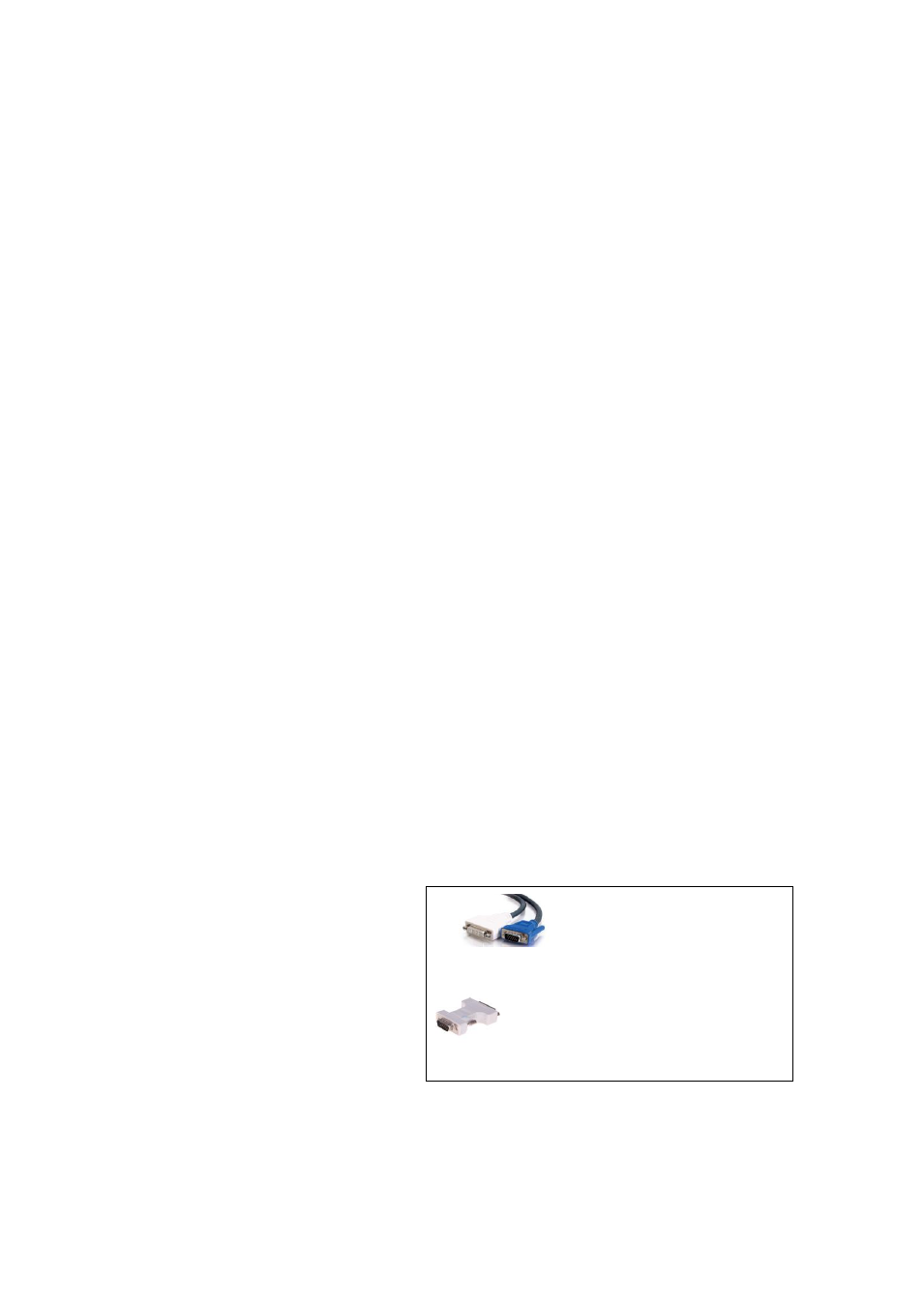
21:DVI +VGA-DVI Output
Connect to the monitor or LED screen which has DVI interface.(This DVI
connector does not support hot-plugging).
DVI +VGA , VGA output connector can be connected to monitor or
projector which has VGA interface.
Note
Via
adapter, can connect with
DVI-based or VGA-based equipment, and via,
DVI to VGA adapter, can output VGA
only.