Cooling system, Esd prevention – H3C Technologies H3C SR6600-X User Manual
Page 14
4
Cooling system
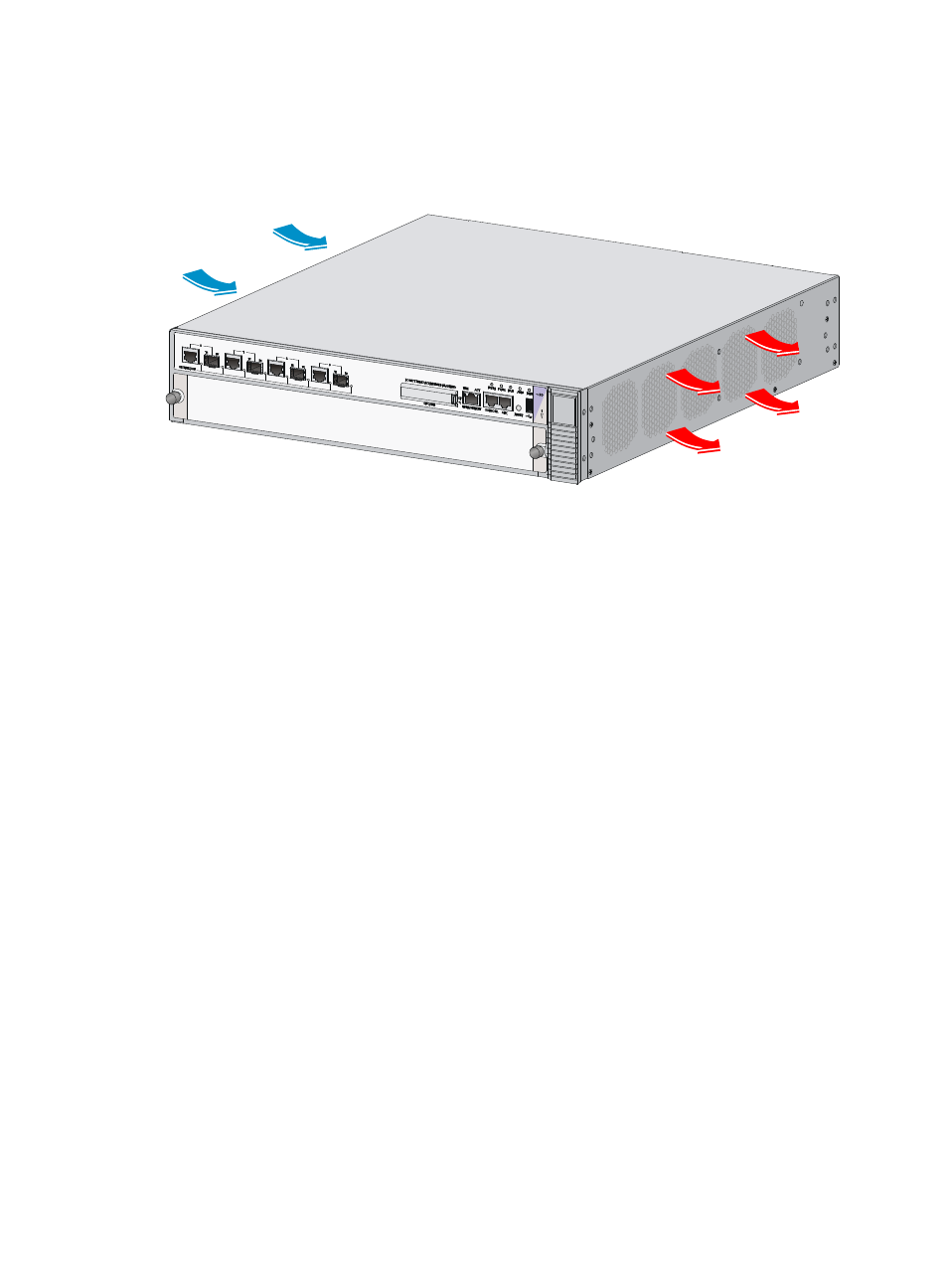
The SR6602-X routers adopt left to right airflow for heat dissipation.
Figure 1 Airflow (SR6602-X1)
•
Make sure there is enough space (greater than 10 cm (3.94 in)) around the air intake and outlet
vents on the router for good ventilation.
•
Make sure the installation site has a good cooling system.
ESD prevention
To prevent electrostatic discharge (ESD), note the following guidelines:
•
Make sure that the router and rack are well grounded.
•
An anti-static floor is installed and well grounded.
•
Maintain the humidity and temperature at a proper level in the equipment room. For more
information, see “
•
Always wear an ESD-preventive wrist strap and ESD-preventive cloth when touching a circuit board,
interface module, or transceiver module.
•
Place the removed memory module, CF card, FIP, HIM, or MIM on an antistatic workbench, with the
face upward, or put it into an antistatic bag.
•
Touch only the edges, instead of electronic components when observing or moving a removed
memory module, CF card, HIM, or MIM.
To use the ESD-preventive wrist strap, perform the following steps:
1.
Wear the wrist strap on your wrist.
2.
Lock the wrist strap tight around your wrist to keep good contact with the skin.
3.
Attach the ESD-preventive wrist strap to the alligator clips.
4.
Attach the alligator clips to the rack post.
5.
Make sure that the rack is well grounded.