H3C Technologies H3C SecPath F1000-E User Manual
Page 189
Advertising
164
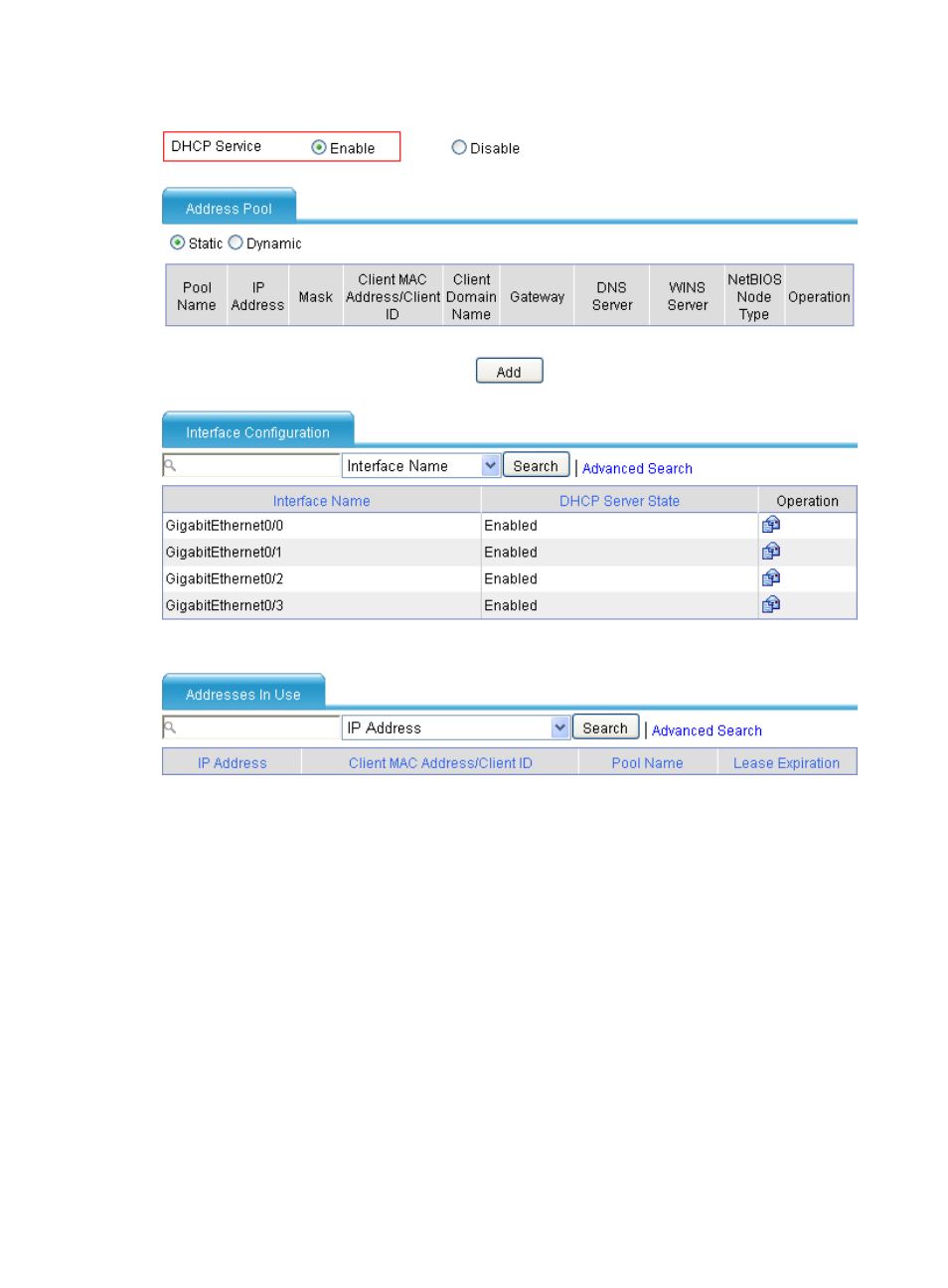
Figure 98 Enabling the DHCP service
•
Select the Enable option in the DHCP Service field.
# Configure DHCP address pool 0 (address range, client domain name suffix and DNS server address).
•
Select the Dynamic option in the Address Pool field and then click Add. Perform the following
configuration, as shown in
Advertising
This manual is related to the following products:
- H3C SecPath F5000-A5 Firewall H3C SecPath F1000-A-EI H3C SecPath F1000-E-SI H3C SecPath F1000-S-AI H3C SecPath F5000-S Firewall H3C SecPath F5000-C Firewall H3C SecPath F100-C-SI H3C SecPath F1000-C-SI H3C SecPath F100-A-SI H3C SecBlade FW Cards H3C SecBlade FW Enhanced Cards H3C SecPath U200-A U200-M U200-S H3C SecPath U200-CA U200-CM U200-CS H3C SecBlade LB Cards H3C SecPath L1000-A Load Balancer