Defining a source button – Grass Valley JEP Series v.1.3.0 User Manual
Page 66
66
JEP Series — Installation Manual
Section 2 — JEP-100 CP Operation
Defining a Source Button
By default, the 96 keys on left side of the panel are assigned to Entry
numbers 0 through 95 listed in the CP Input set table.
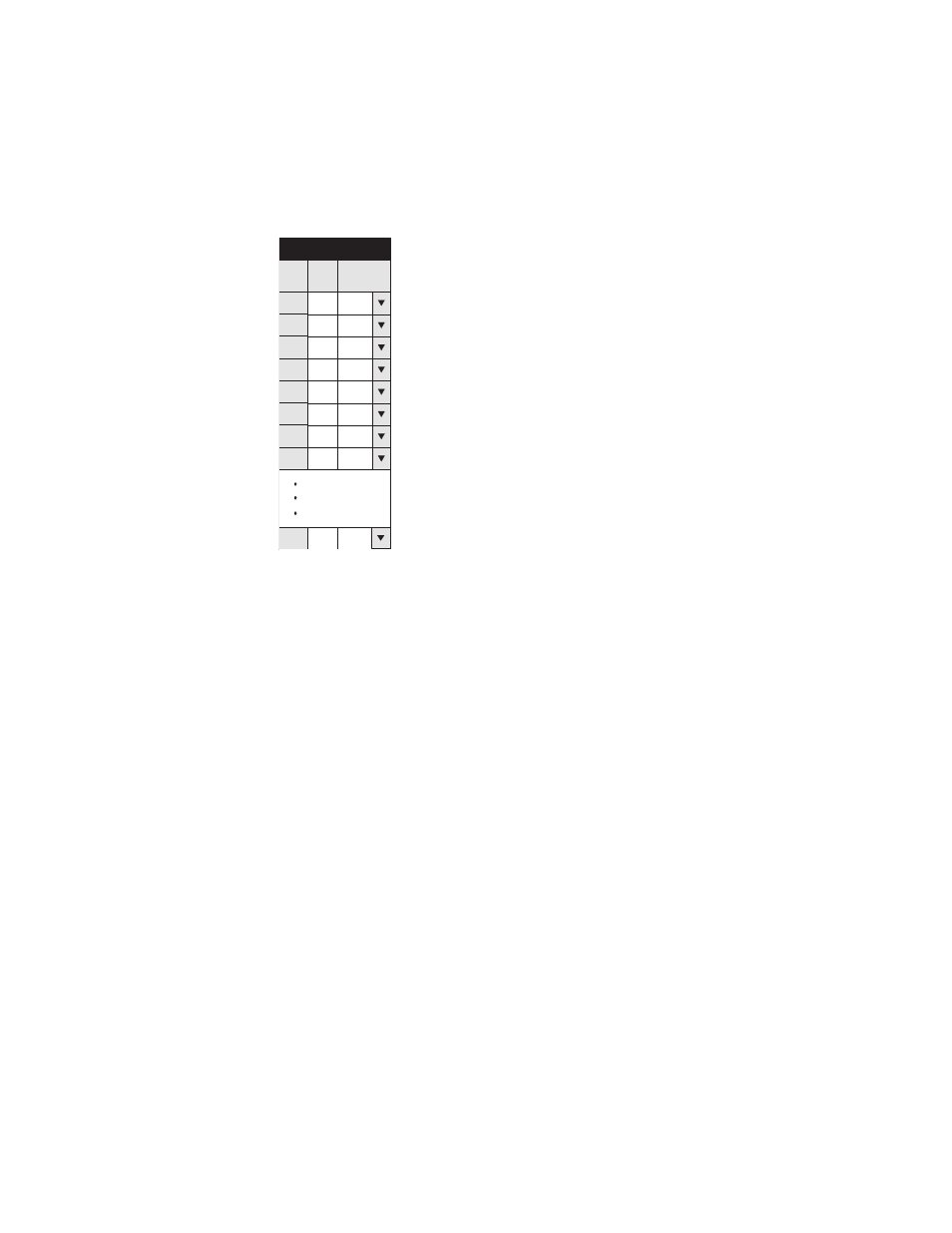
Figure 35. Defining a Source Button - Input Set
Button "1" (the first button) is always equivalent to Entry 0, which in this
example maps to BARS. Buttons can also be programmed from the front
panel using the ASSIGN/SELECT key, as follows:
1.
Press
CLEAR
.
This returns the panel to the "home state."
2.
(Optional) Check the preferred key position for the new input:
a.
PRESET - ON.
b.
Press the key you would like to use. Check the Preset window for
the current assignment.
c.
Repeat if necessary to find a suitable location.
d.
PRESET - OFF.
3.
ASSIGN/SELECT - ON
4.
SOURCE - ON.
5.
Use the
UP/DOWN
buttons to select the new input.
The name of the new input is shown in the Preset window.
1
Input Set JE P
2 1
2
Entry
BARS
TONE
Input
3
3
TC
4
5 4
5
6
6
VT03
7
7
8
VT05
VT01
VT02
VT04
96 95
ESS
0
Logical
0718372-02_Input-set