Importing media clips – Grass Valley NewsEdit LT v.4.1 User Manual
Page 85
Advertising
Importing Media Clips
Digital News Production
85
Importing Media Clips
You can import media clips from your computer network or other NewsEdit LT
workstations. Imported clips appear in your Bin so you can use them in
sequences.
To import a clip:
1. Choose
File | Import | Clip
or click the
Import Clip
button in the Bin toolbar.
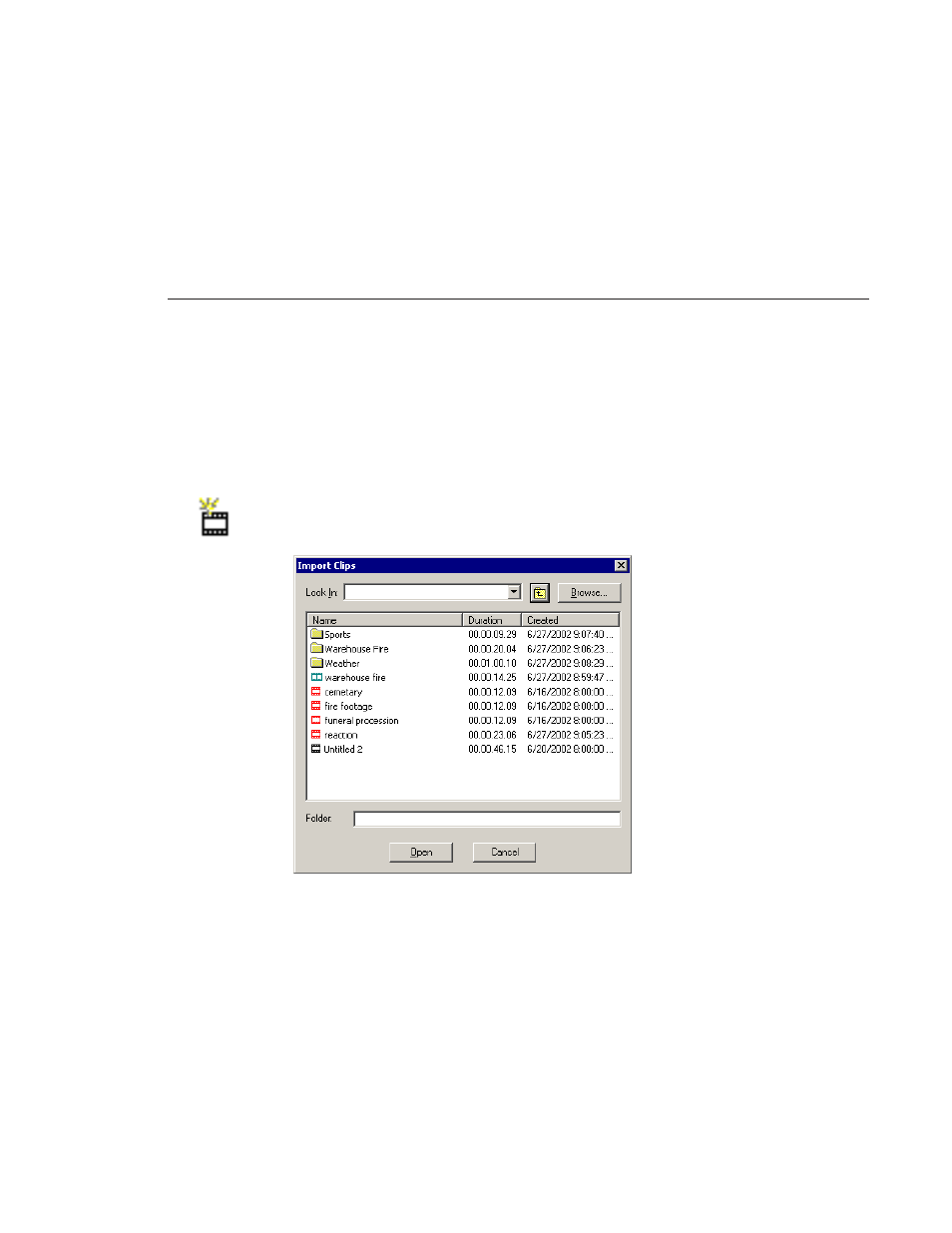
The Import Clips window appears:
2. Use the
Look in
list or the
Browse
button to find the clip you want to import.
3. Highlight the clip and click
Open
. Press the
Ctrl
key to select multiple clips.
A progress bar indicates the import status.
The imported file appears in the Bin; you can use it just like any other clip.
Advertising