ZTE MF920A User Manual
Page 14
Advertising
Page 14 of 23
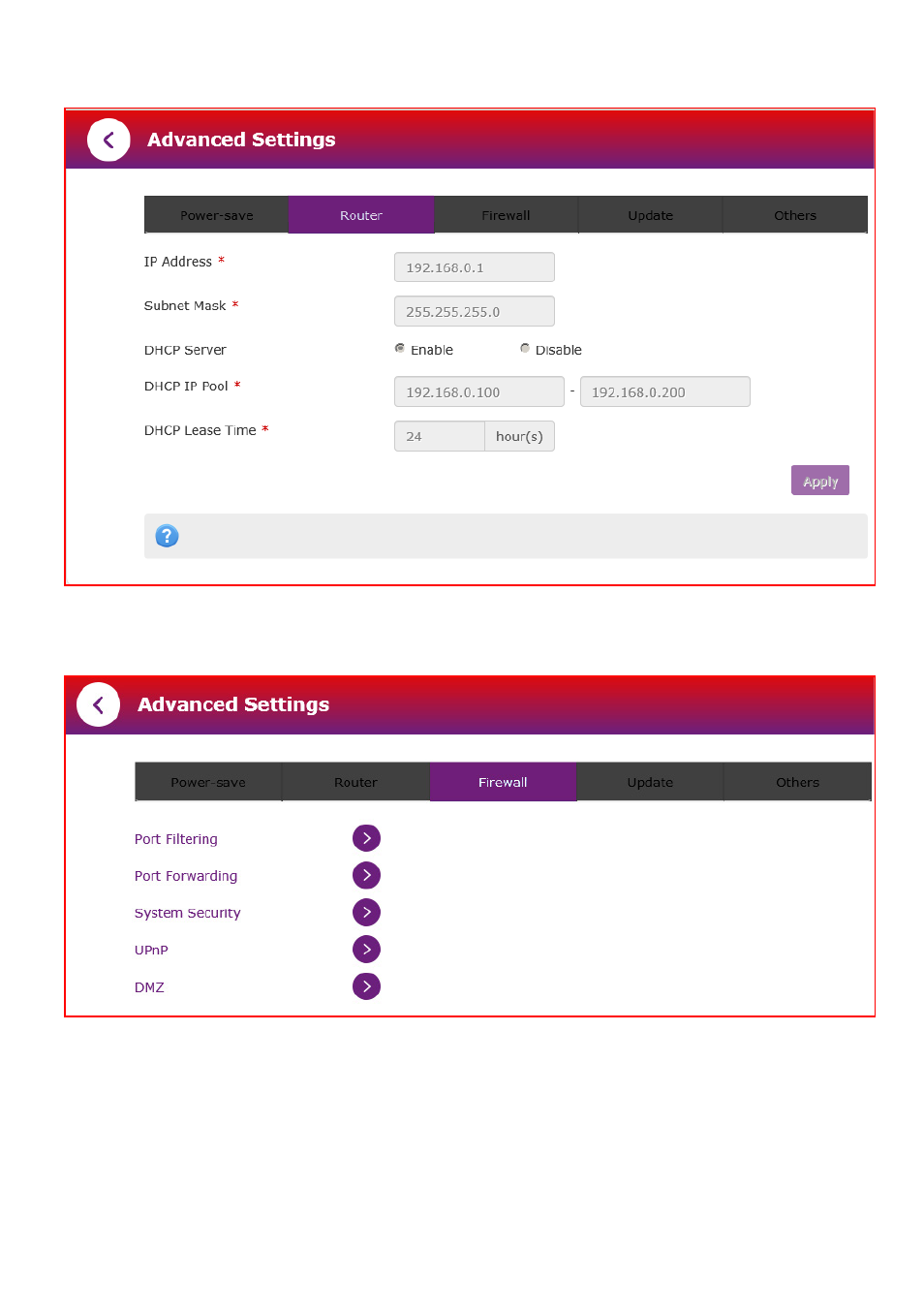
ADVANCED SETTINGS > ROUTER
ADVANCED SETTINGS > FIREWALL
FIREWALL > PORT FILTERING
•
Select Enable to turn on the Port Filtering settings
•
You can apply filters based on MAC Address, Source IP Address, Destination IP
Address and select the action to drop or accept the packets.
•
Firewall settings are for advanced users and network administrators.
Advertising