Settings > network selection – ZTE MF910V User Manual
Page 12
Advertising
Page 12 of 31
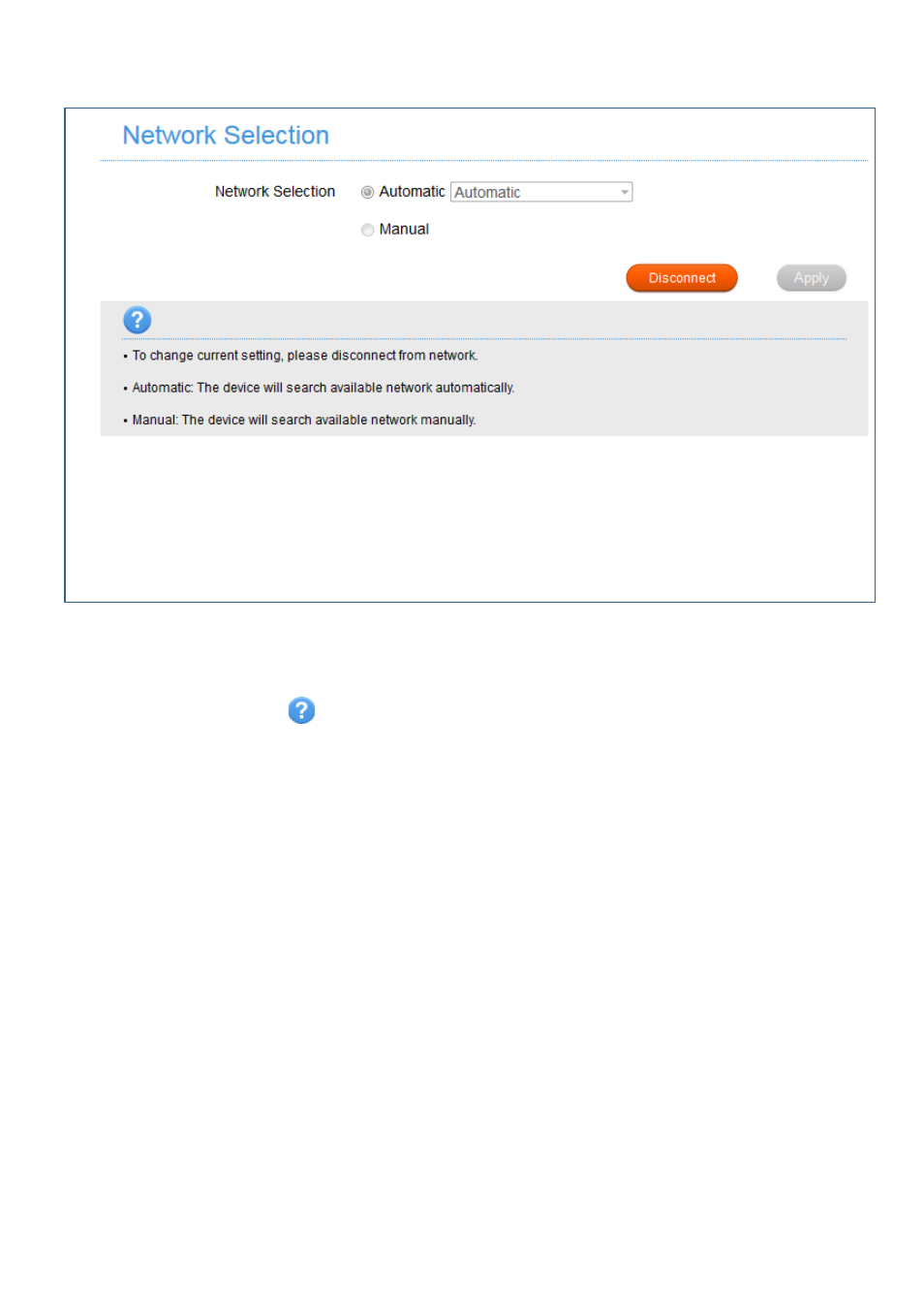
SETTINGS > NETWORK SELECTION:
•
Network Selection is set to Automatic.
•
Press the Disconnect button to change this setting if required.
•
If you make any changes, press Apply to save the change
•
Press the Help icon
to get in context tips.
•
There is no need to change these settings unless you change service provider or
are instructed by your carrier.
•
The modem is locked to Telstra. If you use a SIM card from another provider you
may not be able to connect to the network.
•
Consult Telstra to obtain the unlock code for your device.
Advertising
This manual is related to the following products: