Phonebook – ZTE MF910V User Manual
Page 25
Advertising
Page 25 of 31
displayed in the main panel.
•
View SMS > SMS Settings to enable delivery reports and to check the SMS centre
number (read from your SIM card)
PHONEBOOK
•
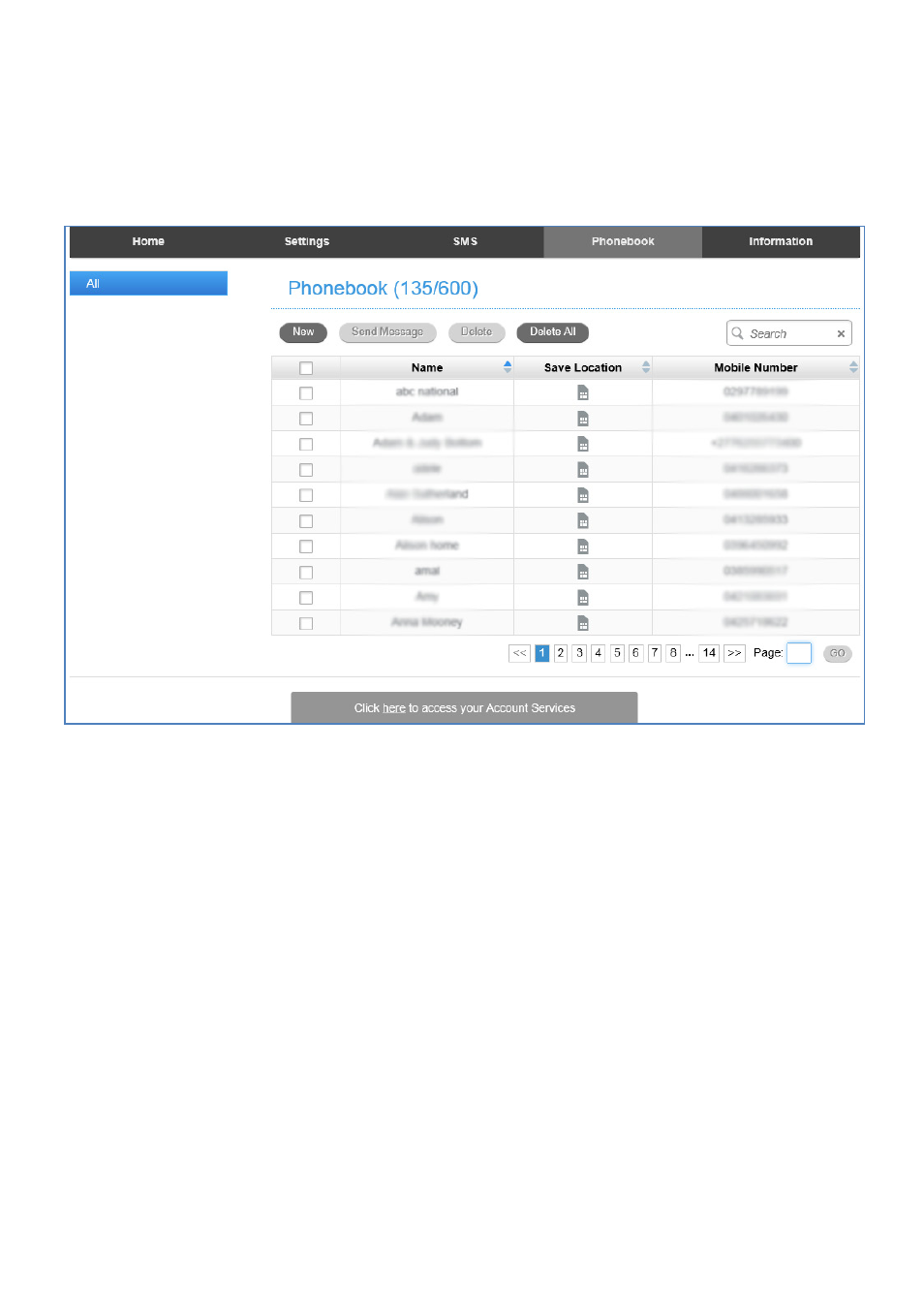
Click Phonebook to view your SIM card contacts.
•
Contacts are automatically read into the device but you can also copy and save
on your device.
•
Select the Contact to view more details, click Edit to make any changes, then
select the Save location as Device.
•
Contacts stored on the device can include additional fields.
•
Select New to create a new contact and choose the save location as Device or
SIM card.
Advertising
This manual is related to the following products: