Settings > firewall > port filtering – ZTE MF910V User Manual
Page 19
Advertising
Page 19 of 31
•
Press the Update Now button to see if there are software updates for your
device.
•
Roaming Settings control if the device will update when roaming. This is
disabled to reduce high data charges when roaming.
•
Press the Help icon
to get in context tips
•
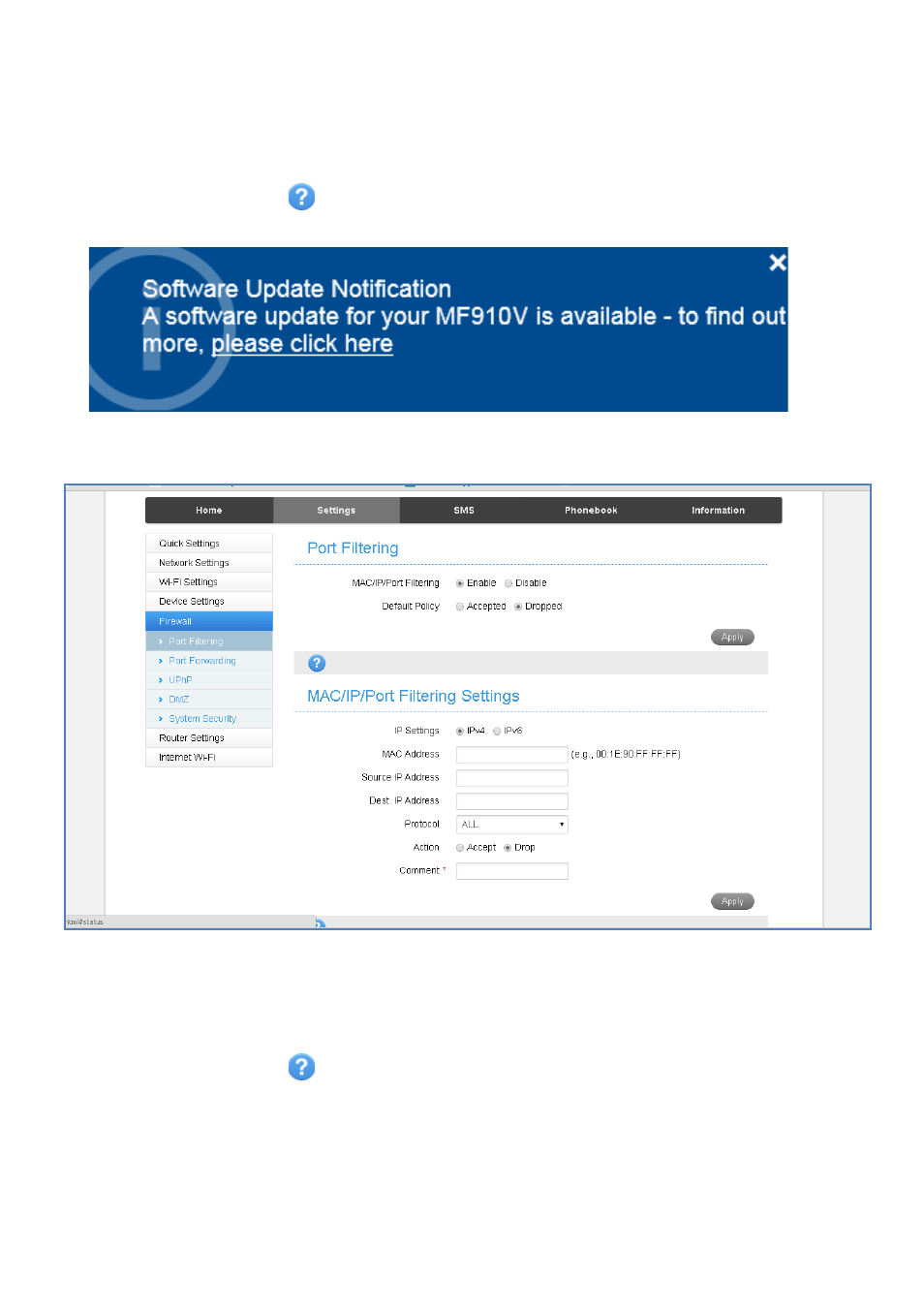
Example software update notification:
SETTINGS > FIREWALL > PORT FILTERING
•
Select Enable to turn on the Port Filtering settings
•
You can apply filters based on MAC Address, Source IP Address, Destination IP
Address and select the action to drop or accept the packets.
•
Firewall settings are for advanced users and network administrators.
•
Press the Help icon
to get in context tips
Advertising
This manual is related to the following products: