Settings > firewall > dmz, Settings > firewall > system security – ZTE MF910V User Manual
Page 22
Advertising
Page 22 of 31
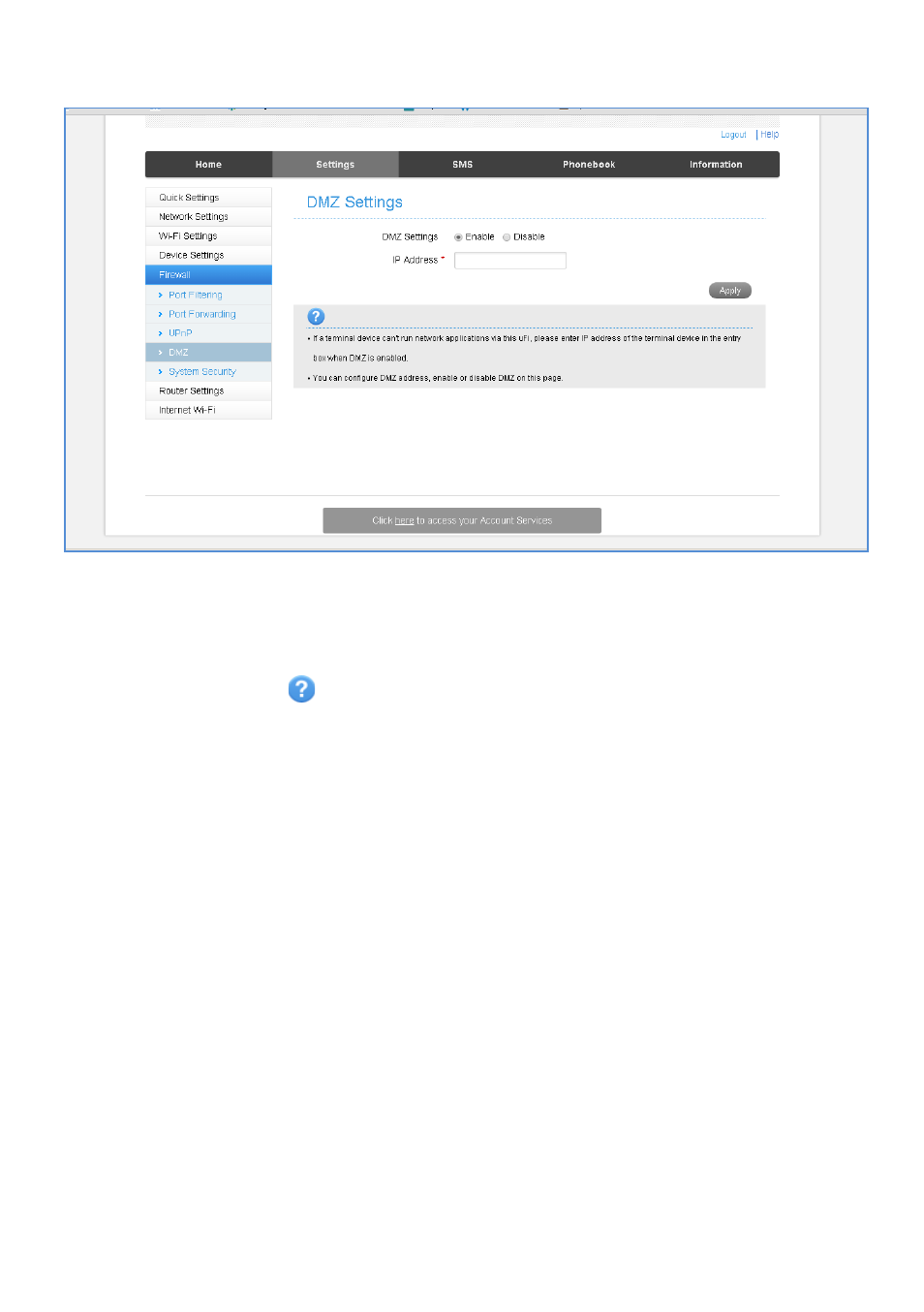
SETTINGS > FIREWALL > DMZ
•
Enable the DMZ Setting to open up all ports from the WAN side (mobile network)
to the LAN side for this particular allocated IP address.
•
It is advisable to set a Static IP address for this device outside of the DHCP range
eg 192.168.0.20
•
Press the Help icon
to get in context tips.
SETTINGS > FIREWALL > SYSTEM SECURITY
•
Enable or Disable Remote Management (via WAN) and PING
•
Firewall settings are for advanced users and network administrators.
Advertising
This manual is related to the following products: