ZTE MF910V User Manual
Page 24
Page 24 of 31
•
Internet Wi-Fi or the WAN side on your hotspot refers to the radio network
connection.
•
When the Internet Wi-Fi Switch option is enabled, it is not possible to
disconnect the RF WAN side. The Disconnect button is greyed out. This is
because the Wi-Fi Switch function over-rides the manual disconnect feature.
When you fully connect to another local Wi-Fi hotspot then the WAN side data
(RF connection to the network) is disabled.
•
When you connect to another Wi-Fi hotspot your local WAN is disconnected and
your Wi-Fi hotspot will receive its internet connection from the other hotspot
and share this with all your connected devices.
•
This could be useful at home where your wireless hotspot can connect to your
home Wi-Fi when in range, and it can be used to extend your home Wi-Fi range
by locating the portable hotspot in another location. The devices connected to
your portable hotspot will get their internet connection from the other
connected Wi-Fi hotspot, eg your home network.
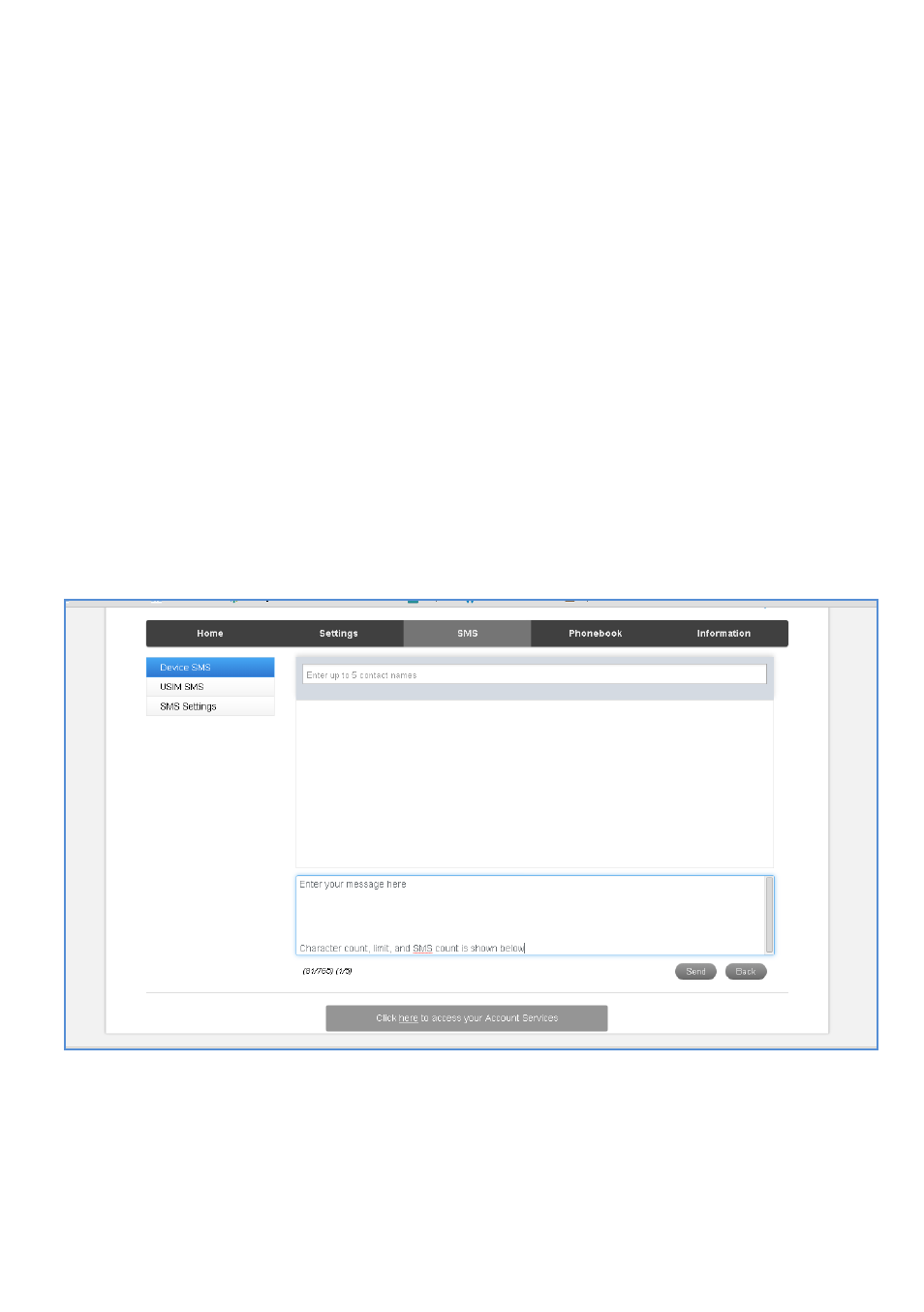
SMS
•
Click in the top box to add Contacts
•
You can enter Contact names in the Contacts field and the device will search and
list applicable matches
•
Click in the bottom box to type your message
•
Press the Send button when done
•
Threaded messages (messages sent and received to the same Contact) are