Settings > firewall > port forwarding – ZTE MF910V User Manual
Page 20
Advertising
Page 20 of 31
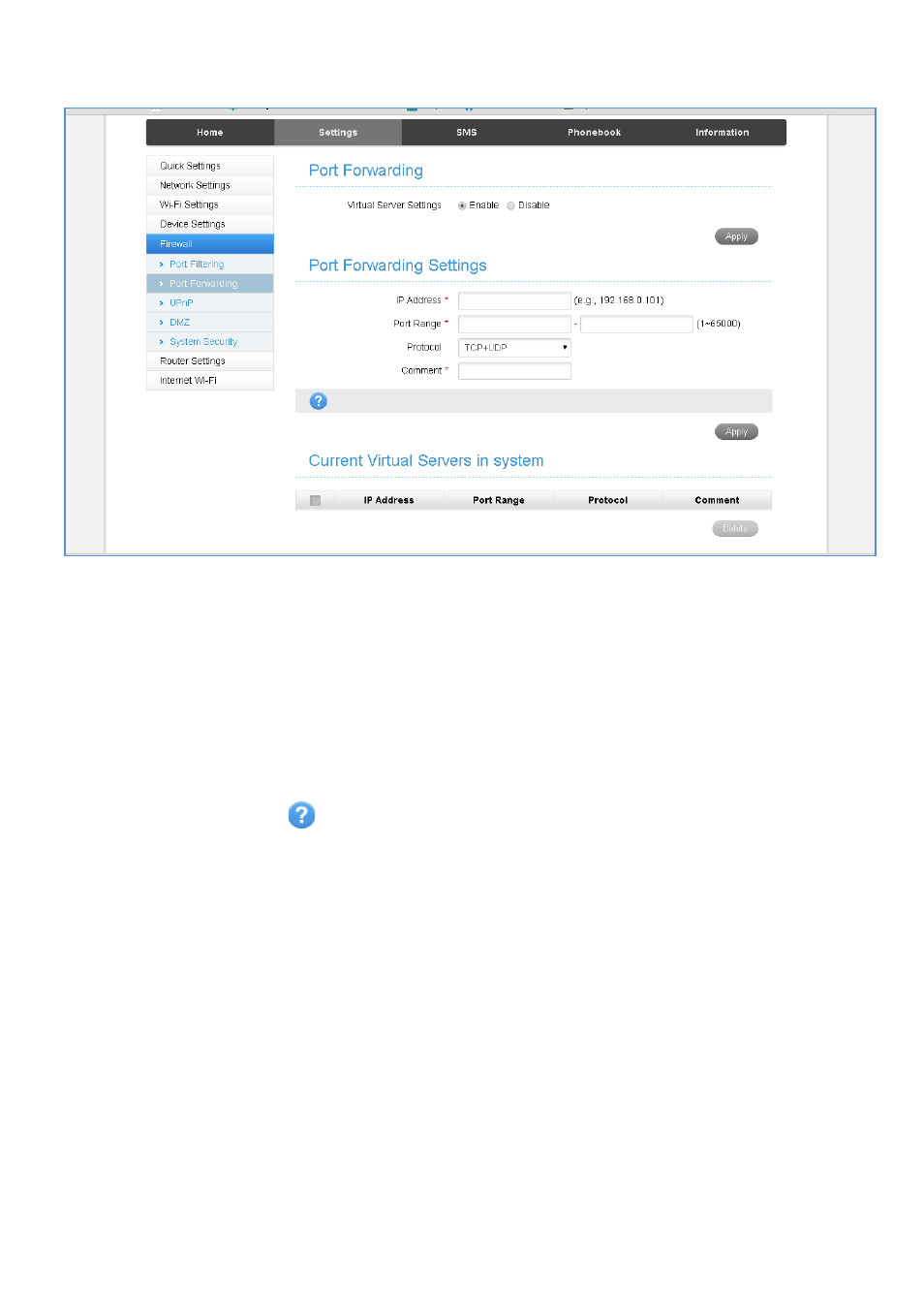
SETTINGS > FIREWALL > PORT FORWARDING
•
Select Enable to turn on the port forwarding settings.
•
Port forwarding can be used to allow a specific external server or computer
access to devices located on your LAN side or to translate a specific incoming
port into a different destination port.
•
The destination port and address is on your local LAN side.
•
Typical applications will be for on-line gaming requiring specific control and
communications channels between the remote server and the local machine.
•
Firewall settings are for advanced users and network administrators.
•
Press the Help icon
to get in context tips
Advertising
This manual is related to the following products: