Settings > wi-fi settings > basic settings – ZTE MF910V User Manual
Page 14
Page 14 of 31
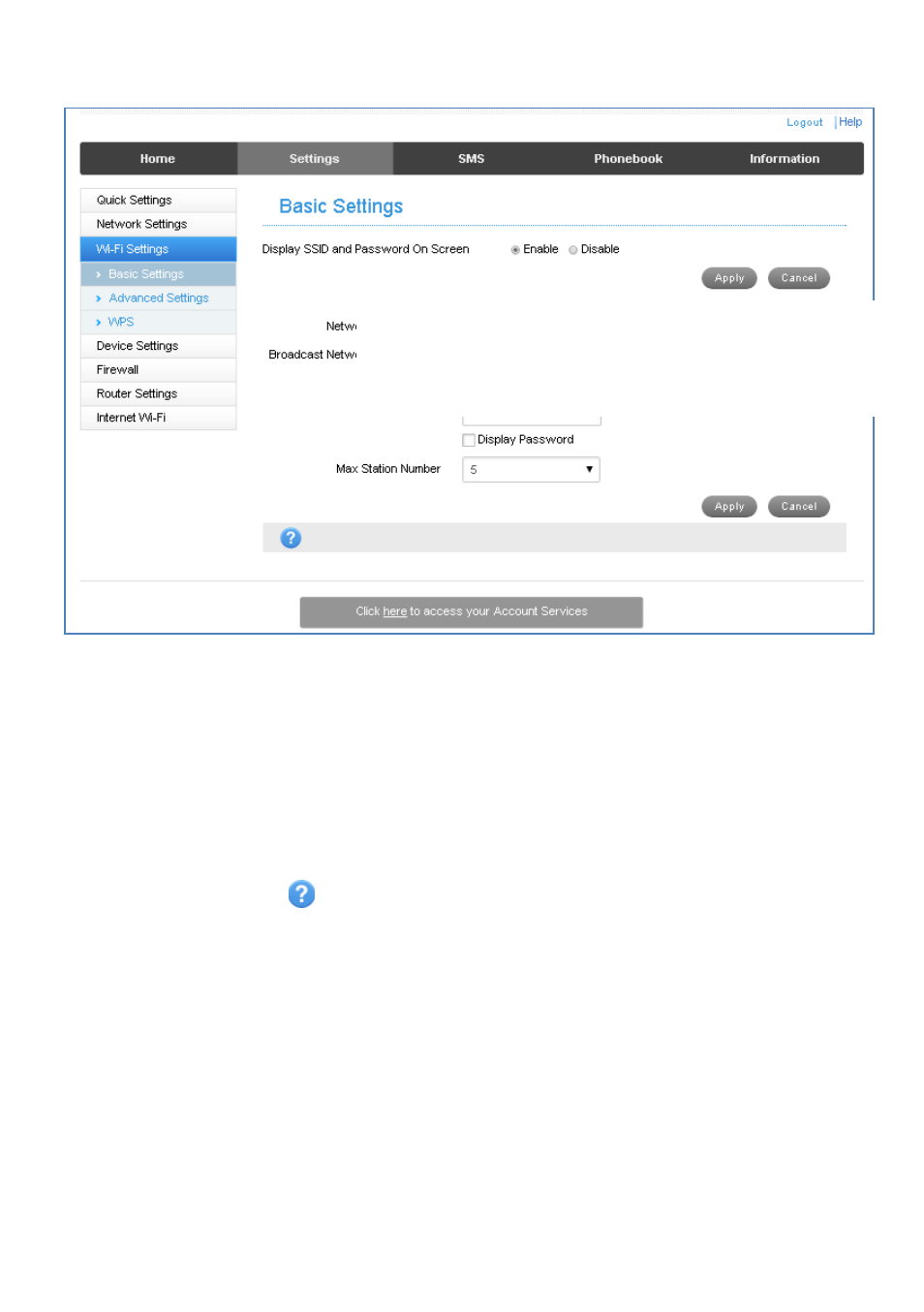
SETTINGS > WI-FI SETTINGS > BASIC SETTINGS:
The SSID is the Wi-Fi Network Name for your device
•
You can change the SSID to something more memorable or personal
•
You can hide the SSID broadcast so unknown users will not even see your
network
•
You can change the security settings and password to suit your own preferences
•
You can set the number of available connections between 1 and 10. The default
setting for 5 users is to improve battery life and Wi-Fi data throughput.
•
Press Apply to save your changes
•
Press the Help icon
to get in context tips
•
The Wireless Network Name ( SSID) and Wireless Security key (WPA)
information can also be accessed by accessing the device home page while the
device is connected to a computer via USB