Settings > apn – ZTE MF910V User Manual
Page 13
Advertising
Page 13 of 31
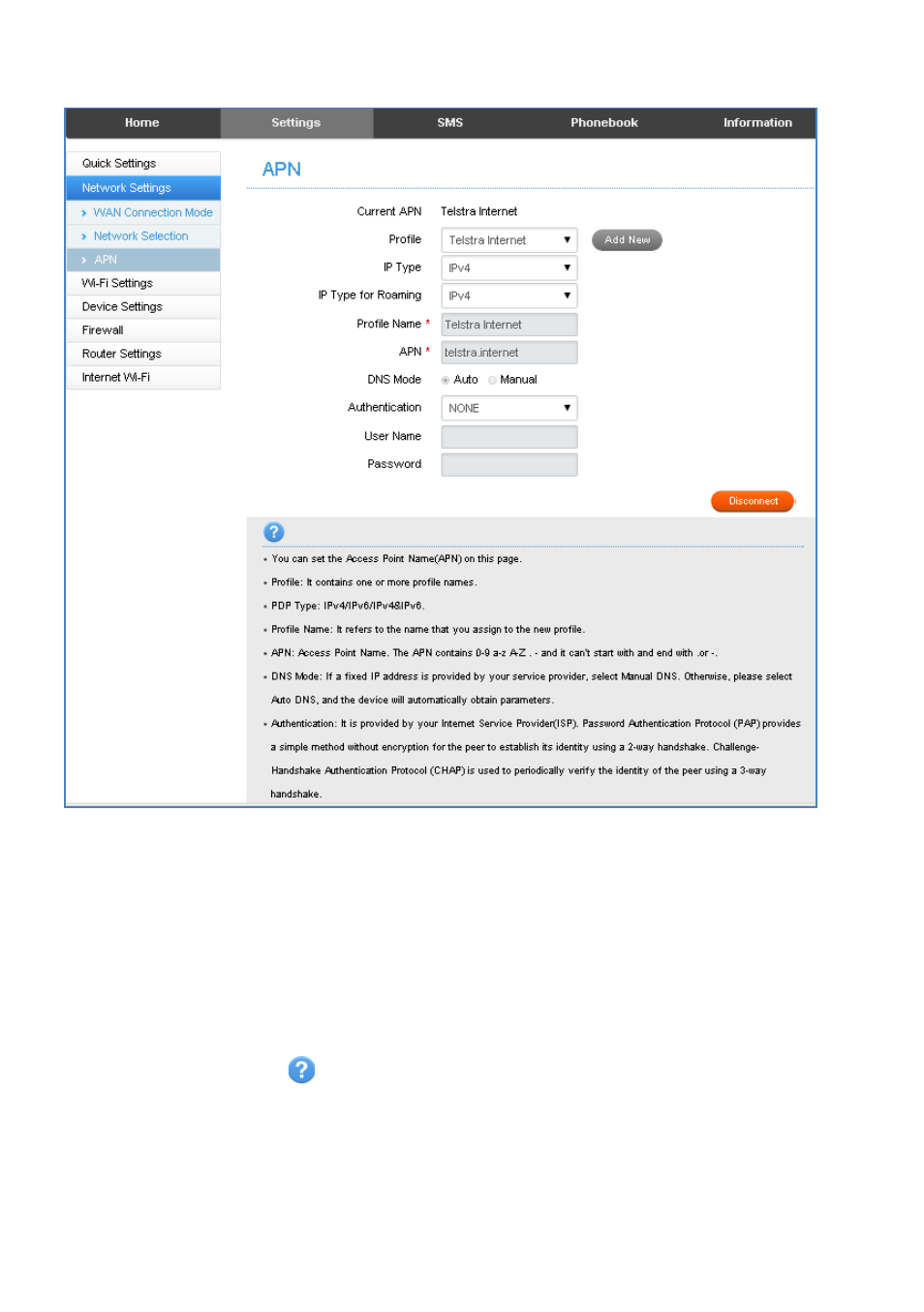
SETTINGS > APN:
•
Press Disconnect to disconnect from the Network
•
Press Add New to create a new APN
•
Add the Profile Name, eg Telstra WAP
•
Enter the correct APN details eg telstra.wap
•
Press Save to save your new APN
•
Press the Profile drop down box
•
Select the new APN profile name
•
Click on ‘Set as default’ to set the new APN as your preferred setting
•
Press the Help icon
to get in context tips.
•
There is no need to change these settings unless you change service provider or
are instructed by your carrier.
•
The modem is locked to Telstra. If you use a SIM card from another provider you
may not be able to connect to the network.
•
Consult your new carrier to obtain alternate APN details for your device.
Advertising
This manual is related to the following products: