Settings > device settings > usim pin management, Settings > device settings > reset, Settings > device settings > restart – ZTE MF910V User Manual
Page 17
Advertising
Page 17 of 31
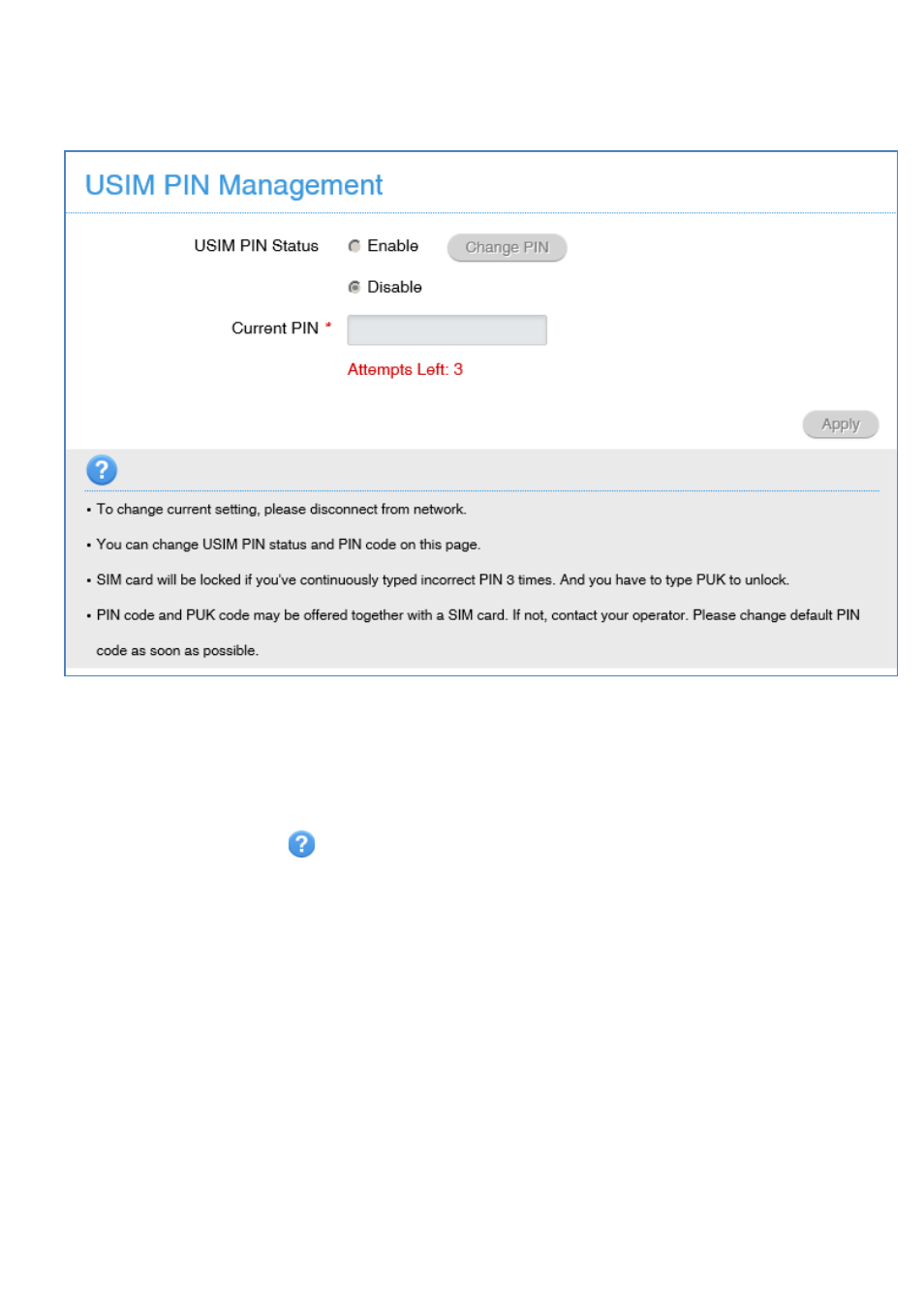
SETTINGS > DEVICE SETTINGS > USIM PIN
MANAGEMENT:
•
Enter your current PIN code to change or disable the PIN
•
If you make any changes, press Apply to save the change
•
If you enter the incorrect PIN code three times in succession you will lock your
SIM card.
•
Contact your service provider to obtain your PUK code
•
Press the Help icon
to get in context tips
SETTINGS > DEVICE SETTINGS > RESET
•
Press Reset to reset your device to factory defaults.
SETTINGS > DEVICE SETTINGS > RESTART
•
Press Restart to restart your device.
Advertising
This manual is related to the following products: