Settings > firewall > upnp settings – ZTE MF910V User Manual
Page 21
Advertising
Page 21 of 31
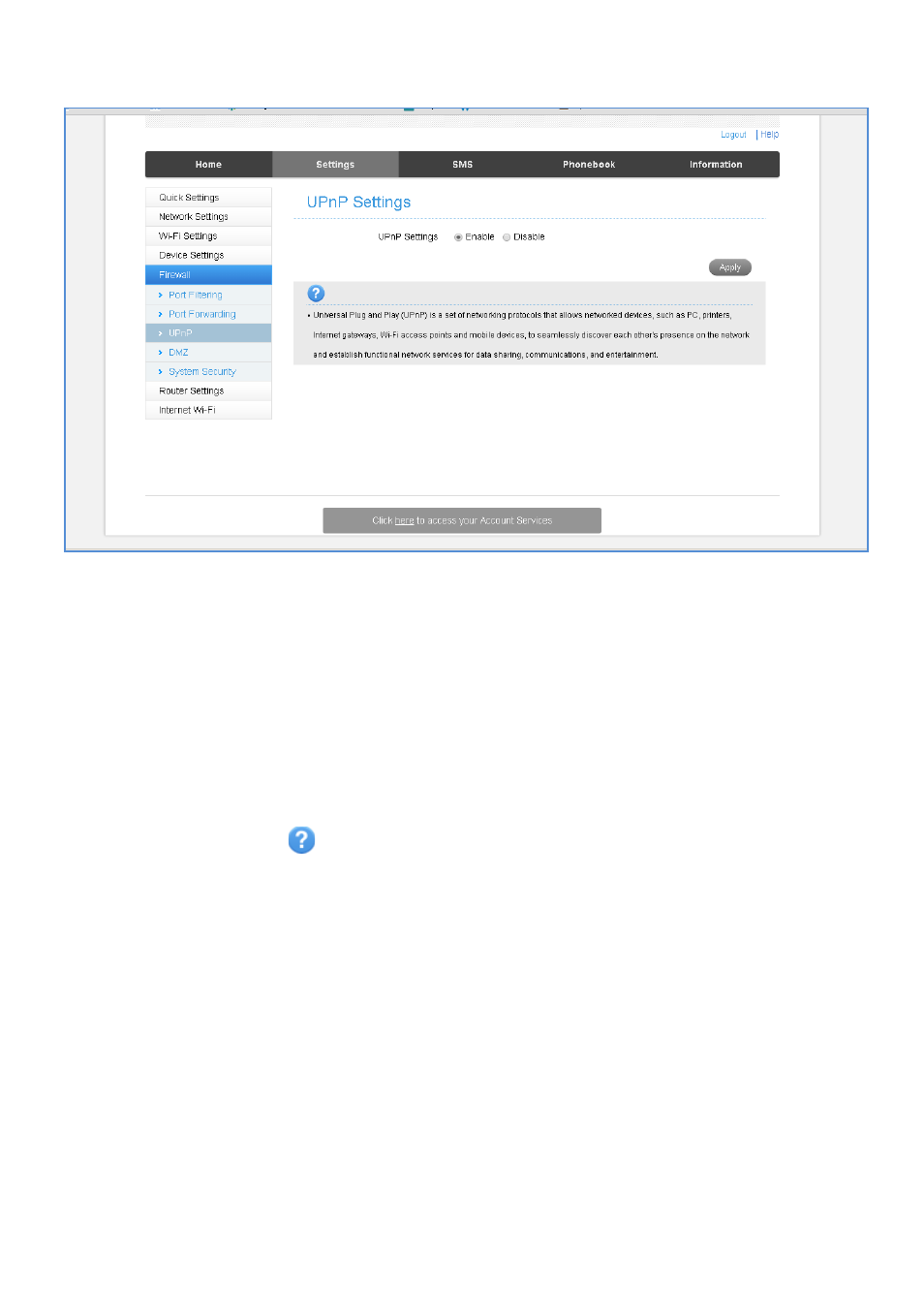
SETTINGS > FIREWALL > UPNP SETTINGS
•
Universal Plug and Play is a set of networking protocols that permits networked
devices, such as personal computers, printers, Internet gateways, Wi-Fi access
points and mobile devices to seamlessly discover each other's presence on the
network and establish functional network services for data sharing,
communications, and entertainment.
•
UPnP is enabled by default on the LAN side (local) but if you require extra
security you should disable this setting.
•
UPnP is not enabled on the WAN (Network) side.
•
Firewall settings are for advanced users and network administrators.
•
Press the Help icon
to get in context tips.
Advertising
This manual is related to the following products: