Panasonic Lumix DMC-G7 body User Manual
Page 112
3. Recording Modes
112
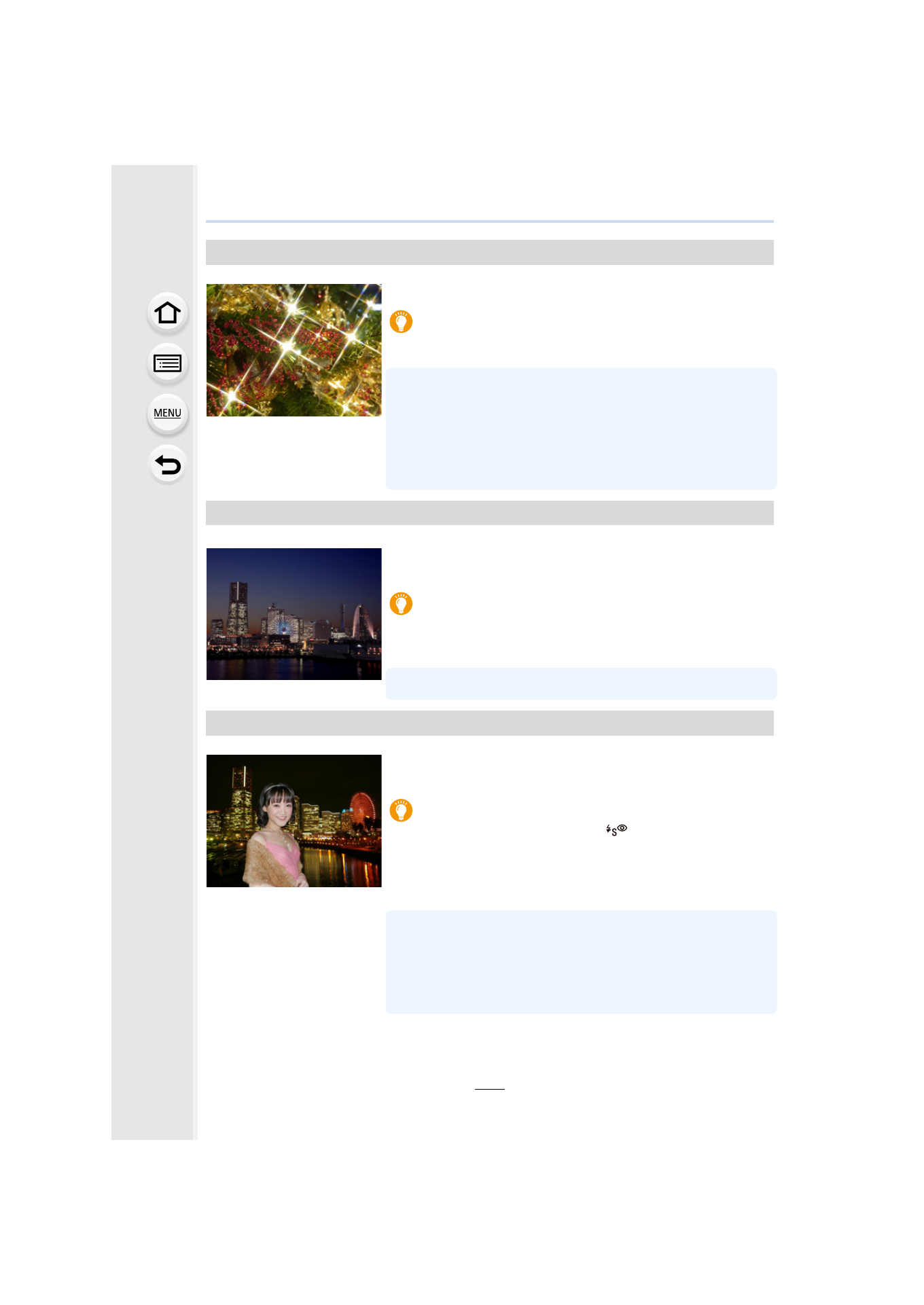
[Glittering Illuminations]
The star filter enhances pinpoints of light.
Tips
•
We recommend using a tripod and the self-timer.
•
Display of the recording screen will be delayed more than usual
and the screen will look as if frames are dropping.
•
The shutter may remain closed after taking the picture. This is
due to signal processing and is not a malfunction.
•
Noise may become visible when you take pictures in dark
places.
[Handheld Night Shot]
Capture multiple images and combine the data to minimize
blur and noise for hand-held shooting with night scenery.
Tips
•
Do not move the unit during the continuous shooting after
pressing the shutter button.
•
The angle of view will be slightly narrower.
[Clear Night Portrait]
Fill flash and a longer exposure capture better portraits
against the nightscape.
Tips
•
Open the flash. (You can set to [
].)
•
We recommend using a tripod and the self-timer.
•
When [Clear Night Portrait] is selected, keep the subject still for
about 1 second after taking the picture.
•
When [Silent Mode] is set to [ON], the flash is not activated.
•
The shutter may remain closed after taking the picture. This is
due to signal processing and is not a malfunction.
•
Noise may become visible when you take pictures in dark
places.
- Lumix G7 Mirrorless Camera with 14-42mm and 45-150mm Lenses (Black) Lumix G7 Mirrorless Camera with 14-42mm Lens Deluxe Kit (Silver) Lumix G7 Mirrorless Camera with 14-42mm Lens (Silver) Lumix G85 Mirrorless Camera with 12-60mm Lens Lumix DMC-G85M Lumix DMC-G85 Lumix GH5 Lumix GX80 Lumix GX85 Mirrorless Camera with 12-32mm and 45-150mm Lenses Lumix GX8