How to use this manual – Panasonic Lumix DMC-G7 body User Manual
Page 3
3
How to use this manual
•
Click a cross reference in the text to jump to the corresponding page.
•
By entering keywords in the search field at the top of the Adobe Reader screen, you can run a
keyword search and jump to the corresponding page.
•
Operations and other details of this manual may vary depending on the Adobe Reader version
you are using.
∫
About the symbols in the text
•
Description in this owner
’
s manual is based on the interchangeable lens (H-FS1442A).
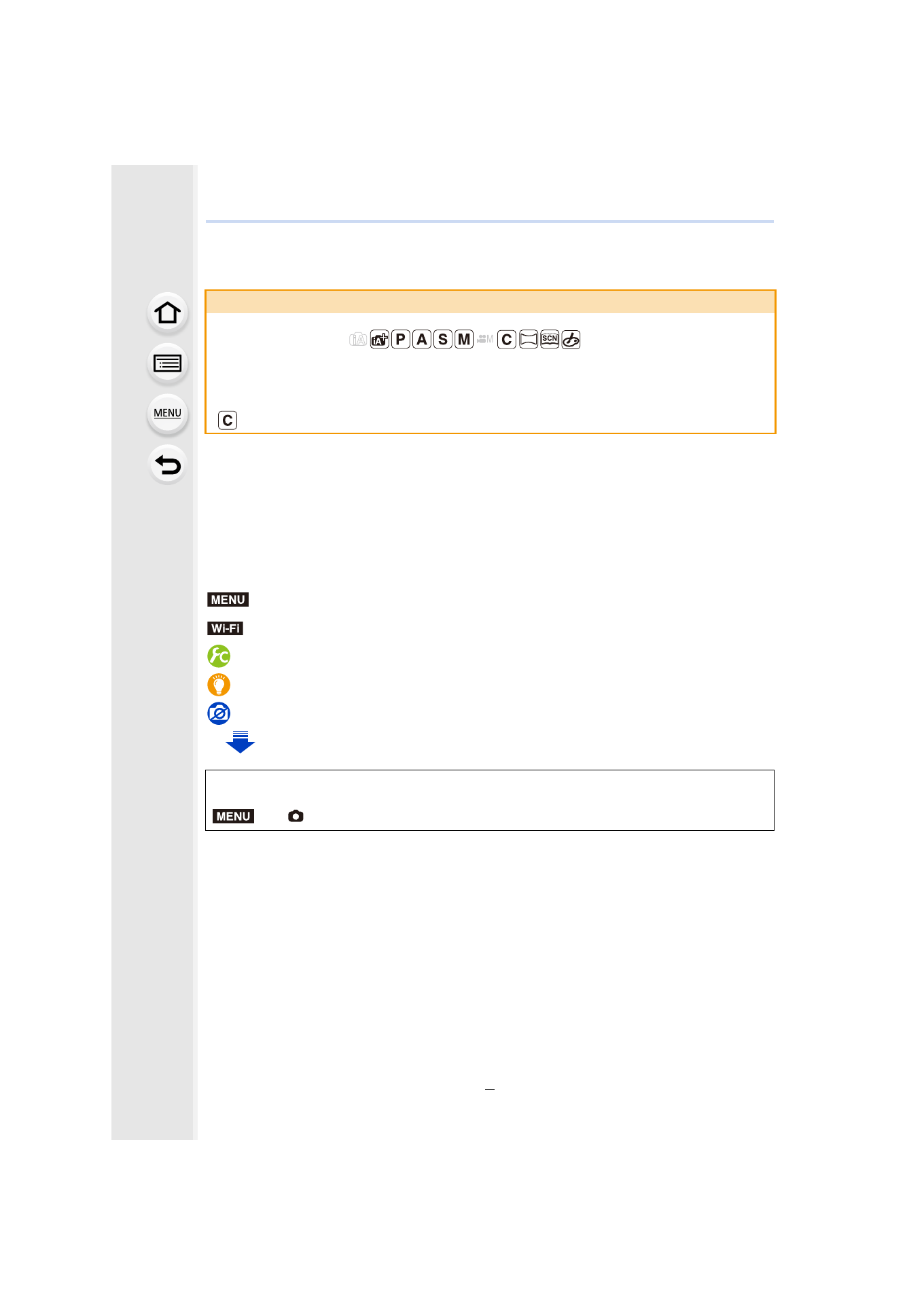
About the indication of the applicable mode
Applicable modes:
The icons indicate the modes available for a function.
•
Black icons: Applicable modes
•
Gray icons: Unavailable modes
will differ depending on the Recording Modes registered under custom settings.
:
Indicates that the menu can be set by pressing [MENU/SET] button.
:
Indicates that the Wi-Fi setting can be made by pressing [Wi-Fi] button.
:
Configurations that can be performed in the [Custom] menu.
:
Tips for skillful use and points for recording.
:
Conditions in which a particular function cannot be used.
: Continued to next page.
In this owner’s manual, steps for setting a menu item are described as follows.
>
[Rec]
> [Quality] > [›]
MENU
Wi-Fi
MENU
- Lumix G7 Mirrorless Camera with 14-42mm and 45-150mm Lenses (Black) Lumix G7 Mirrorless Camera with 14-42mm Lens Deluxe Kit (Silver) Lumix G7 Mirrorless Camera with 14-42mm Lens (Silver) Lumix G85 Mirrorless Camera with 12-60mm Lens Lumix DMC-G85M Lumix DMC-G85 Lumix GH5 Lumix GX80 Lumix GX85 Mirrorless Camera with 12-32mm and 45-150mm Lenses Lumix GX8