Recording using registered custom set – Panasonic Lumix DMC-G7 body User Manual
Page 129
129
3. Recording Modes
You can easily call up the settings you have registered using [Cust.Set Mem.].
Set the mode dial to [ ]
•
The custom set you used last time ([
], [
], or [
]) will be called up.
∫
To change a custom set
1
Set the mode dial to [
].
2
Press [MENU/SET] to display the menu.
3
Press 2/1 to select the custom setting you want to use, and then
press [MENU/SET].
•
Saving of the selected custom settings is displayed on
the screen.
∫
Changing the settings
Registered contents do not change when the menu setting is changed temporarily with the
mode dial set to
. To change the registered settings, overwrite the registered content
using [Cust.Set Mem.] on the custom settings menu.
Recording using registered custom set
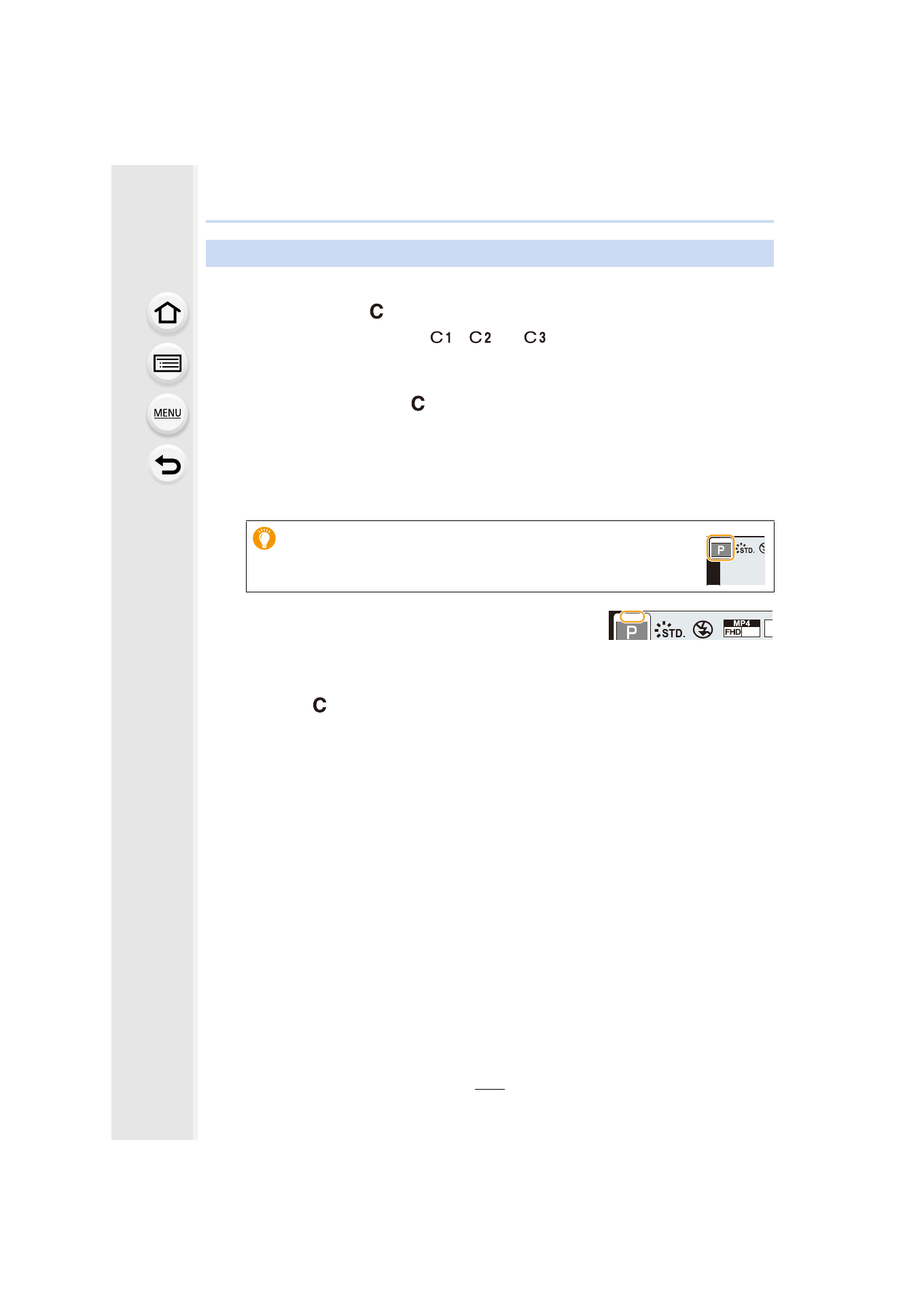
It is also possible to display the selection screen by touching the
Recording Mode icon in recording screen.
C 2
C 2
C 2
30p
4:
C 2
C 2
C 2
- Lumix G7 Mirrorless Camera with 14-42mm and 45-150mm Lenses (Black) Lumix G7 Mirrorless Camera with 14-42mm Lens Deluxe Kit (Silver) Lumix G7 Mirrorless Camera with 14-42mm Lens (Silver) Lumix G85 Mirrorless Camera with 12-60mm Lens Lumix DMC-G85M Lumix DMC-G85 Lumix GH5 Lumix GX80 Lumix GX85 Mirrorless Camera with 12-32mm and 45-150mm Lenses Lumix GX8