Stop, solo, mute – Novation Launchpad Mini MK3 64-Pad MIDI Grid Controller for Ableton Live User Manual
Page 16
Advertising
16
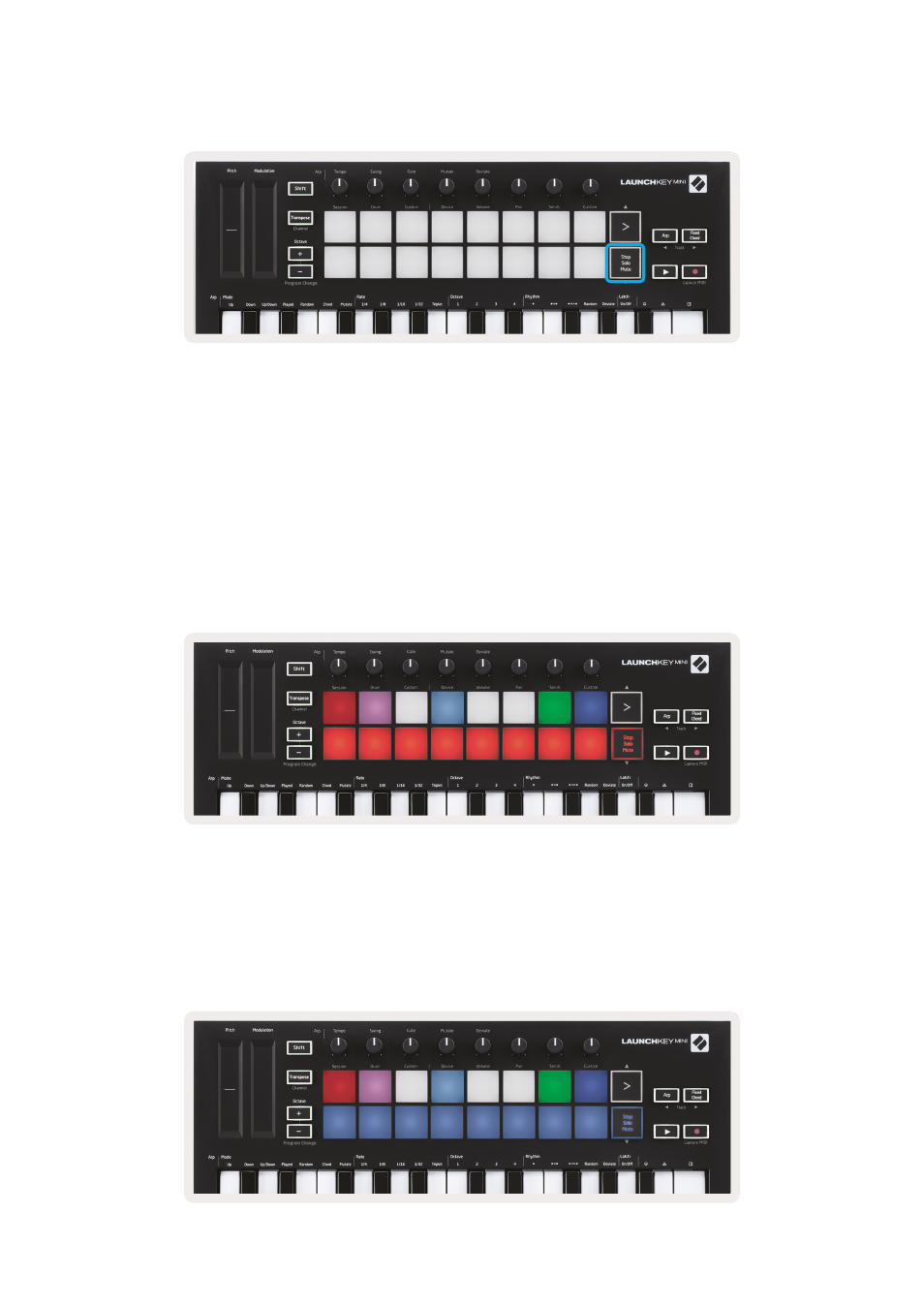
Stop, Solo, Mute
While in Session mode, it is possible to switch the functionality of the bottom 8 pads so that they no
longer launch clips. This is done with the Stop, Solo, Mute button.
The Stop, Solo, Mute button toggles between four different states which affect tracks in the
following ways:
• Stop (Red) – In this state, pressing pads will stop any clip on the corresponding track.
• The red pads will dimly glow if tracks are not playing.
• Solo (Blue) - Pressing the pads will solo the corresponding tracks, meaning only tracks with Solo on
will be heard.
• The pads will dimly glow if tracks are not soloed (ie they are silent) and if soloed they will be a
steady bright blue.
Advertising