Record / capture midi – Novation Launchpad Mini MK3 64-Pad MIDI Grid Controller for Ableton Live User Manual
Page 17
16
17
• Mute (Yellow) – Pressing pads will Mute the corresponding tracks.
• The pads will dimly glow for muted tracks, leaving pads for unmuted tracks at their original
brightness and colour.
• Clips (White) – the fourth press (after toggling through Stop, Solo and Mute) changes the function
of bottom pads back to the default Session mode, where the bottom row of pads will again
represent clips.
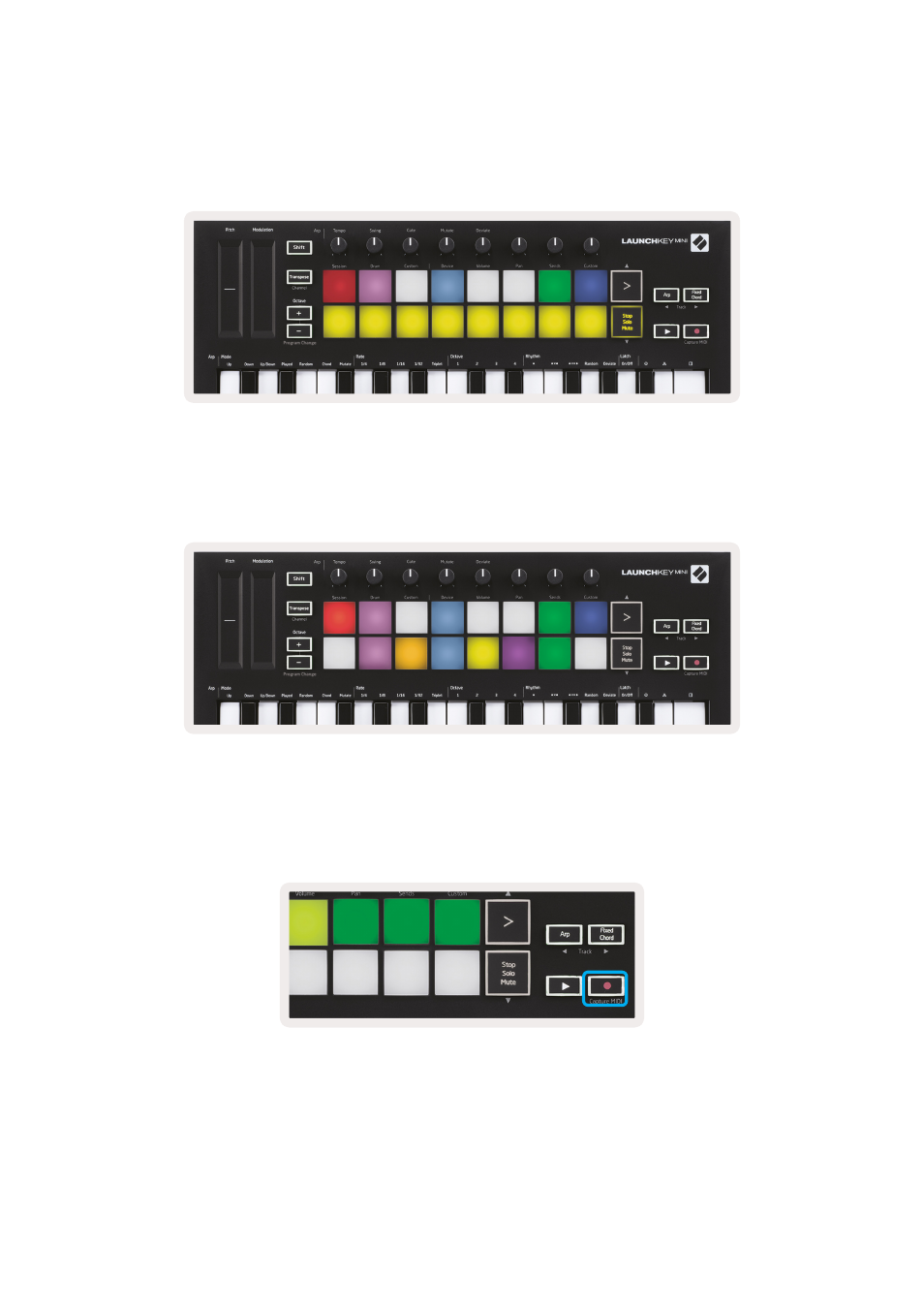
Record / Capture MIDI
Pressing this button triggers Session Record. This will allow you to record what you’re playing to new
clips as well as overdub existing ones.
Holding Shift and pressing Record triggers the Capture MIDI function. This allows you to
retrospectively capture any recently played MIDI notes in the record-armed track. This means that if
you are not recording, but you play something that sounds great, you can use Capture MIDI to send it
straight into a clip.