Clearing jams, Avoiding jams – Lexmark CX622ade Color Laser Printer User Manual
Page 178
Advertising
Clearing jams
Avoiding jams
Load paper properly
•
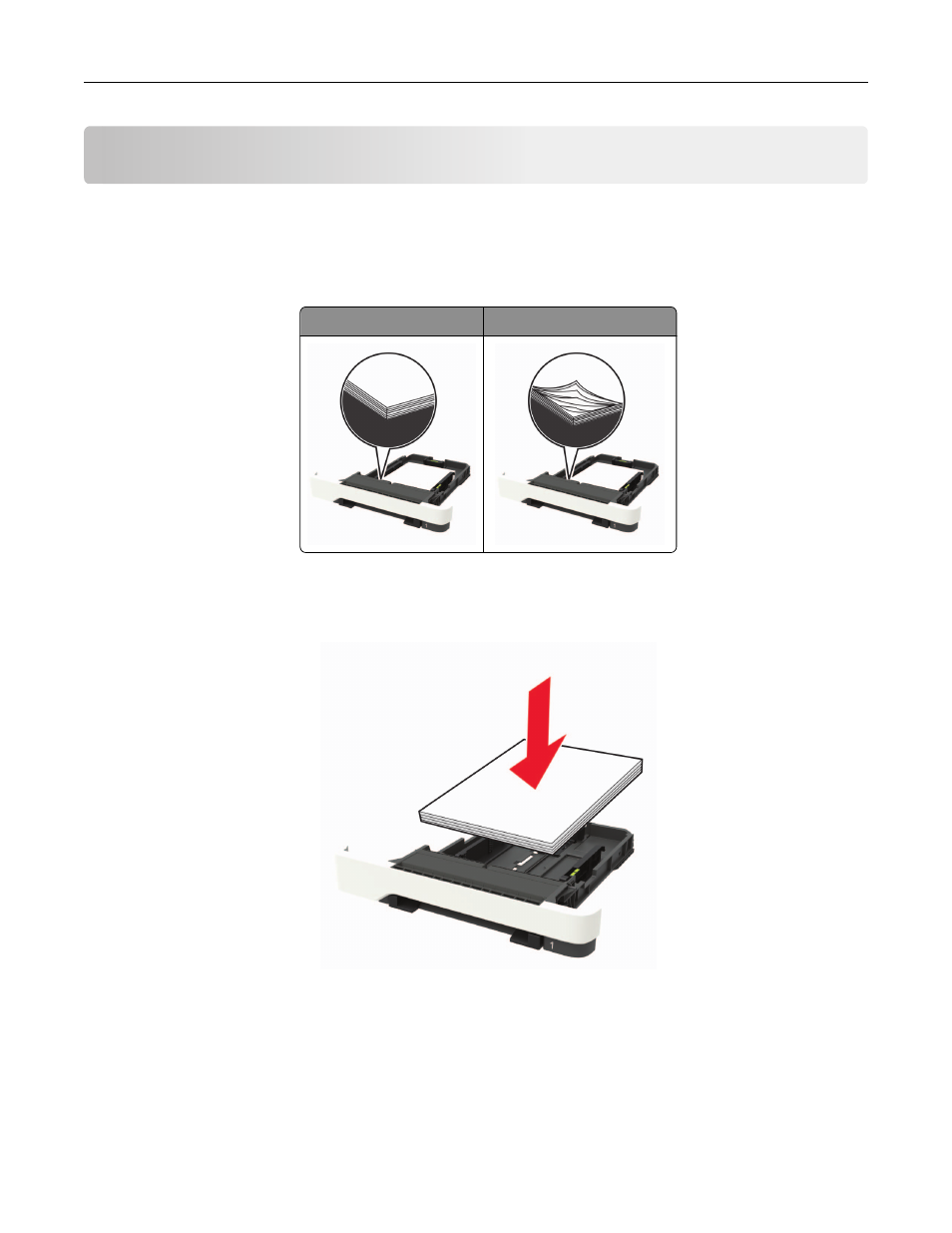
Make sure that the paper lies flat in the tray.
Correct loading of paper Incorrect loading of paper
•
Do not load or remove a tray while the printer is printing.
•
Do not load too much paper. Make sure that the stack height is below the maximum paper fill indicator.
•
Do not slide paper into the tray. Load paper as shown in the illustration.
•
Make sure that the paper guides are positioned correctly and are not pressing tightly against the paper or
envelopes.
•
Push the tray firmly into the printer after loading paper.
Use recommended paper
•
Use only recommended paper or specialty media.
•
Do not load paper that is wrinkled, creased, damp, bent, or curled.
Clearing jams
178
Advertising