Paper support, Supported paper sizes – Lexmark CX622ade Color Laser Printer User Manual
Page 36
Paper support
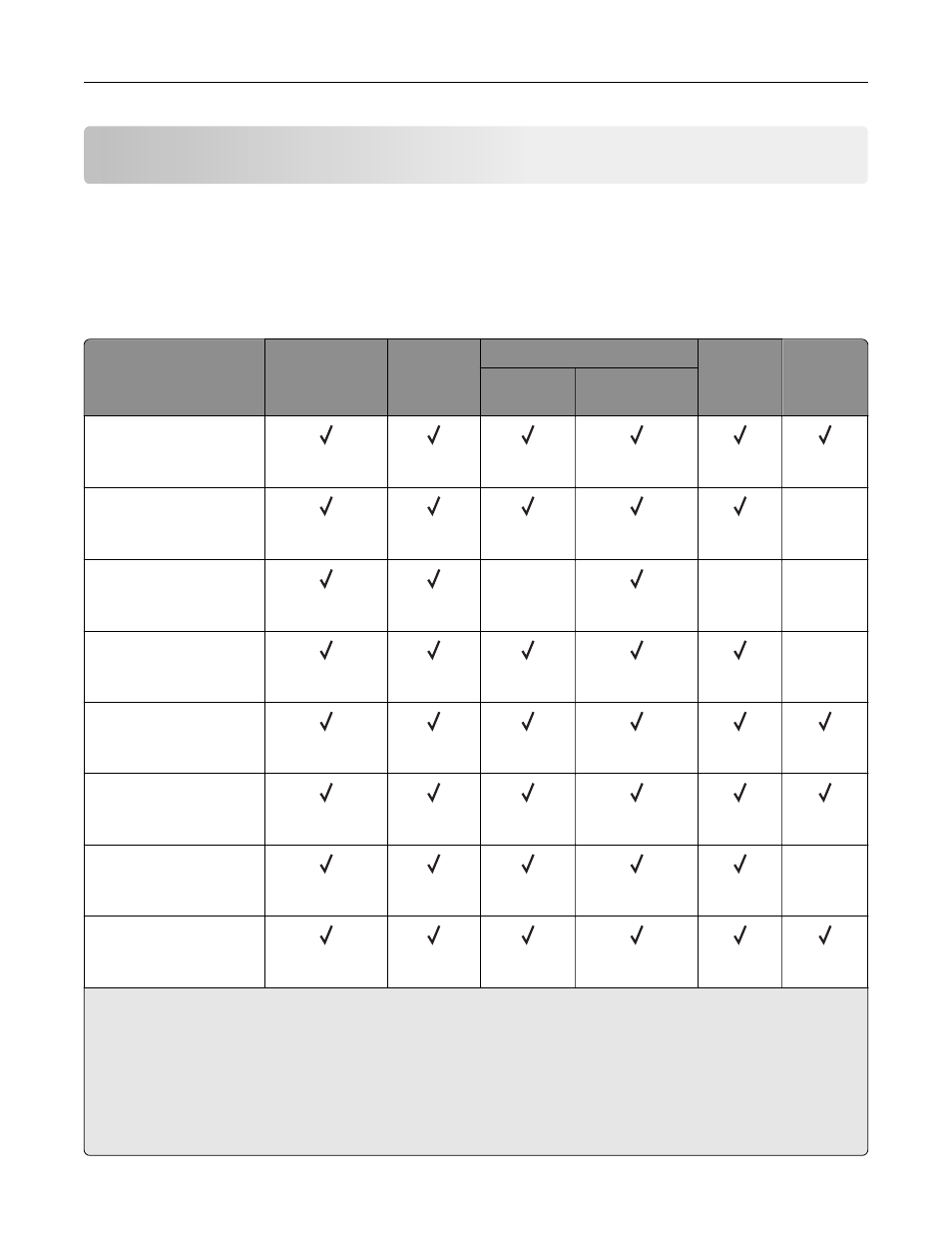
Supported paper sizes
Note:
Your printer model may have a 650
‑
sheet duo tray, which consists of a 550
‑
sheet tray and an
integrated 100
‑
sheet multipurpose feeder. The 550
‑
sheet tray of the 650
‑
sheet duo tray supports the same
paper sizes as the optional 550
‑
sheet tray. The integrated multipurpose feeder supports different paper
sizes, types, and weights.
Paper size and
dimension
Standard
250
‑
sheet tray
Manual
feeder
Optional 650
‑
sheet duo tray
Optional
550
‑
sheet
tray
Two
‑
sided
printing
550
‑
sheet
tray
Multipurpose
feeder
A4
210 x 297 mm
(8.27 x 11.7 in.)
A5
1,2
148 x 210 mm
(5.83 x 8.27 in.)
X
A6
105 x 148 mm
(4.13 x 5.83 in.)
X
X
X
JIS B5
182 x 257 mm
(7.17 x 10.1 in.)
X
Letter
215.9 x 279.4 mm
(8.5 x 11 in.)
Legal
215.9 x 355.6 mm
(8.5 x 14 in.)
Executive
184.2 x 266.7 mm
(7.25 x 10.5 in.)
X
Oficio (Mexico)
215.9 x 340.4 mm
(8.5 x 13.4 in.)
1
Load this paper size into tray 1 and the manual feeder with the long edge entering the printer first.
2
Load this paper size into tray 2, tray 3, and the multipurpose feeder with the short edge entering the printer first.
3
When Universal is selected, the page is formatted for 215.9 x 355.6 mm (8.5 x 14 in.) unless the size is specified
by the software application.
4
Load narrow paper with the short edge entering the printer first.
5
When Other Envelope is selected, the page is formatted for 215.9 x 355.6 mm (8.5 x 14 in.) unless the size is
specified by the software application.
Paper support
36