Can receive but not send faxes, Can send but not receive faxes – Lexmark CX622ade Color Laser Printer User Manual
Page 231
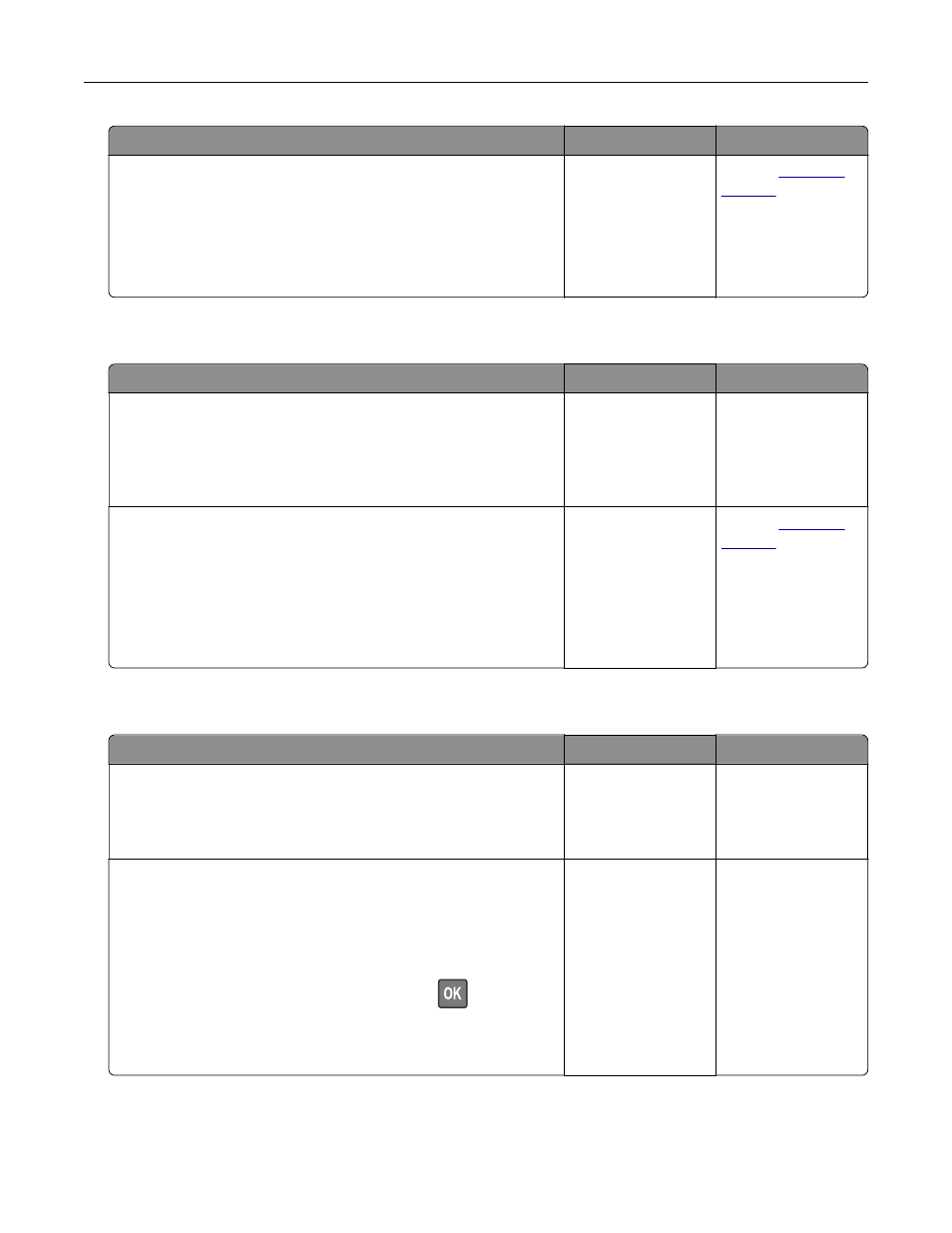
Action
Yes
No
Step 7
Scan the original document one page at a time.
a
Dial the fax number.
b
Scan the document.
Can you send or receive a fax?
The problem is
solved.
Contact
Can receive but not send faxes
Action
Yes
No
Step 1
Load the original document properly into the ADF tray or on the
scanner glass.
Can you send faxes?
The problem is
solved.
Go to step 2.
Step 2
Set up the shortcut number properly.
•
Check if the shortcut number is set for the telephone number
that you want to dial.
•
Dial the telephone number manually.
Can you send faxes?
The problem is
solved.
Contact
Can send but not receive faxes
Action
Yes
No
Step 1
Make sure that the paper source is not empty.
Can you receive faxes?
The problem is
solved.
Go to step 2.
Step 2
Check the ring count delay settings.
From the control panel, navigate to:
Settings
>
Fax
>
Analog Fax Setup
>
Fax Receive Settings
>
Rings to Answer
For non-touch-screen printer models, press
to navigate
through the settings.
Can you receive faxes?
The problem is
solved.
Go to step 3.
Troubleshooting
231