Paper frequently jams – Lexmark CX622ade Color Laser Printer User Manual
Page 199
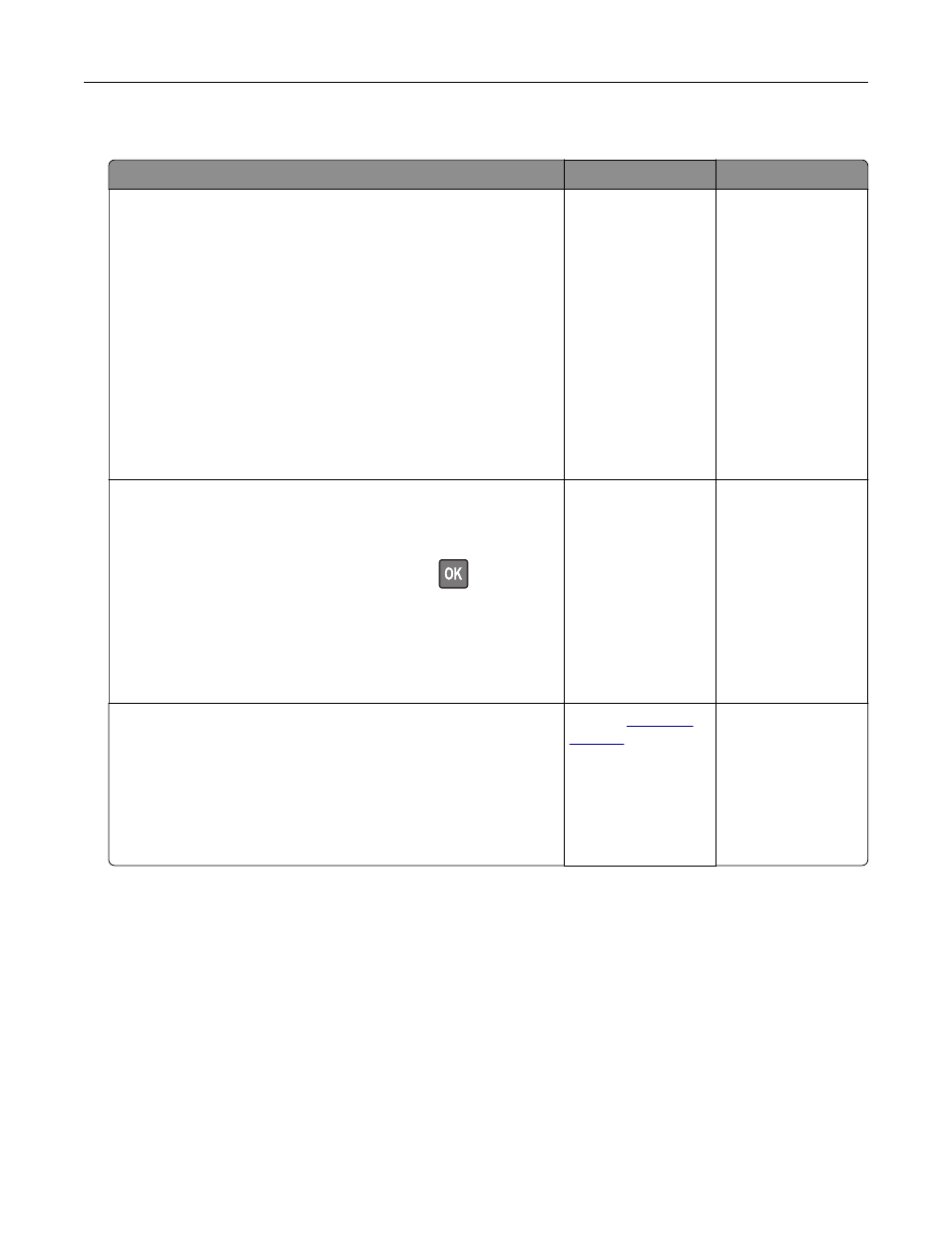
Paper frequently jams
Action
Yes
No
Step 1
a
Remove the tray.
b
Check if paper is loaded correctly.
Notes:
•
Make sure that the paper guides are positioned correctly.
•
Make sure that the stack height is below the maximum
paper fill indicator.
•
Make sure to print on recommended paper size and type.
c
Insert the tray.
d
Print the document.
Do paper jams occur frequently?
Go to step 2.
The problem is
solved.
Step 2
a
From the control panel, navigate to:
Settings
>
Paper
>
Tray Configuration
>
Paper Size/Type
For non
‑
touch
‑
screen printer models, press
to navigate
through the settings.
b
Set the correct paper size and type.
c
Print the document.
Do paper jams occur frequently?
Go to step 3.
The problem is
solved.
Step 3
a
Load paper from a fresh package.
Note:
Paper absorbs moisture due to high humidity. Store
paper in its original wrapper until you are ready to use it.
b
Print the document.
Do paper jams occur frequently?
.
The problem is
solved.
Troubleshooting
199