Faxing, Setting up the printer to fax, Setting up the fax function – Lexmark CX622ade Color Laser Printer User Manual
Page 52
Faxing
Setting up the printer to fax
Notes:
•
The following connection methods are applicable only in some countries or regions.
•
During the initial printer setup, clear the fax function check box and any other function you plan to set up
later, and then select
Continue
.
•
If the fax function is enabled and not fully set up, then the indicator light may blink red.
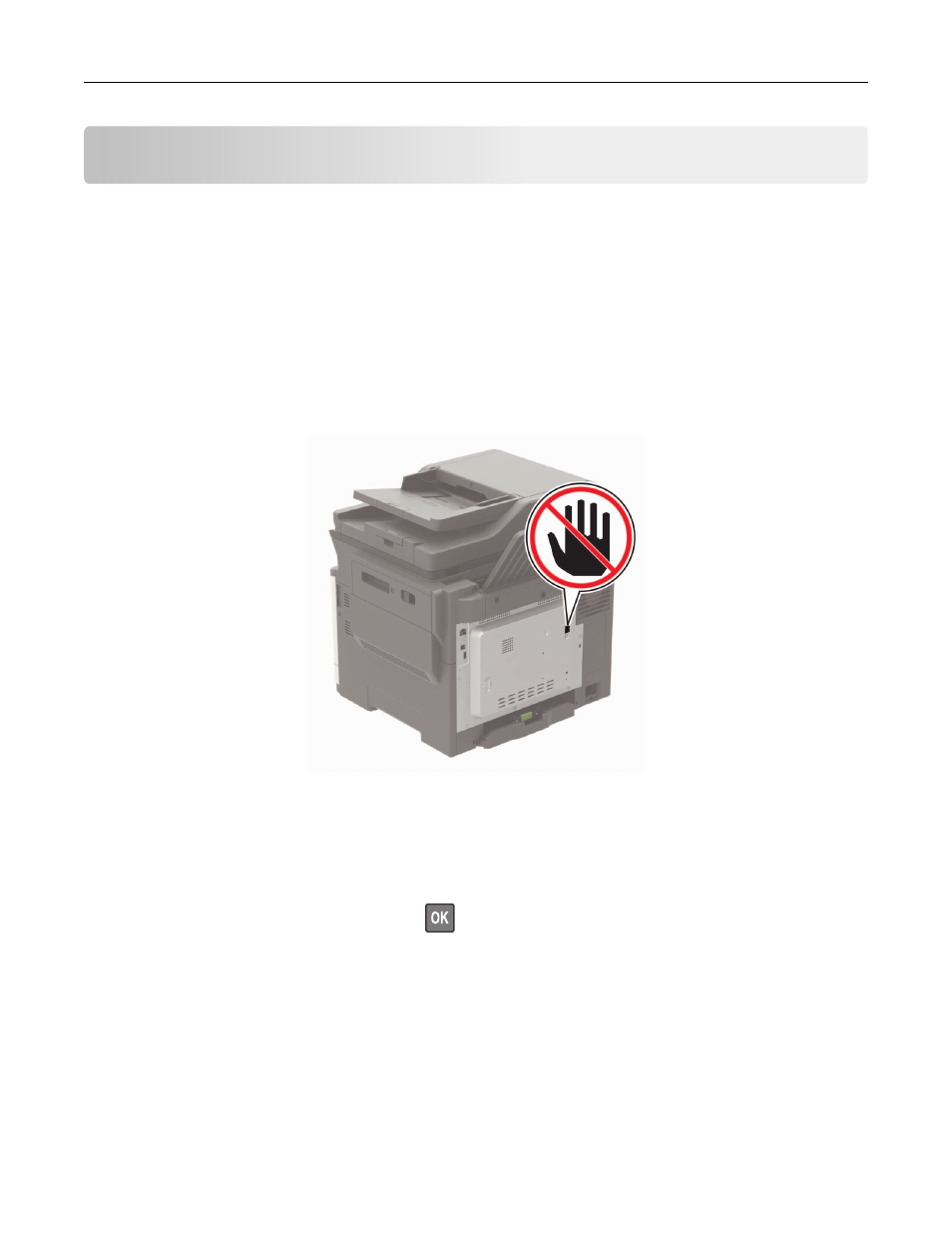
Warning—Potential Damage:
Do not touch cables or the printer in the area shown while actively sending or
receiving a fax.
Setting up the fax function
1
From the control panel, navigate to:
Settings
>
Device
>
Preferences
>
Run Initial Setup
For non-touch-screen printer models, press
to navigate through the settings.
2
Turn off the printer, wait for about 10 seconds, and then turn on the printer.
3
From the Before You Begin screen, select
Change the Settings and Continue with the Wizard
.
4
From the Fax/Email Server Setup screen, enter the needed information.
5
Finish the setup.
Faxing
52