Supported paper types – Lexmark CX622ade Color Laser Printer User Manual
Page 38
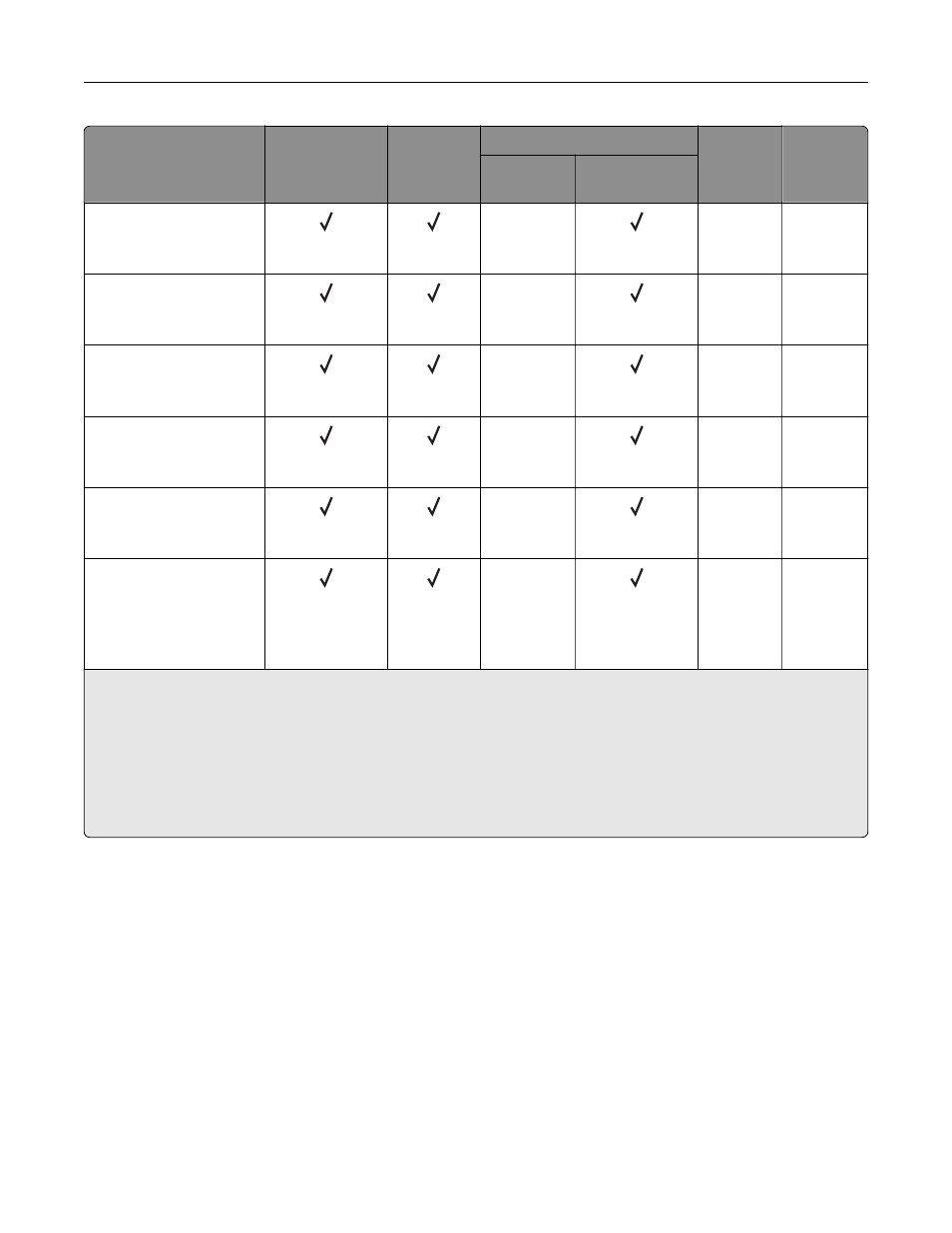
Paper size and
dimension
Standard
250
‑
sheet tray
Manual
feeder
Optional 650
‑
sheet duo tray
Optional
550
‑
sheet
tray
Two
‑
sided
printing
550
‑
sheet
tray
Multipurpose
feeder
10 Envelope
104.8 x 241.3 mm
(4.12 x 9.5 in.)
X
X
X
DL Envelope
110 x 220 mm
(4.33 x 8.66 in.)
X
X
X
C5 Envelope
162 x 229 mm
(6.38 x 9.01 in.)
X
X
X
B5 Envelope
176 x 250 mm
(6.93 x 9.84 in.)
X
X
X
Monarch
98.425 x 190.5 mm
(3.875 x 7.5 in.)
X
X
X
Other Envelope
5
98.4 x 162 mm to
176 x 250 mm
(3.87 x 6.38 in. to
6.93 x 9.84 in.)
X
X
X
1
Load this paper size into tray 1 and the manual feeder with the long edge entering the printer first.
2
Load this paper size into tray 2, tray 3, and the multipurpose feeder with the short edge entering the printer first.
3
When Universal is selected, the page is formatted for 215.9 x 355.6 mm (8.5 x 14 in.) unless the size is specified
by the software application.
4
Load narrow paper with the short edge entering the printer first.
5
When Other Envelope is selected, the page is formatted for 215.9 x 355.6 mm (8.5 x 14 in.) unless the size is
specified by the software application.
Supported paper types
Notes:
•
Your printer model may have a 650
‑
sheet duo tray, which consists of a 550
‑
sheet tray and an integrated
100
‑
sheet multipurpose feeder. The 550
‑
sheet tray of the 650
‑
sheet duo tray supports the same paper
type as the 550
‑
sheet tray. The integrated multipurpose feeder supports different paper sizes, types,
and weights.
•
Labels, envelopes, and card stock always print at 25 pages per minute.
•
The ADF supports only plain paper.
Paper support
38