Lexmark CX622ade Color Laser Printer User Manual
Page 37
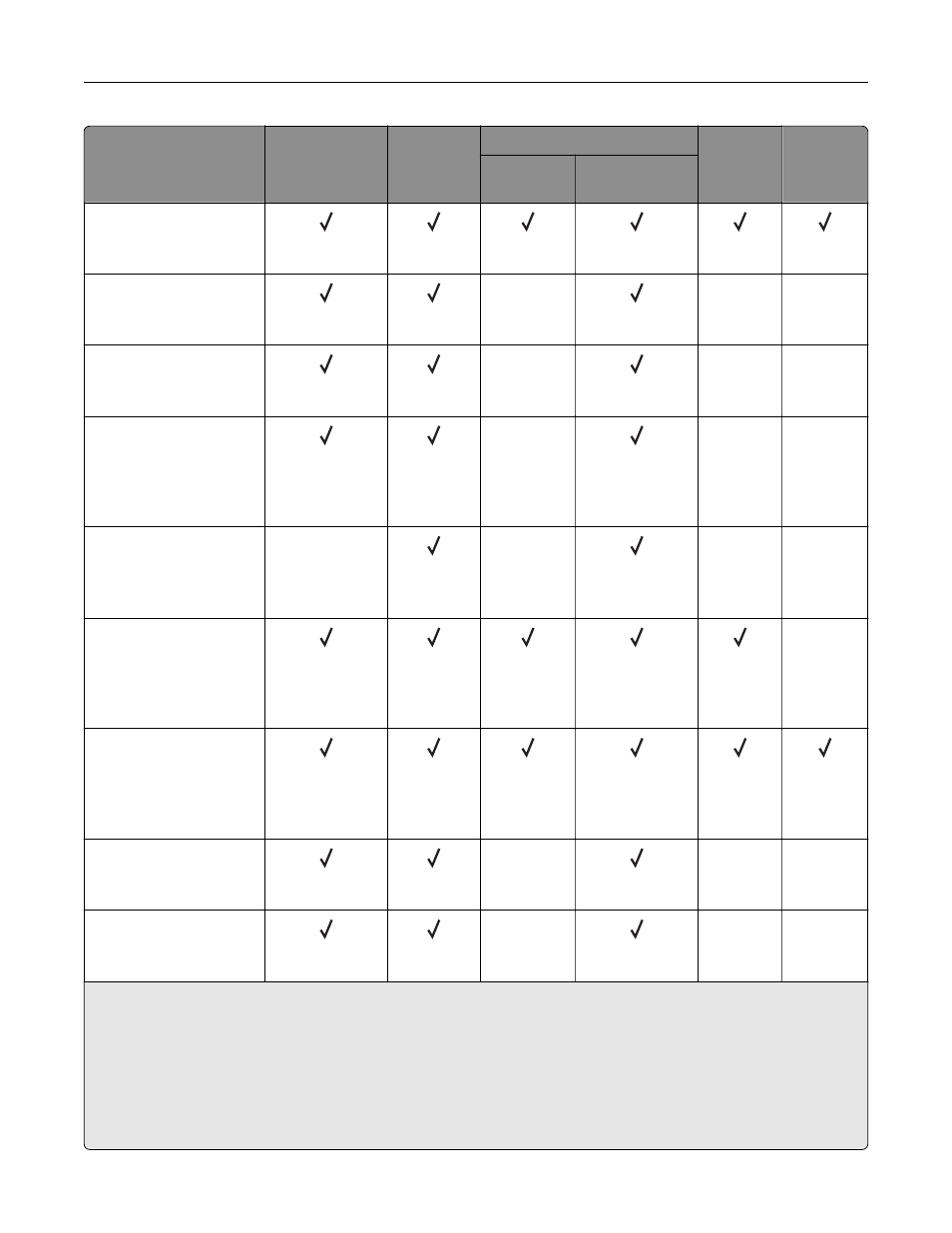
Paper size and
dimension
Standard
250
‑
sheet tray
Manual
feeder
Optional 650
‑
sheet duo tray
Optional
550
‑
sheet
tray
Two
‑
sided
printing
550
‑
sheet
tray
Multipurpose
feeder
Folio
215.9 x 330.2 mm
(8.5 x 13 in.)
Statement
139.7 x 215.9 mm
(5.5 x 8.5 in.)
X
X
X
Hagaki
100 x 148 mm
(3.94 x 5.83 in.)
X
X
X
Universal
3,4
98.4 x 148 mm to
215.9 x 355.6 mm
(3.87 x 5.83 in. to
8.5 x 14 in.)
X
X
X
Universal
3,4
76.2 x 127 mm to
215.9 x 355.6 mm
(3 x 5 in. to 8.5 x 14 in.)
X
X
X
X
Universal
3,4
148 x 210 mm to
215.9 x 355.6 mm
(5.83 x 8.27 in. to
8.5 x 14 in.)
X
Universal
3,4
210 x 250 mm to
215.9 x 355.6 mm
(8.27 x 9.84 in. to
8.5 x 14 in.)
7 3/4 Envelope
98.4 x 190.5 mm
(3.875 x 7.5 in.)
X
X
X
9 Envelope
98.4 x 225.4 mm
(3.875 x 8.9 in.)
X
X
X
1
Load this paper size into tray 1 and the manual feeder with the long edge entering the printer first.
2
Load this paper size into tray 2, tray 3, and the multipurpose feeder with the short edge entering the printer first.
3
When Universal is selected, the page is formatted for 215.9 x 355.6 mm (8.5 x 14 in.) unless the size is specified
by the software application.
4
Load narrow paper with the short edge entering the printer first.
5
When Other Envelope is selected, the page is formatted for 215.9 x 355.6 mm (8.5 x 14 in.) unless the size is
specified by the software application.
Paper support
37