Cleaning the outside of the scanner – Ricoh fi-8040 Desktop Scanner User Manual
Page 154
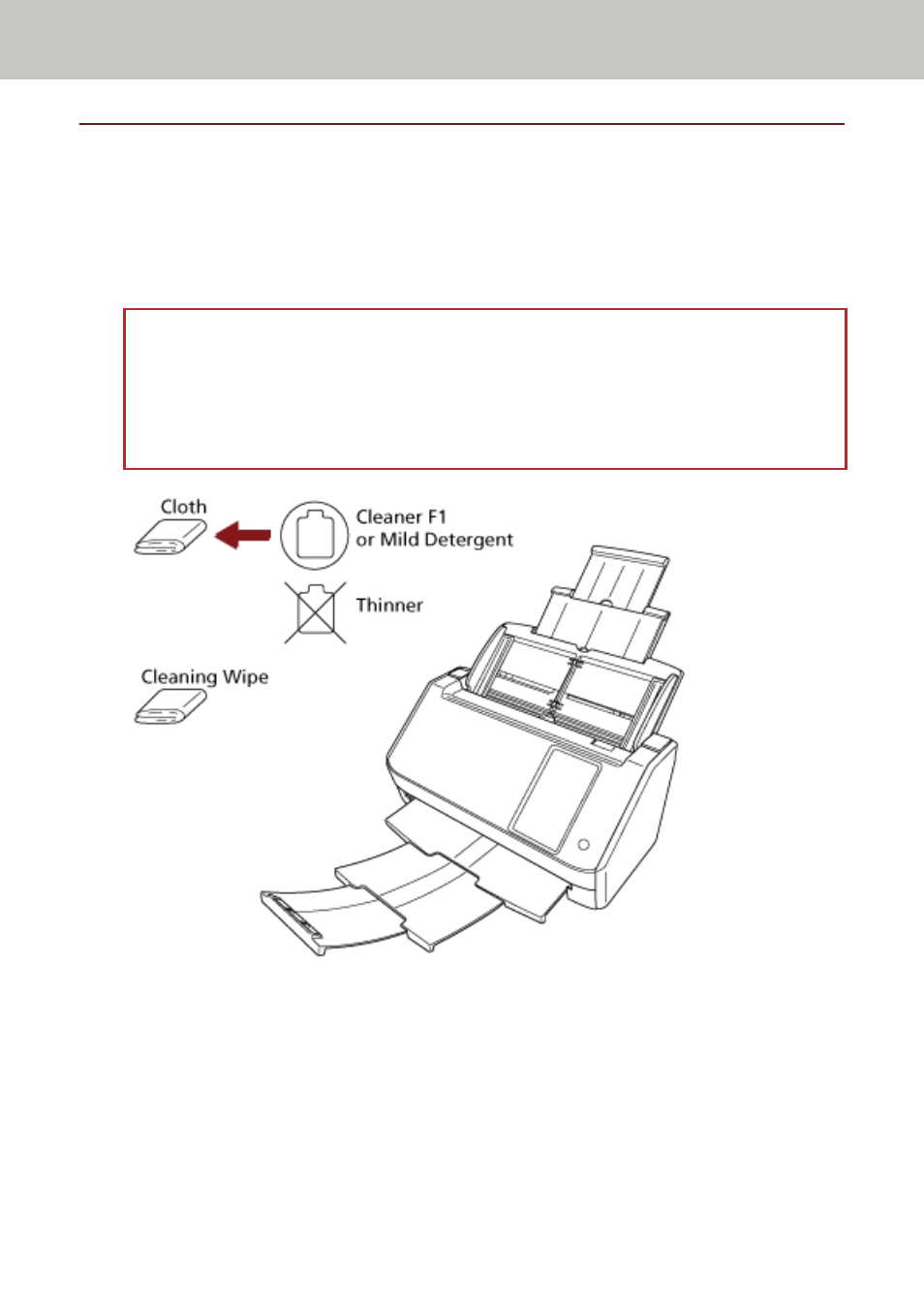
Cleaning the Outside of the Scanner
●
Scanner
The scanner including the ADF paper chute (feeder) and the stacker should be cleaned with either
a piece of dry cloth, a cloth moistened with Cleaner F1/mild detergent, or a sheet of Cleaning
Wipe.
ATTENTION
●
To avoid deformation and discoloration, never use paint thinner or any other organic solvents.
●
Be careful not to let any moisture or water inside the scanner during cleaning.
●
It may take a long time to dry if an excessive amount of Cleaner F1/mild detergent is used. Use
only a small amount. Wipe off the cleaner completely to leave no residue on the cleaned parts.
●
Touch screen
To avoid the surface of the touch screen becoming dirty, clean it regularly by gently wiping dirt
and dust off with a soft, dry cloth.
Clean the touch screen with care. Do not rub or tap the surface with hard objects as doing so may
damage the surface.
Daily Care
154