Password for editing directscan settings, Initialize directscan settings – Ricoh fi-8040 Desktop Scanner User Manual
Page 393
Password for Editing DirectScan Settings
Set a password for adding or changing the save destinations for images, the email addresses, or
the jobs when using DirectScan.
Set a password to prevent save destination paths or email addresses from being leaked.
Change the password regularly.
If you do not want to set a password, leave the field blank.
Click [Password for Editing DirectScan Settings] under [DirectScan] to display the window.
Password
Enter a password within 32 characters.
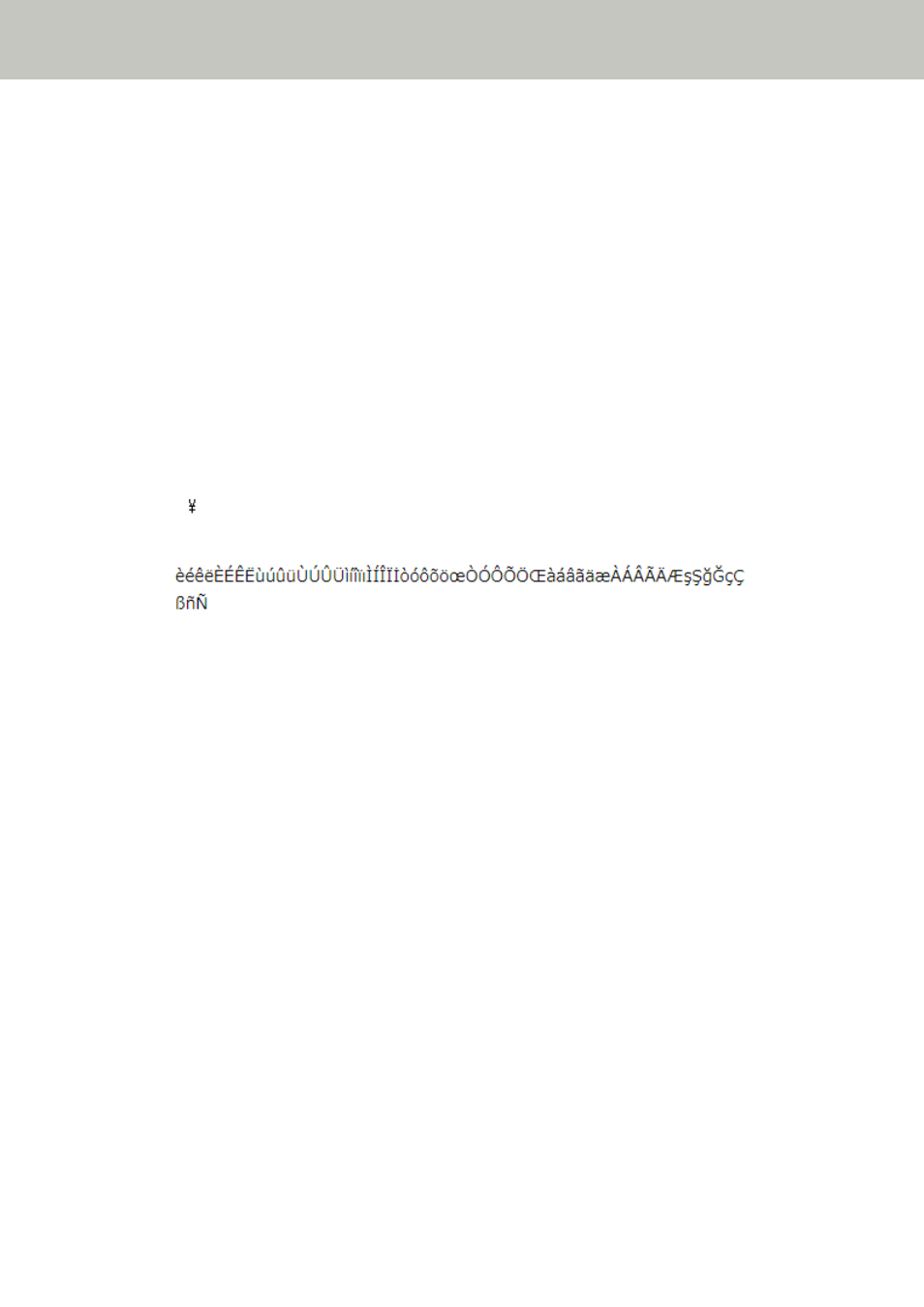
The following characters can be used for a password:
●
Alphanumerical characters
●
Space
●
Symbols
-/:; &@".,?!'#%^=_|~*+$()[]`<>{}
●
Diacritics
Spaces before and after the character string are maintained.
[Apply to the scanner] button
Applies the configured settings.
Initialize DirectScan Settings
Initializes the DirectScan settings to restore them to the factory default.
Click [Initialize DirectScan Settings] under [DirectScan] to display the window.
[Initialize DirectScan Settings] button
Restores the following DirectScan settings to the factory default.
●
Save destinations for images
●
Email addresses
●
Jobs
●
NTP server
●
Settings for sending emails
●
Password for editing DirectScan settings
The following settings will not be initialized.
●
CA certificates
●
Encryption key
Network Settings (fi Series Network Settings)
393