Ricoh fi-8040 Desktop Scanner User Manual
Page 94
●
Make sure you use a card that meets the following specifications, and check if the card can be
fed before scanning it.
-
Type: Compliant with the ISO7810 ID-1 type
-
Size: 85.6 × 53.98 mm/3.37 × 2.13 in.
-
Thickness: 0.76 mm or less (Embossed cards allowed)
-
Material: PVC (polyvinyl chloride) or PVCA (polyvinyl chloride acetate)
●
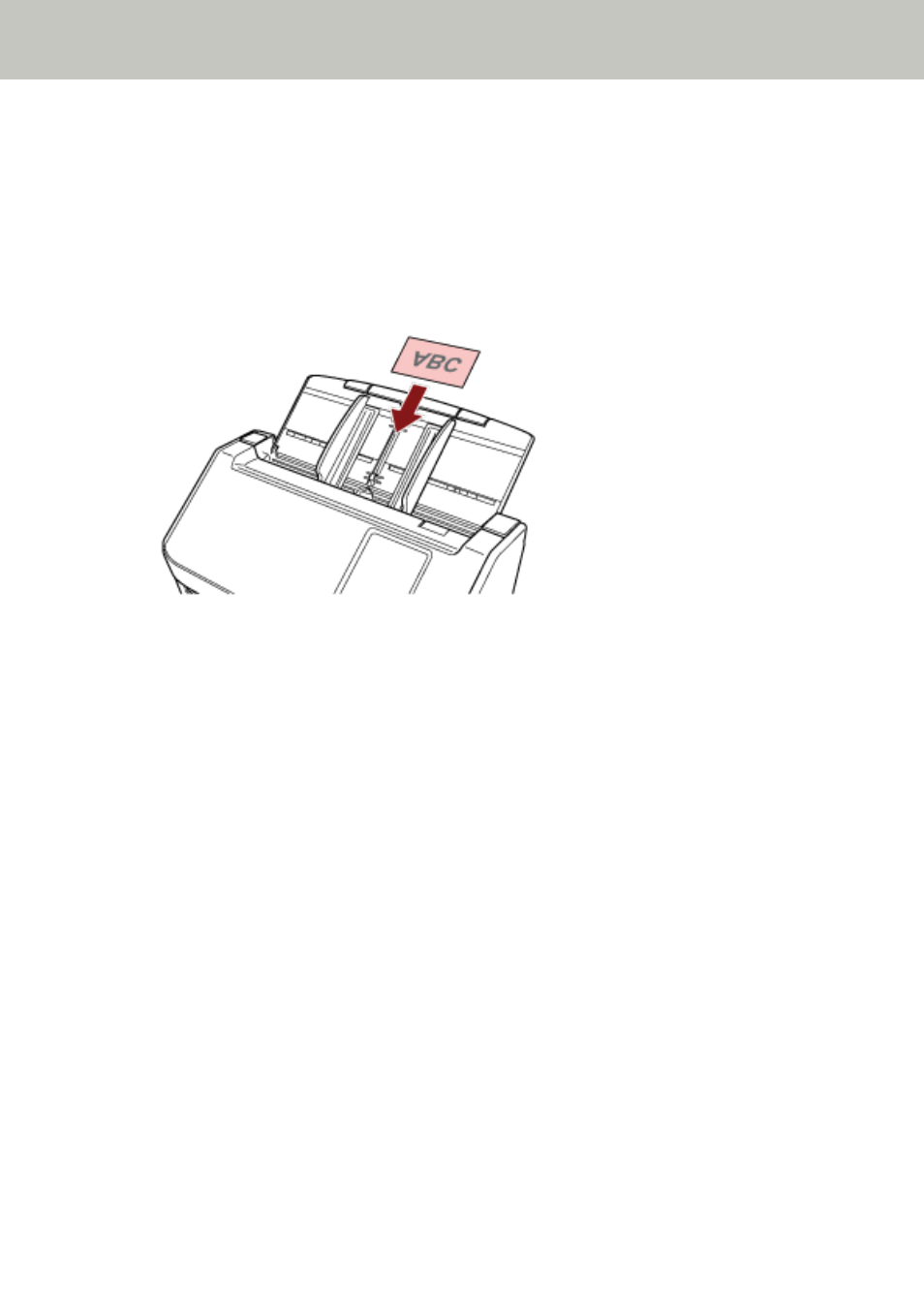
Load one plastic card at a time in the ADF paper chute (feeder).
●
It is recommended to place the card face-down in the ADF paper chute (feeder).
●
When you scan an embossed card, it is recommended that the card should be loaded face-down
in the ADF paper chute horizontally.
●
Rigid cards may not be fed properly.
●
If there is dirt on the surface of the card, such as grease marks (fingerprints), perform scanning
after wiping the dirt off.
●
Scanning a thick document such as a plastic card will always be falsely detected as overlapped
documents.
In that case, specify one of the following settings and try scanning again.
-
Use the intelligent multifeed detection function.
-
Disable the setting to detect overlapped documents by the ultrasonic sensor.
-
Scan with Manual Single Mode.
How to Load Documents
94