Adtec digital mediaHUB-HD 422 (version 1.01.10_M_2) Manual User Manual
Page 30
Usage
The Profile Menu can be used to store and access up to ten stored configurations (profiles).
•
The meduiaHub HD 422 can store up to 40 profiles, but only the first ten are accessible through the front panel. The
other 30 can be defined and edited using a telnet/API command session.
•
The front panel enables users to load one of the top 10 saved profiles or save a profile in one of the first ten memory
slots.
•
API Commands
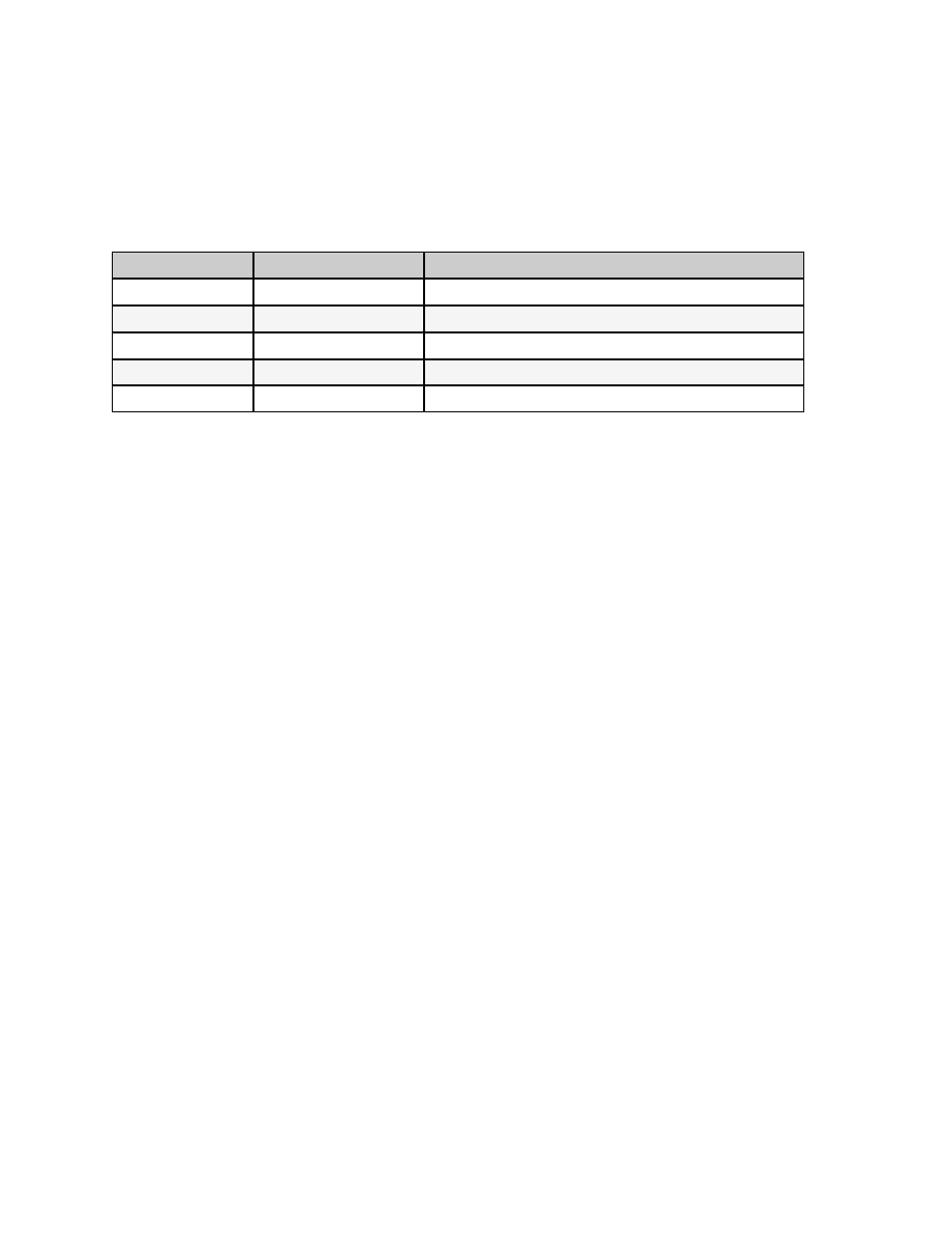
There are five commands in the Profile group in the API command set for the mediaHub HD 422. They are:
Command Handler
Command
Function
*.ECMD PROFILE
LIST
lists all stored profiles
*.ECMD PROFILE
[slot #] or [name] LOAD
loads stored profile from the designated memory slot
*.ECMD PROFILE
[slot #] SAVE
saves a profile to the designated memory slot
*.ECMD PROFILE
[slot #] DELETE
deletes the profile stored at the designated memory slot
*.ECMD PROFILE
[slot #] RENAME
renames the profile stored at the designated memory slot
Naming
When saving a profile to Slots 1-10 from the front panel, the system will default to the Service Name associated with that
configuration. To input a name of the user's choice, use the Profile/Save or Profile/Rename commands in a telnet/API
session.
www.adtecdigital.com