2 - an introduction to ez-analyst, An introduction to ez-analyst 2, Features – Measurement Computing eZ-Analyst rev.14.1 User Manual
Page 13
eZ-Analyst Series
878193
Introduction 2-1
An Introduction to eZ-Analyst 2
Features …… 2-1
Measurement Mode …… 2-4
Playback Mode …… 2-4
A Word About Configuration …… 2-5
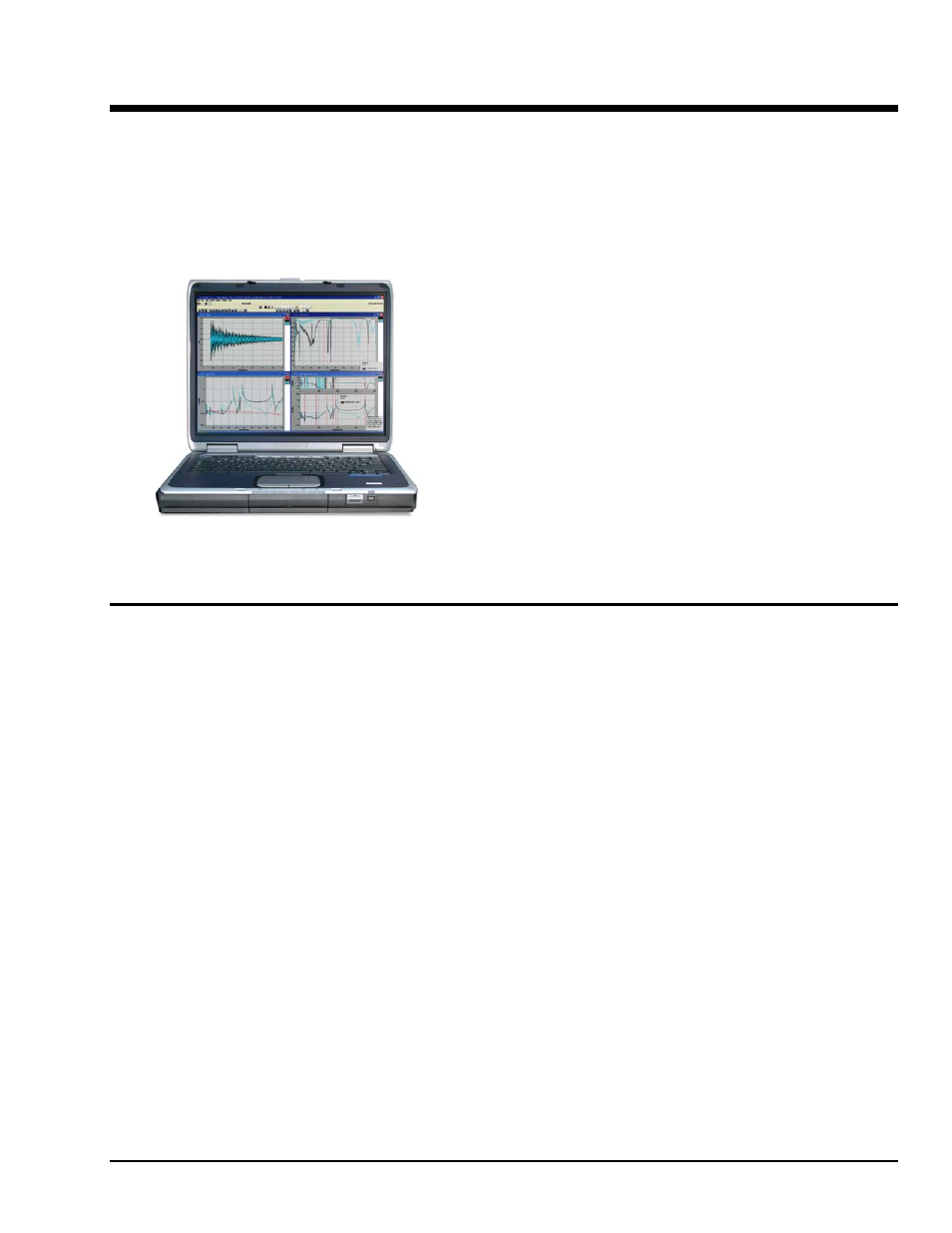
eZ-Analyst is the result of more than ten years of software
development and customer input. This software adds real-
time continuous and transient data acquisition to
IOtech 600
Series, WaveBooks, and ZonicBook/618E dynamic signal
analyzers
. Analysis can be in the time, frequency, or order
domain.
eZ-Analyst is operated through a series of setup windows
that display only the information deemed important to your
test. Acquisition configuration involves selecting desired
acquisition parameters from user-friendly menus.
Features
• Real-time FFT analysis
• Easy-to-use graphical user interface provides fast setup
• Large number of display options: Time Waveform, Spectrum, Auto Spectrum,
FRF, Cross, PSD, Transfer Function, Coherence, Octave, and Waterfall
• Order Normalization and Order Tracked Plots
• Multiple Plot Overlays using exported data files
• Export to Excel, ME Scope, SMS Star, or UFF Type 58 ASCII or Binary
• Save/Recall display setups with multiple display windows and overlays
• Wide selection of real-time analysis features, including integration/differentiation
averaging, and much more