Status web page – Grass Valley 8925DMB-B User Manual
Page 28
28
8925DMB-B and -U — Instruction Manual
Remote Configuration
Status Web Page
Use
this
link
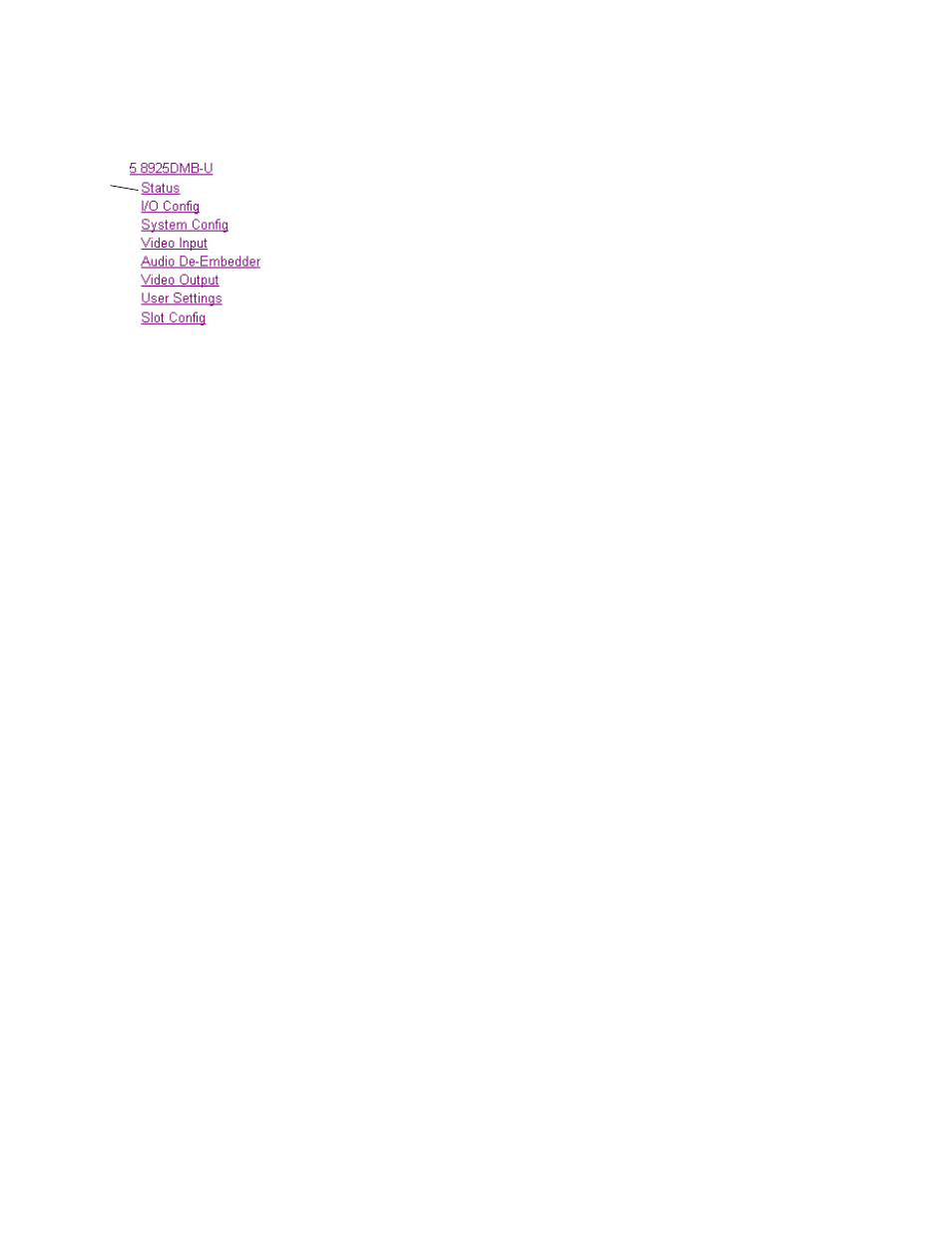
The Status web page (
for 8925DMB-U) shows the
signal status of the input signal and communication with the frame bus.
Color coding indicates the signal status, a quick view of the module
including alarms and errors. Refer to
Web Page Operations and Functional
for an explanation of the color coding.
Note
On the 8925DMB modules, video and audio output signals are represented
by five output signal arrows.
Header
The content of web page header is explained in
Module Physical Structure
Status is reported for each of the following audio and video signals:
•
Video inputs indicate the status of the video inputs incoming on the
BNC connectors, one or two possible fiber optic inputs (depending on
the type of the fiber optic submodule installed),
•
Video outputs are always gray, outputs are not monitored,
•
Audio outputs are always gray, outputs are not monitored,
•
Frame bus indicates the status of the communication bus to the
8900NET module.
•
Fiber module shows if a fiber module is installed. When not installed,
the graphic will be white and report
Fiber Module not Installed
.
Warning/Fault/Message Reporting
Faults, warnings, and informational messages from the module are dis-
played between the double bars below the graphic.
Status
The Front, rear and fiber status is given: PASS, WARNING, ERROR or
EMPTY.
Front Module
There is information about the module, such as Part Number, Serial
Number, Hardware Revision, Firmware Version, Software Version, Boot
Version and Asset Tag (assigned on the Slot Config web page).