Video input web page – Grass Valley 8925DMB-B User Manual
Page 33
8925DMB-B and -U — Instruction Manual
33
Remote Configuration
Video Input Web Page
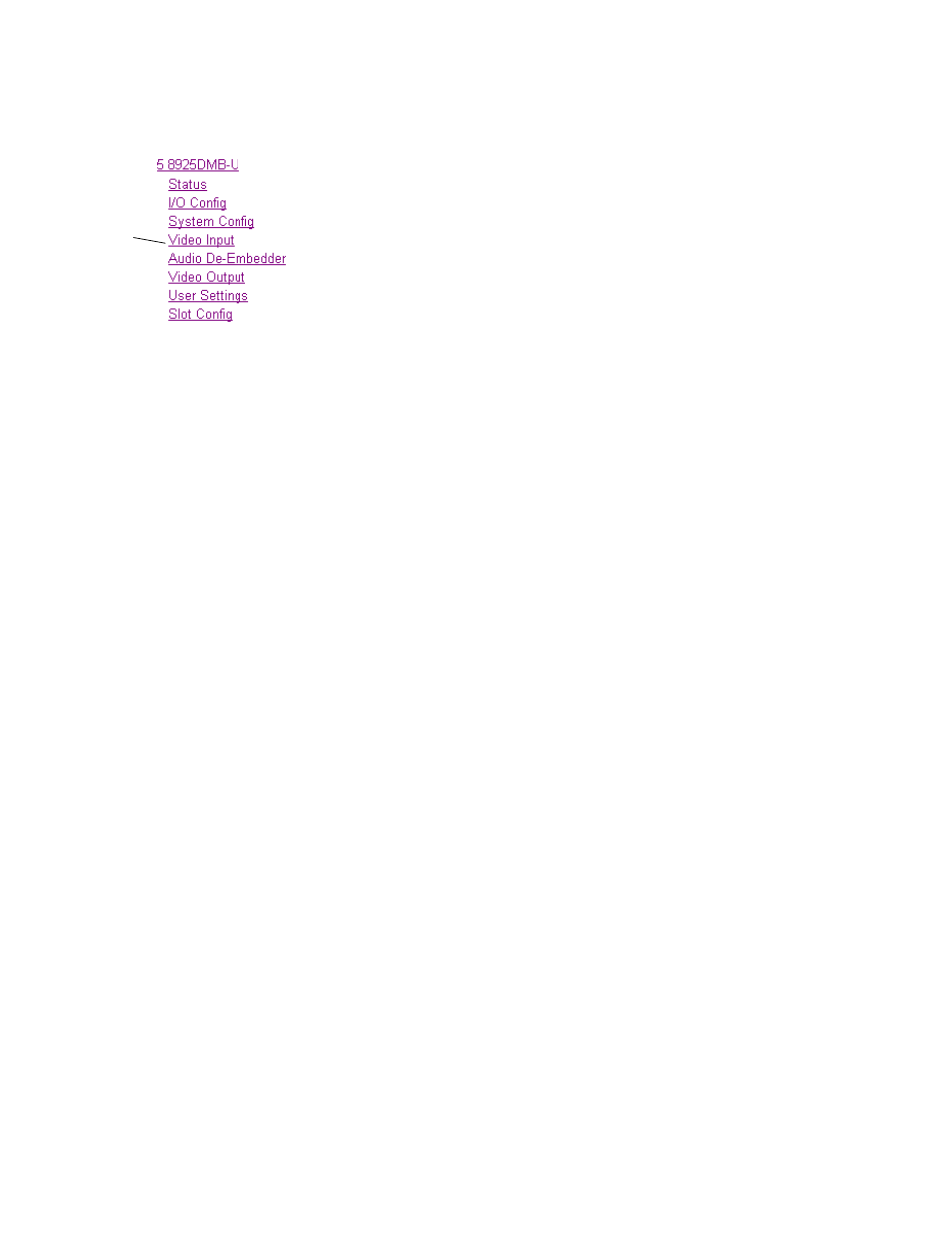
Use
this
link
Use the Video Input web page (
) to select and monitor
the video input source to the module with the following:
Video Input Selection
This section provides the following for the video input signal:
•
Select Input Video
– select the input source from the rear module as one of
the following input sources. Only one source can be enabled at a time.
•
Coax
– select the electrical input at BNC J9 as the video input.
•
Fiber RX1
– check the
Enabled
checkbox to enable the Fiber RX1 input
as the input video (SFP-13103G-M1DRX or SFP-13103G-M1TRX
submodule must be installed).
•
Fiber RX2
– check the
Enabled
checkbox to enable the output
(SFP-13103G-M1DRX submodule must be installed).
•
Signal Name
– the signal name defined on the I/O Config web page will
appear in this field.
•
Signal State
– this field reports the status of the input video signal as
Present, Not present, Not supported (in the case of no fiber submodule
installed) or Invalid format.
Embedded Audio Status
This section gives the name and the state of the incoming embedded audio
streams.
•
Input Stream Name
– name entered in the I/O Config web page with the
extension which indicates the group and the stream number (for
example Coax In.G1.S2 means Stream 2 of the Group 1),
•
Signal State
– indicates the incoming embedded audio streams presence,
•
Sample Rate
– indicates the frequency of the audio,
•
Mode
– means the maximum audio resolution which can be 20 or 24 bits.
It is only indicated in SD format.
Defaults Button
Select the
Defaults
Button to restore the default Video Input Source (Coax).