Grass Valley 8925DMB-B User Manual
Page 40
Advertising
40
8925DMB-B and -U — Instruction Manual
Remote Configuration
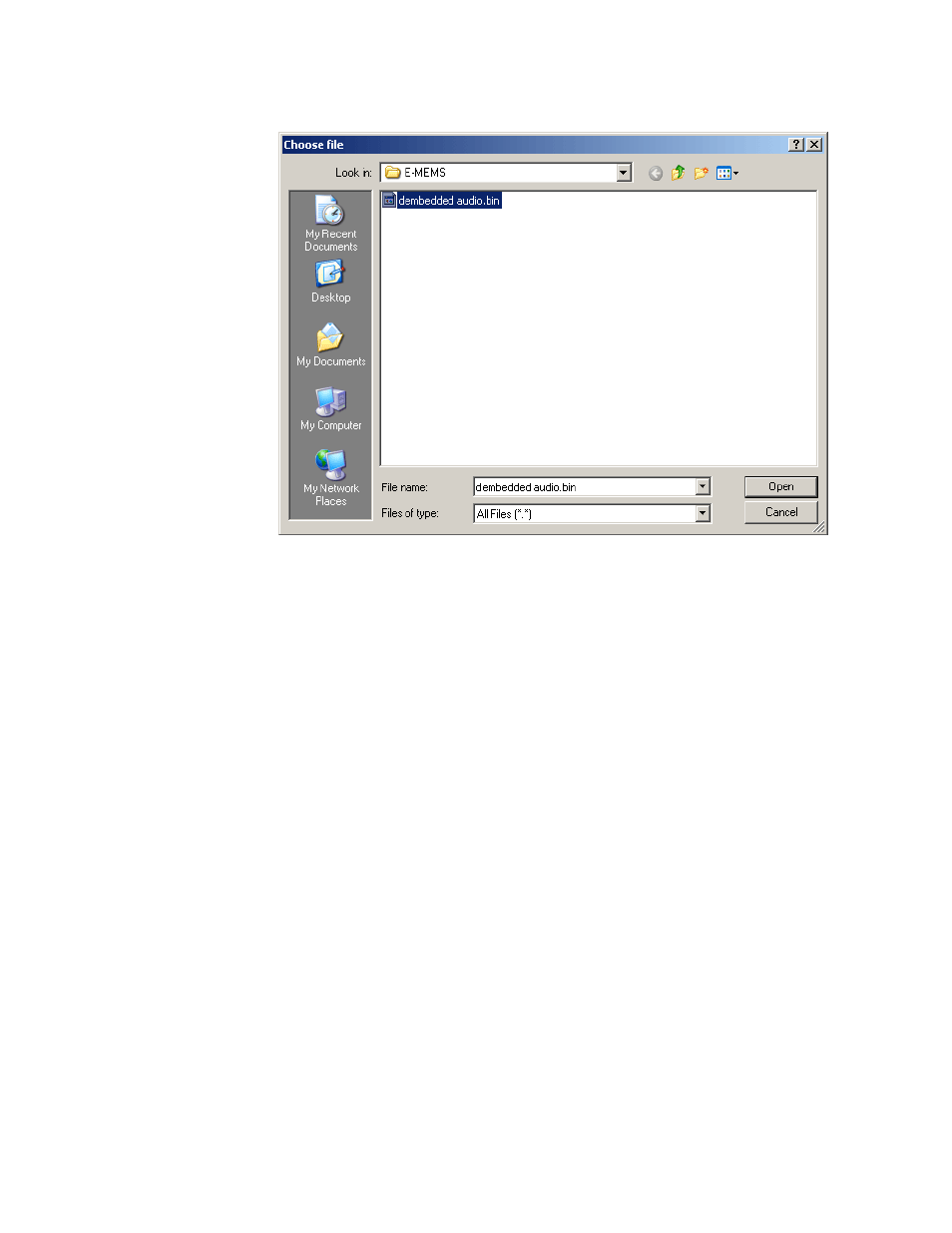
Figure 22. Choose File Screen
Click on the file you wish to load and select the
Open
button. This will
place the file in the Load Settings web page
Enter filename
field.
Select the
Load
button on the Load Settings web page (
) to load this file configuration into the module.
Set Factory Defaults Button
Select the
Set Factory Defaults
button to recall factory settings to the entire
module. Refer to the Configuration Summary table on
for a complete list of parameter defaults and ranges.
Set Factory Names Button
Select the S
et Factory Name
s button to recall factory signal names to the
module. Defaults for all signal names are displayed on the I/O Config web
page shown in
and
Advertising
This manual is related to the following products: