Folder type, Figure 105 – Grass Valley EDIUS Neo 2 User Manual
Page 112
112
EDIUS Neo — User Reference Guide
Section 2 — Application and Plug-In Settings
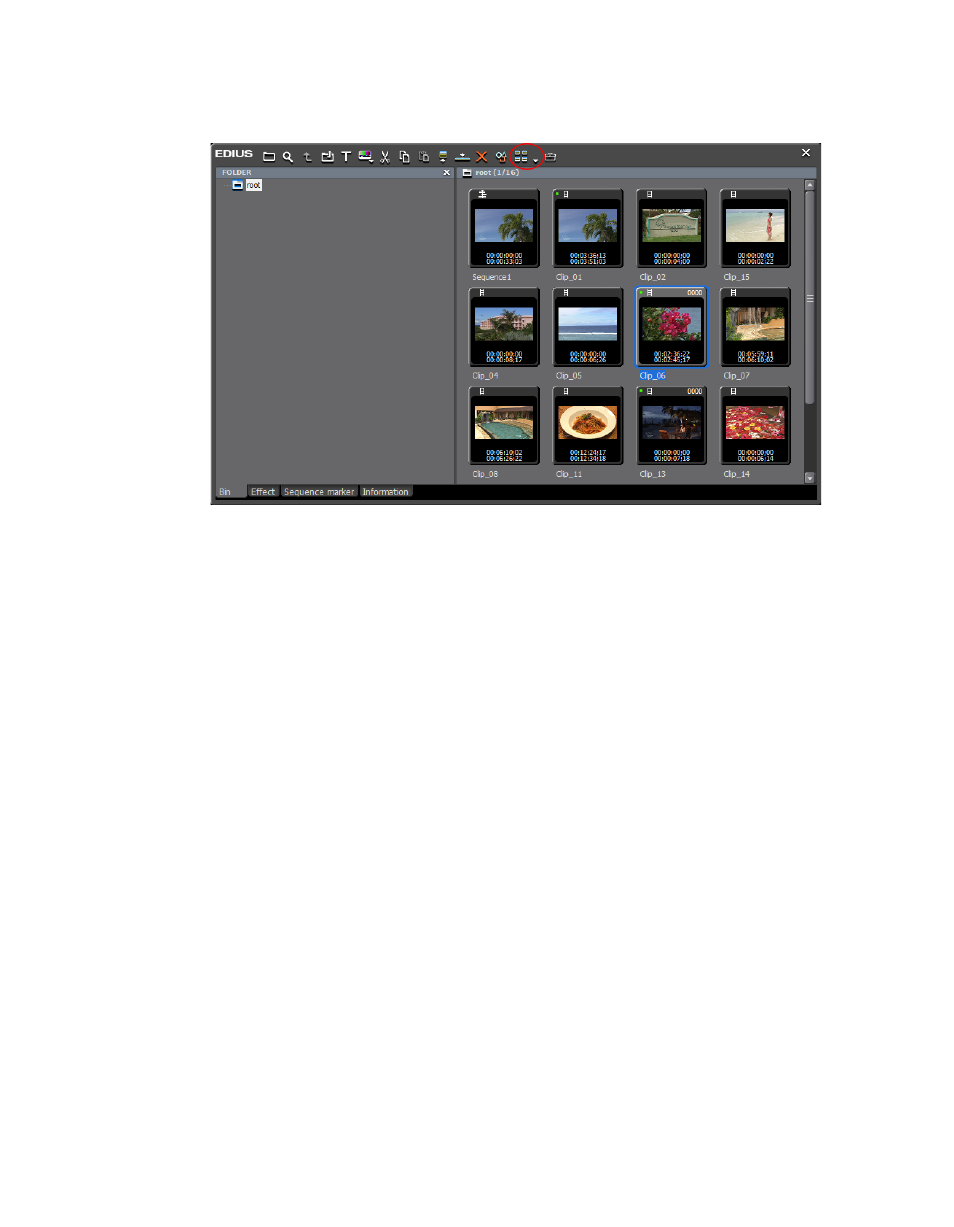
Figure 105. Asset Bin View Button
Different “columns” of information may be selected for display in the fol-
lowing Asset Bin views:
•
Large Thumbnail (Tooltip)
•
Small Thumbnail (Tooltip)
•
Detail
When one of the Thumbnail (Tooltip) views is selected, the selected
“column” information designates what will be shown when the mouse
cursor is placed over a clip in the bin.
When “Detail” is selected, the selected column information will display in
the Asset Bin when the bin view is set to any of the following:
•
Detail Text (Large)
•
Detail Text (Small)
•
Detail Icon
Folder Type
Views for two different folder type may be defined. A “Normal Folder” is
a view of all the contents of the Asset Bin. A “Find Folder” displays a subset
of the Asset Bin contents based on specific search criteria.