Folder shortcuts, Shortcut assignments with drag and drop – Grass Valley EDIUS Neo 2 User Manual
Page 457
EDIUS Neo — User Reference Guide
457
Customizing the Effect Palette
Folder Shortcuts
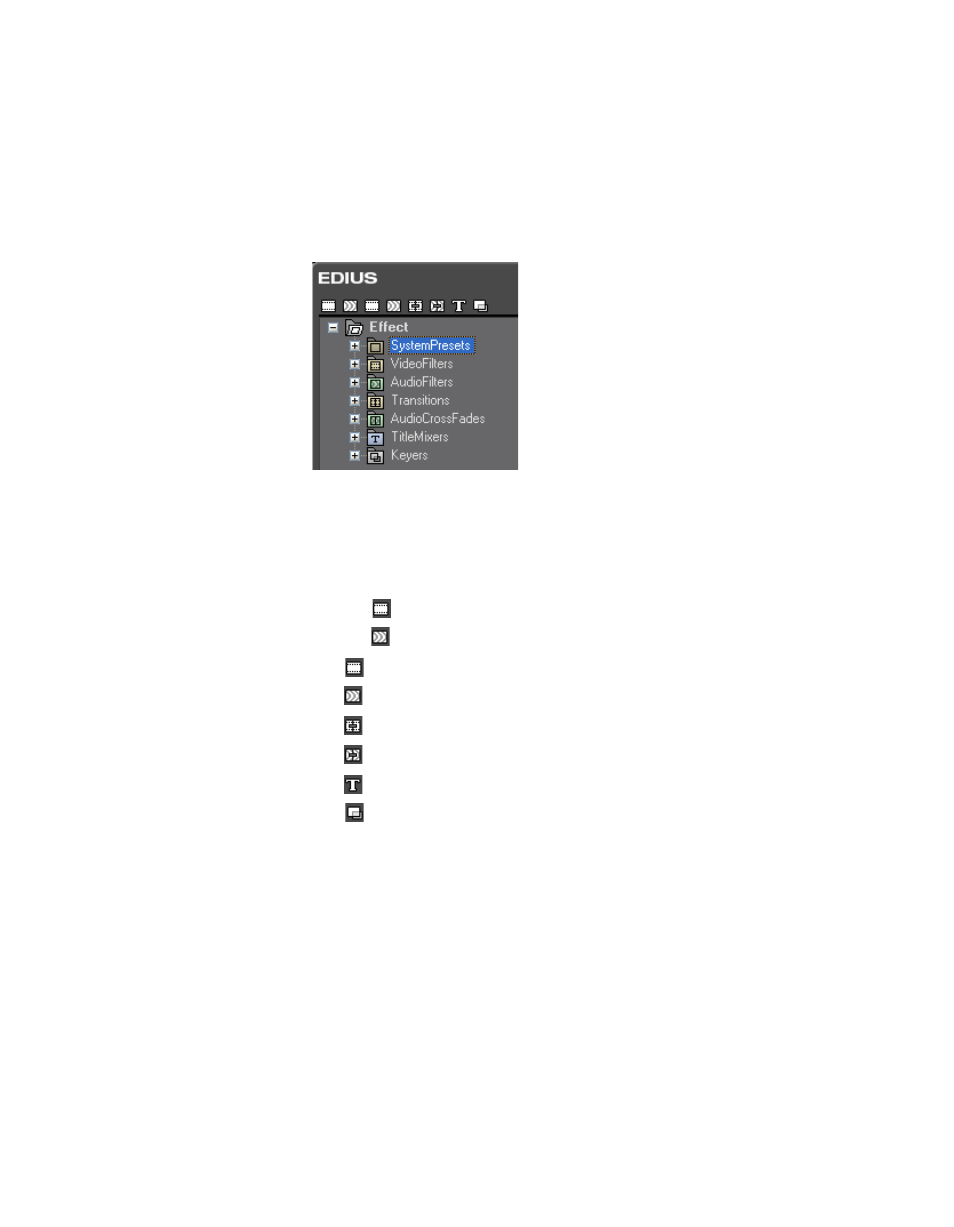
When the effect view is disabled and the Effect Palette is in the folder view,
folder shortcuts appear across the top of the Effect Palette as illustrated in
.
Figure 578. Effect Palette Folder View
Each of the folder shortcut icons is assigned to a folder in the Effect Tree as
indicated below. If there is no folder associated with a shortcut, the icon is
greyed out.
•
System Presets
•
Video Filters
•
Audio Filters
•
Video Filters
•
Audio Filters
•
Transitions
•
Audio Cross Fades
•
Title Mixers
•
Keyers
Clicking the shortcut icon opens the linked folder in the Effect tree.
Shortcut Assignments with Drag and Drop
If you wish to assign a different folder to a shortcut icon, drag the folder
from the Effect tree and drop it on the desired icon at the top of the Effect
Palette.