Still image clip, Audio clip – Grass Valley EDIUS Neo 2 User Manual
Page 165
EDIUS Neo — User Reference Guide
165
Clip Storage
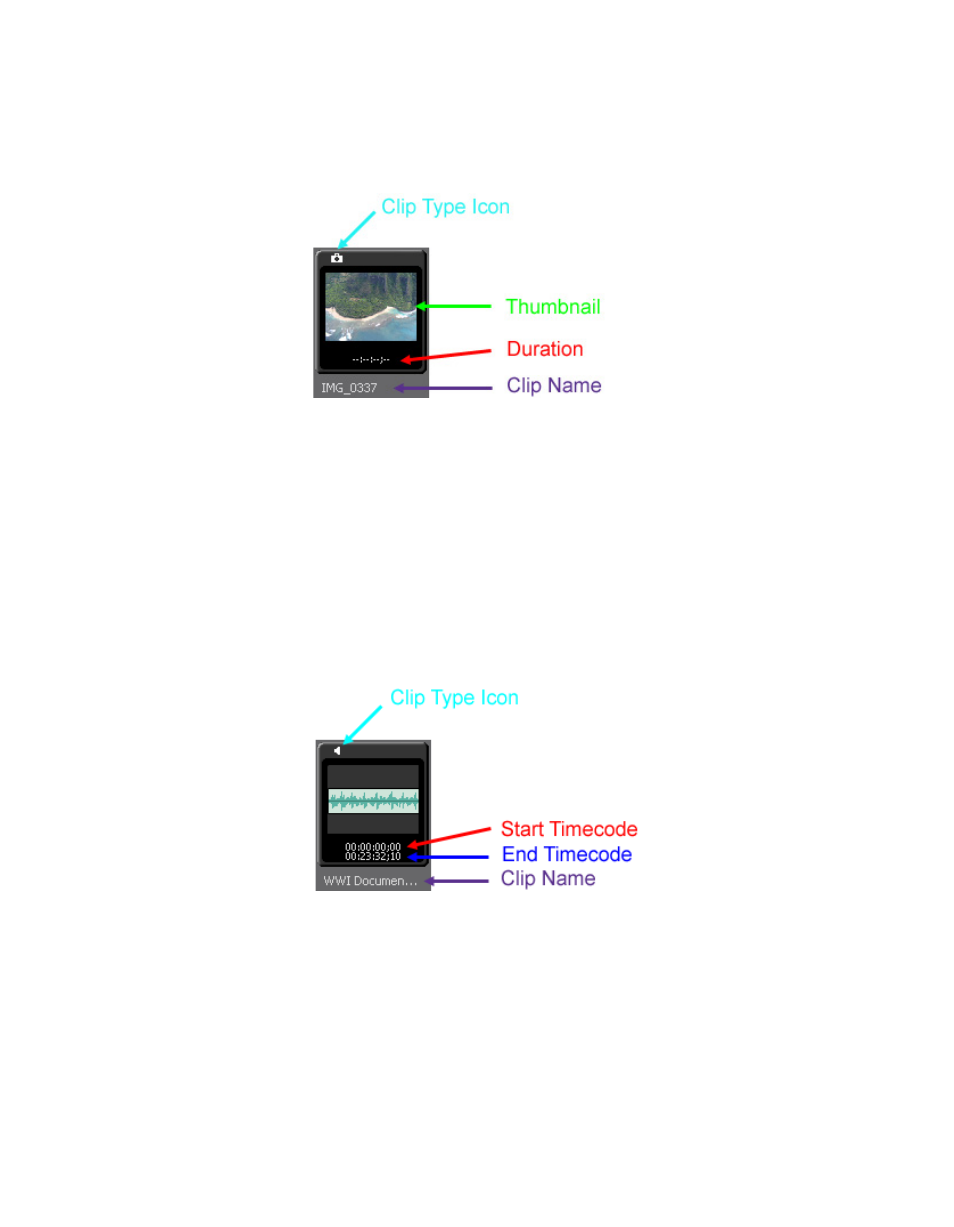
Still Image Clip
Figure 166. Still Image Clip Display Properties
•
Clip Type Icon - a unique icon that identifies the clip type.
•
Thumbnail - a small version of the still image for easy identification.
•
Duration - not set at time of clip creation. Duration is created if the clip
is placed on a Timeline track and then stored again in the Asset Bin.
•
Clip Name - the name of the clip as automatically generated during
capture or import or entered by the user.
Audio Clip
Figure 167. Audio Clip Display Properties
•
Clip Type Icon - a unique icon that identifies the clip type.
•
Start Timecode - the beginning timecode of the clip.
•
End Timecode - the end timecode of the clip.
•
Clip Name - the name of the clip as automatically generated during
capture or import or entered by the user.