8 utility functions, Utility function list, Alarm history display (fn000) – Yaskawa Junma Series SERVOPACK User Manual
Page 56: Alarm history display (fn, English
5.8 Utility Functions
E-55
English
5.8 Utility Functions
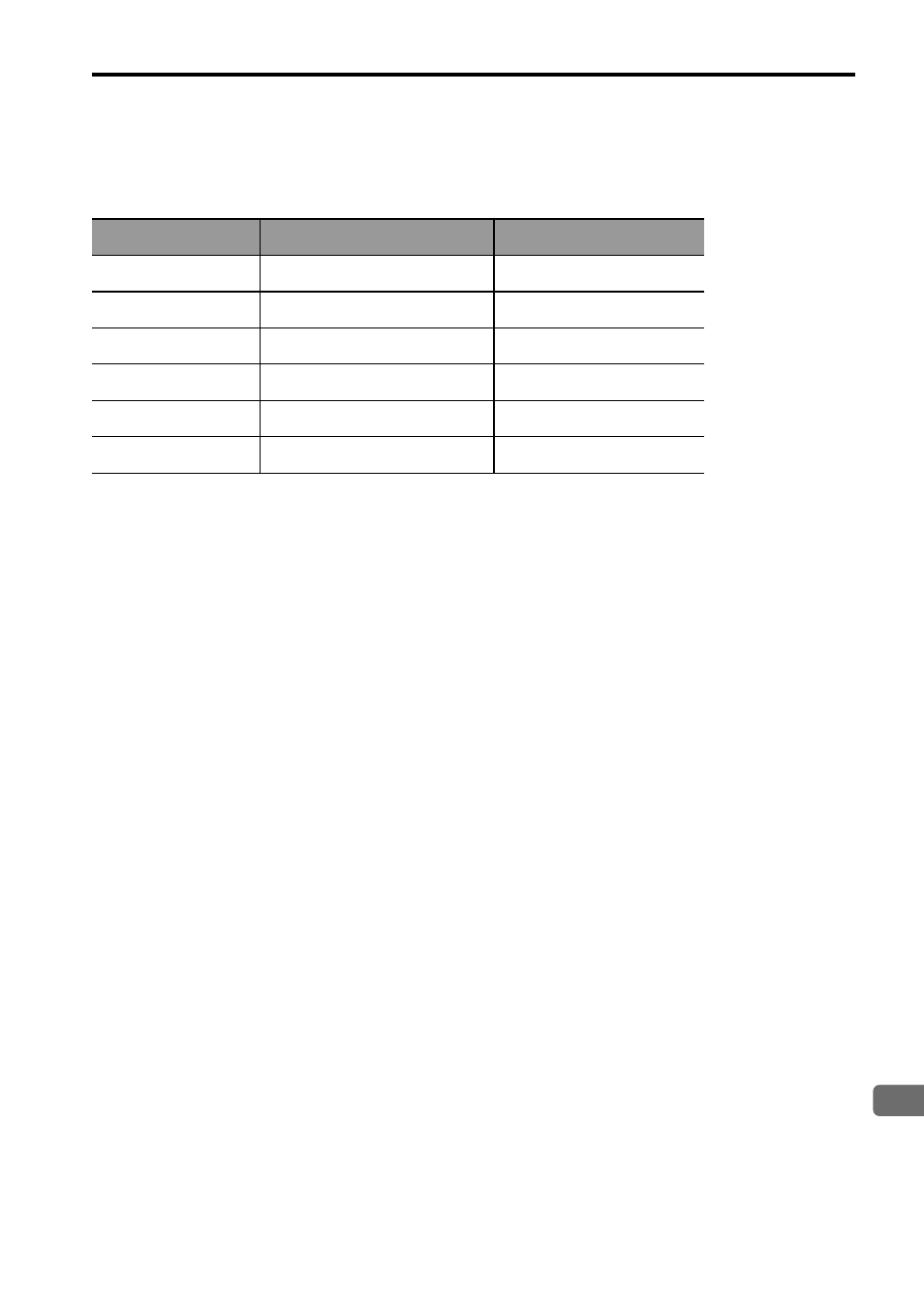
Utility Function List
Alarm History Display (Fn000)
This function displays the last ten alarms that have occurred in the SERVOPACK.
The latest ten alarm numbers and time stamps* can be checked.
* Time Stamps
A function that measures the ON times of the control power supply and main circuit power supply in 100-ms units
and displays the total operating time when an alarm occurs. The time stamp operates around the clock for approxi-
mately 13 years.
<Example of Time Stamps>
If 36000 is displayed,
3600000 [ms] = 3600 [s] = 60 [min] = 1 [h]
Therefore, the total number of operating hours is 1 hour.
Preparation
There are no tasks that must be performed before displaying the alarm history.
Fn No.
Function
Remarks
Fn000
Alarm History Display
–
Fn002
JOG Operation
–
Fn003
Origin Search
–
Fn006
Clearing Alarm History
–
Fn010
Write Prohibited Setting
Cannot to be changed.
Fn012
Software Version Display
–