Digital operator keys -3, Digital operator keys – Yaskawa F7 Drive User Manual User Manual
Page 72
Digital Operator 3 - 3
Digital Operator Keys
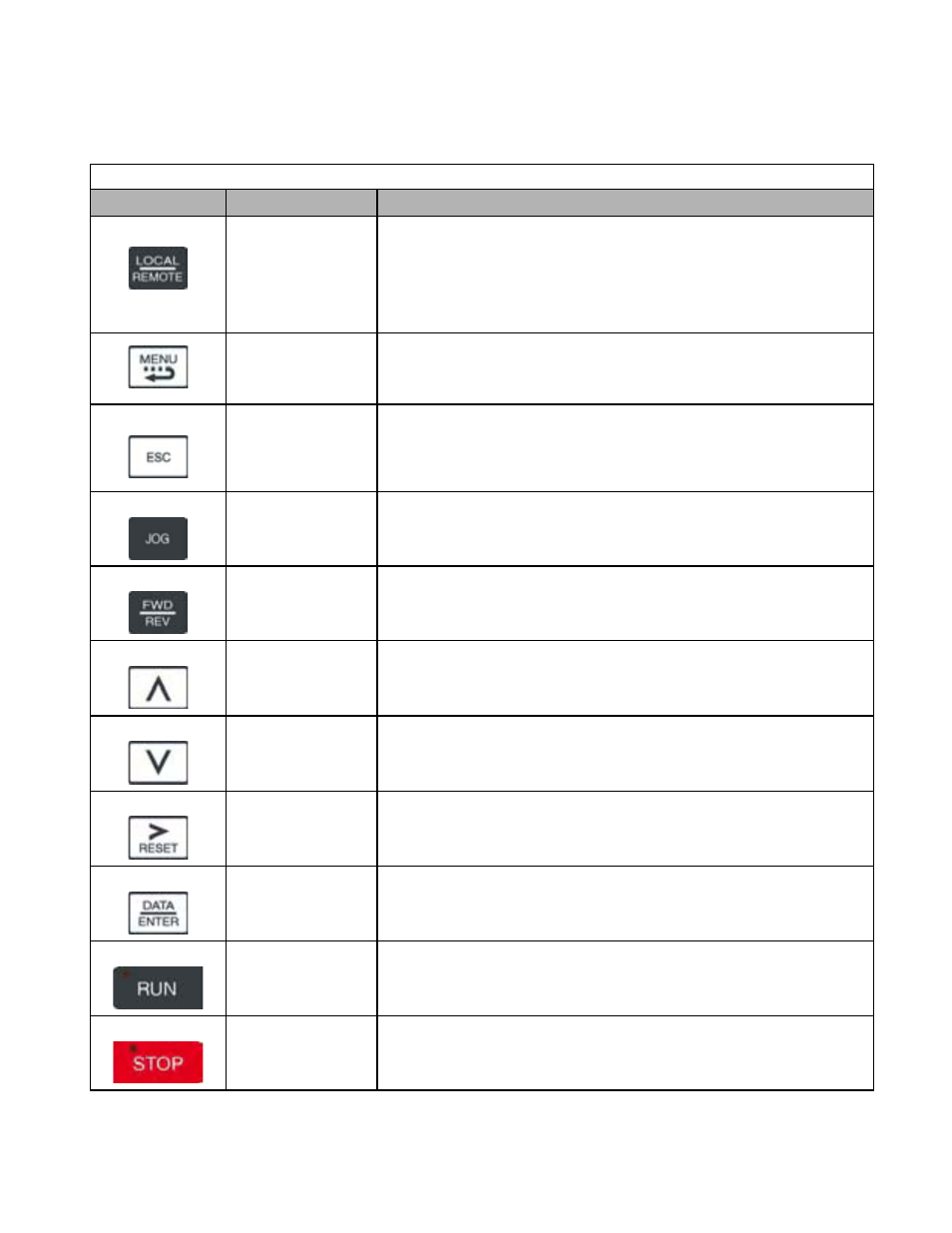
The names and functions of the Digital Operator Keys are described in Table 3.1.
Table 3.1 Digital Operator Keys
Key
Name
Function
LOCAL / REMOTE
•
Switches between operation via the Digital Operator (LOCAL) and the settings in
parameter b1-01 (Frequency Reference Selection) and b1-02 (Run Command
Selection) (REMOTE).
• This key can be enabled or disabled by the setting in parameter o2-01.
•
The Drive must be in a stopped condition before it can be transferred to “LOCAL”
or “REMOTE” mode.
MENU
•
Scrolls through the five main menus:
•
Operation (-DRIVE-), Quick Setting (-QUICK-), Programming (-ADV-),
Modified Constants (-VERIFY-), and Auto-Tuning (-A.TUNE-).
ESCAPE
•
Returns to the previous display, before the DATA/ENTER key was
pressed.
JOG
•
Enables jog operation when the Drive is being operated from the Digital
Operator (LOCAL).
FWD / REV
•
Selects the rotation direction of the motor when the Drive is being operated
from the Digital Operator (LOCAL).
INCREASE
•
Increases parameter numbers and set values.
•
Used to move to the next item or data value.
DECREASE
•
Decreases parameter numbers and set values.
•
Used to move to the previous item or data value.
SHIFT / RESET
•
Selects the digit to be changed. The selected digit will blink.
•
Also resets the Drive when a fault has occurred. The run command must be
removed before the reset command will be accepted.
DATA / ENTER
•
Enter menus and parameters as well as to set values.
RUN
• Starts Drive operation when the Drive is being controlled by the Digital Operator
(LOCAL).
STOP Key
•
Stops Drive operation.
•
This key can be enabled or disabled when operating from the external
terminal or communications by setting user parameter o2-02.