Using the custom menus, R af/mf, Menu functions (custom menus) – Olympus PEN E-PL8 User Manual
Page 88: 88 en
88 EN
Menu functions (Custom menus)
4
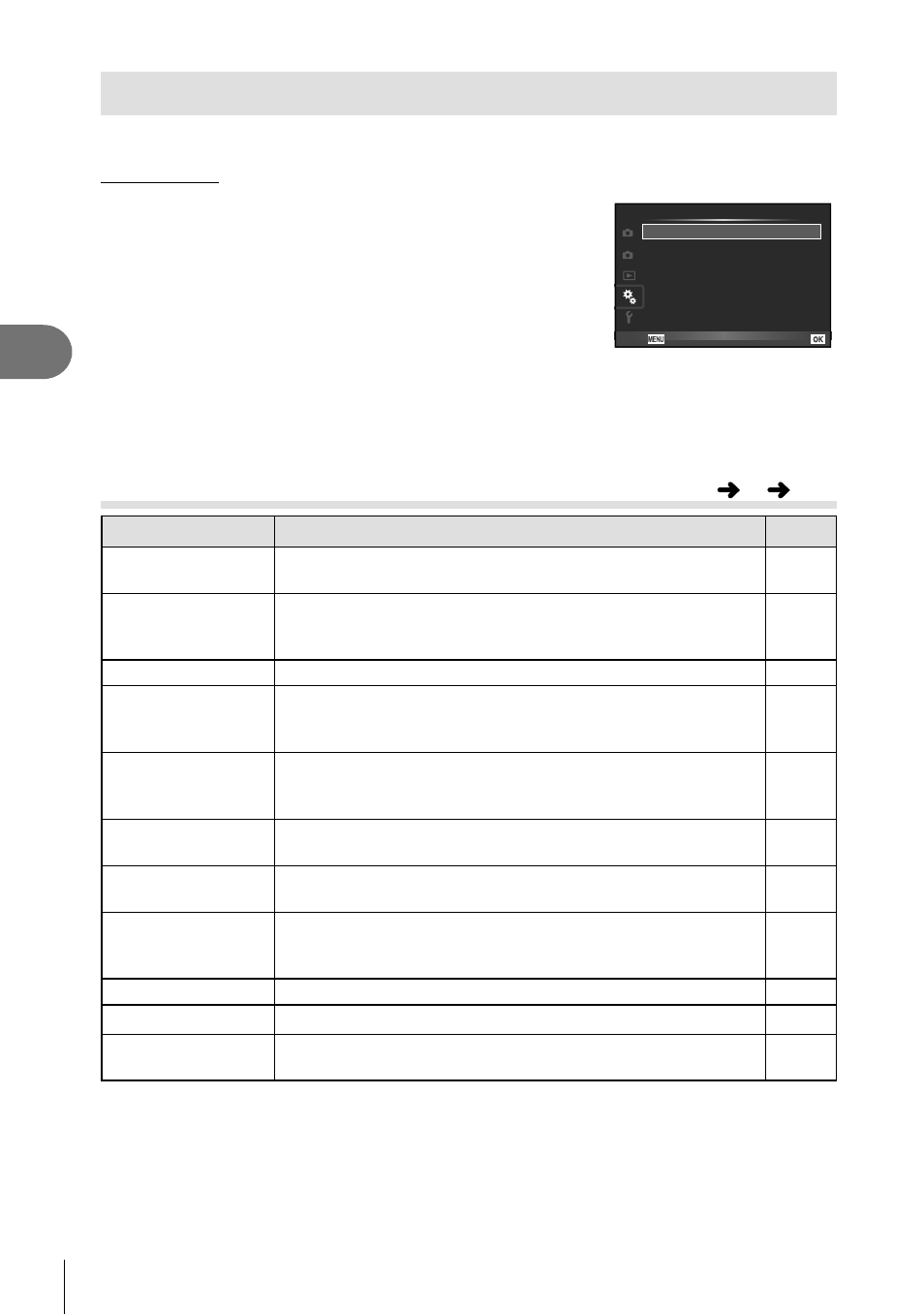
Using the custom menus
Camera settings can be customized using the
c Custom Menu.
Custom Menu
R AF/MF (P. 88)
S
T
U
V
W
X
2
1
R
Custom Menu
Set
AF/MF
Button/Dial
Release/j/Image Stabilizer
Disp/
8/PC
Exp/p/ISO
# Custom
K/Color/WB
Back
S Button/Dial (P. 89)
T Release/j/Image Stabilizer (P. 89)
U Disp/
8/PC (P. 90)
V Exp/p/ISO (P. 91)
W # Custom (P. 92)
X K/Color/WB (P. 93)
Y Record/Erase (P. 94)
Z Movie (P. 95)
b K Utility (P. 96)
R AF/MF
Option
Description
g
AF Mode
Choose the AF mode. You can set separate focusing
methods for still photography mode and
n mode.
49
Full-time AF
If [On] is selected, the camera will continue to focus even
when the shutter button is not pressed halfway. Cannot be
used when using a Four Thirds system lens.
—
AEL/AFL
Customize AF and AE lock.
97
Reset Lens
When set to [Off], the focus position of the lens is not reset
even when the power is turned off. When set to [On], the
focus of power zoom lenses is also reset.
—
Bulb/Time
Focusing
You can change the focus position during exposure by using
manual focus (MF). When set to [Off], rotation of the focus
ring is disabled.
—
Focus Ring
You can customize how the lens adjusts to the focal point by
selecting the rotational direction of the focus ring.
—
MF Assist
When set to [On], you can automatically switch to zoom or
peaking in manual focus mode by rotating the focus ring.
97
P Set Home
Choose the AF target position that will be saved as the
home position. p appears in the AF target selection
display while you choose a home position.
—
AF Illuminator
Select [Off] to disable the AF illuminator.
—
I Face Priority
You can select the face priority or eye priority AF mode.
47
AF Area Pointer
If you select [Off], the AF target frame will not be displayed
during confi rmation.
—
MENU
c
R