The photo menu, Route shooting, H route shooting – Nikon KeyMission 80 User Manual
Page 50: Tap to select still images or movie, Set the total shooting time, and then tap confirm, Set the camera into the camera holder ( a25)
34
The Photo Menu
H Route Shooting
The camera automatically captures still images or records movies within a specified
shooting time. Use to capture changes in the scenery.
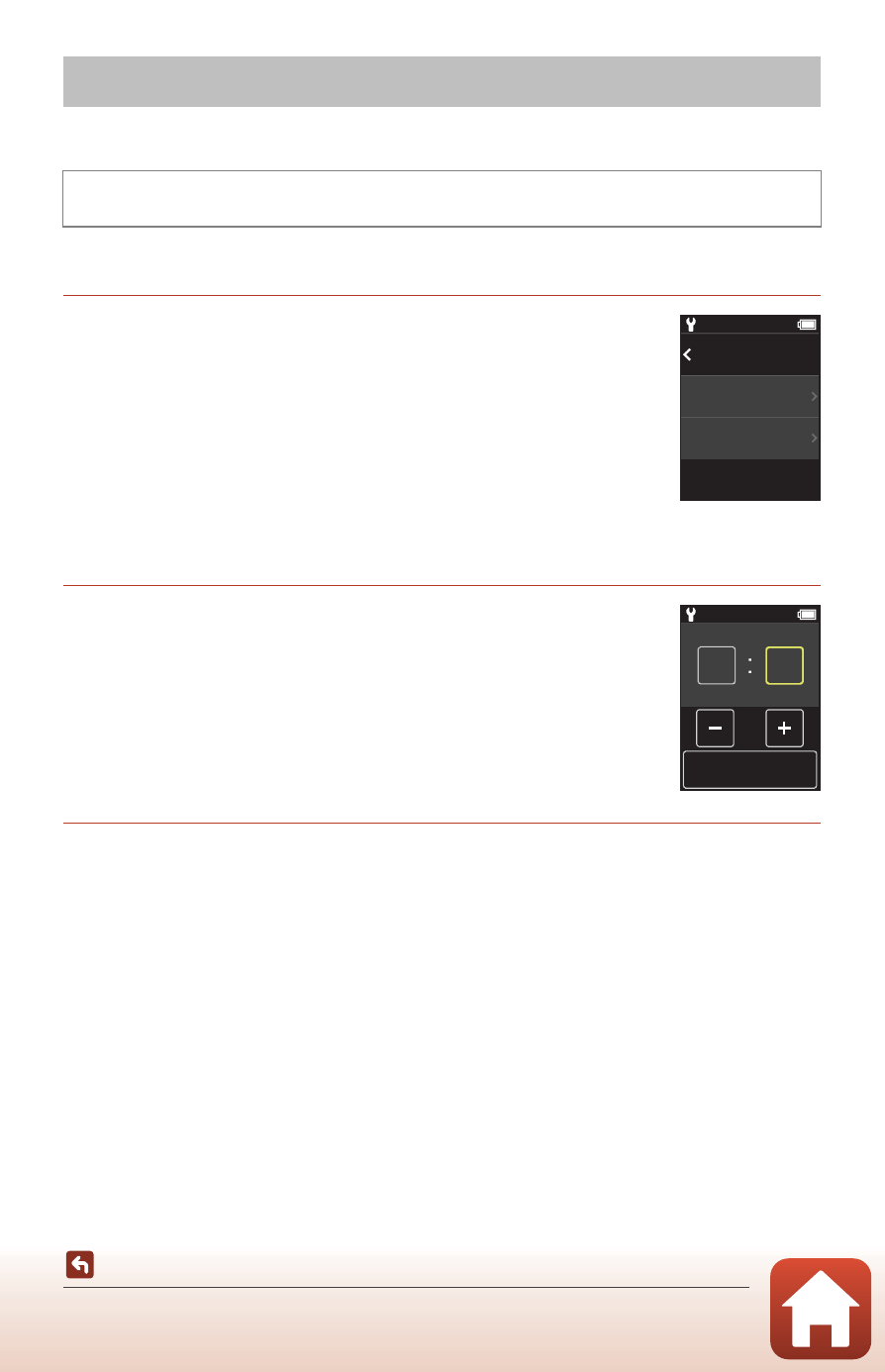
1
Tap to select Still images or Movie.
• Still images: Automatically captures 100 still images within a
specified shooting time.
- Vibration reduction is disabled.
- Autofocus is disabled. The camera shoots at a fixed focus.
- The image size is 2 megapixels (1920 × 1440 pixels in 4:3,
1920 × 1080 pixels in 16:9, or 1440 × 1440 pixels in 1:1).
• Movie: Automatically records 10 three-second movies within
a specified shooting time, and then creates a movie that is approximately 30
seconds long.
2
Set the total shooting time, and then tap
Confirm.
• Tap the field that you want to change, and then tap rs to
set the time.
• When set to 1 hour (3600 seconds)
- Still images: Captures a still image approximately every 36
seconds.
- Movie: Records a movie approximately every six minutes.
3
Set the camera into the Camera Holder (
• When the camera is set, the status lamp flashes green for a few seconds, and
shooting begins.
• The status lamp flashes green for a few seconds every time the shutter is released
during route shooting.
• When the specified shooting time elapses, shooting automatically ends, and the
camera turns off.
• Remove the camera from the Camera Holder and select H in the menu screen to
end shooting before the shooting time elapses and create a movie.
The Photo Menu
Rotate the mode dial to A
M Press the d button M Tap H
15:30
Still images
Movie
Back
15:30
Shooting time
Confirm
1
00