Operation during route shooting – Nikon KeyMission 80 User Manual
Page 51
Advertising
35
The Photo Menu
Operation During Route Shooting
• You can pause route shooting and return to normal shooting by removing the
camera from the Camera Holder.
• The image size of still images is 2 megapixels (1920 × 1440 pixels in 4:3, 1920 ×
1080 pixels in 16:9, or 1440 × 1440 pixels in 1:1).
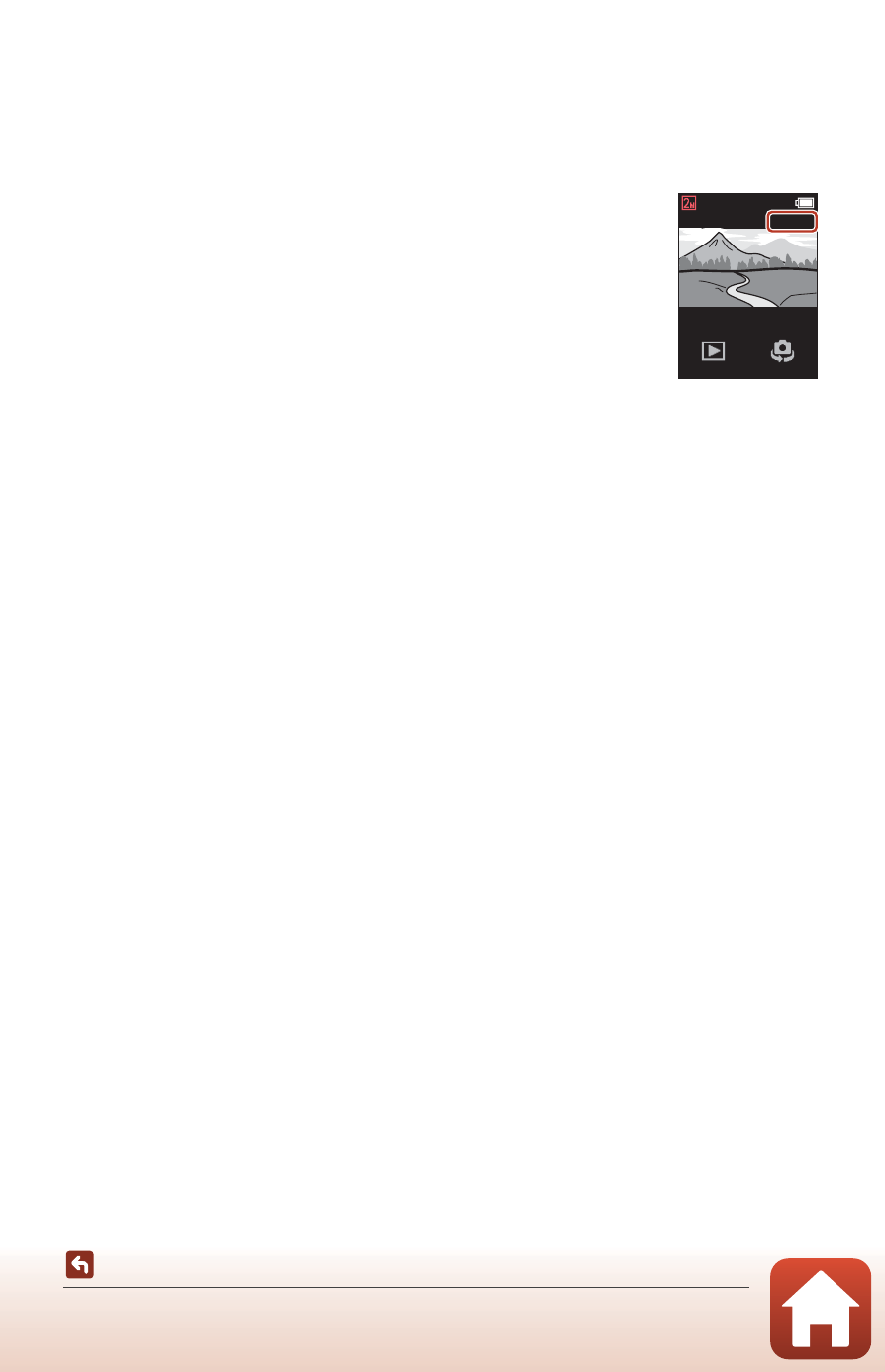
• You can check the time until route shooting automatically
ends on the screen.
• To resume route shooting, return the camera to the Camera
Holder.
B
Notes About Route Shooting
• The lens for selfies cannot be used for route shooting.
• To prevent the camera from turning off unexpectedly during shooting, make sure that the
battery is sufficiently charged.
500
10:00
Advertising