Other modes, Selecting the message language, Other modes -65 – TA Triumph-Adler CLP 4532 User Manual
Page 81
Using the Operation Panel
2-65
Other Modes
The following modes can be accessed in the Others submenu:
•
Message Language
•
Automatic Form Feed Timeout Setting
•
Sleep Timer Setting
•
Received Data Dumping
•
Printer Resetting
•
Resource Setting
•
Alarm (Buzzer) Setting
•
Auto Error Clear Setting
•
Finishing
•
Color Registration
•
Service Menu (for service technician)
•
Color Calibration
Selecting the Message Language
You can select the language of the message display by following the procedure given below
.
You
can optionally download messages in other languages. Contact your service technician for
information.
1
Press [Menu].
2
Press
or
repeatedly until Others > appears.
3
Press .
4
Press
or
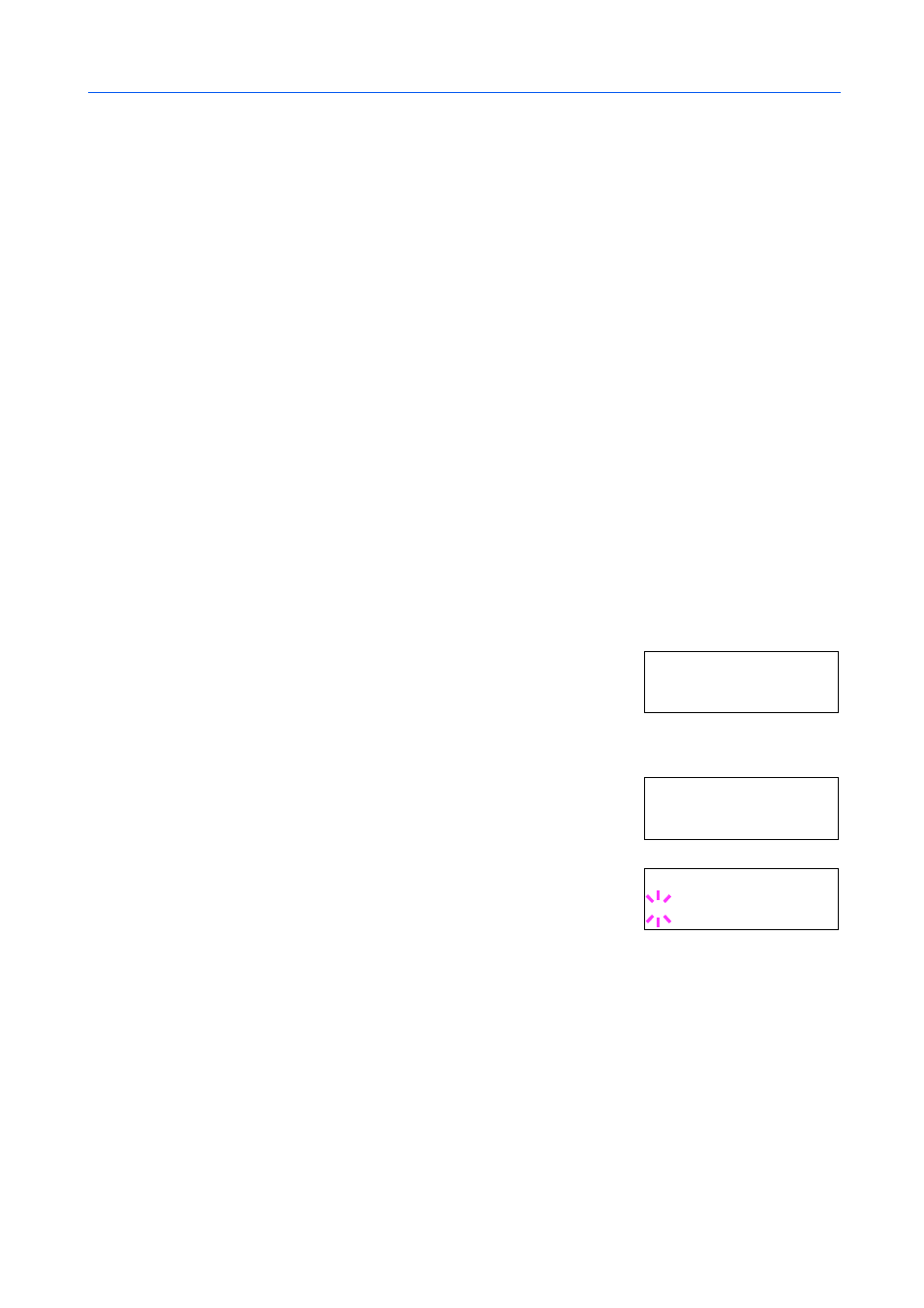
repeatedly until >MSG Language appears. The
default message language is English.
5
To change the language, press [OK]. A blinking question mark (?)
appears.
6
Press
or
. The display cycles through the available selection in the following order:
English
Francais
Deutsch
Italiano
Nederlands
Español
Português
7
Press [OK].
8
Press [Menu]. The message display shows printer ready status.
Ot h er s >
>M S G L an g ua ge
E ng l is h
>M S G L an g ua ge
? E ng l is h