Using the self-timer – Canon IXUS 180 User Manual
Page 30
30
Before Use
Basic Guide
Advanced Guide
Camera Basics
Auto Mode
Other Shooting
Modes
P Mode
Playback Mode
Setting Menu
Wi-Fi Functions
Accessories
Appendix
Index
•
When a detected subject moves toward the edge of the screen, the camera
zooms out to keep the subject on the screen.
•
The zoom factor cannot be changed after you press the shutter button all the
way down in self-timer mode (
•
The camera prioritizes zooming to keep subjects on the screen. For this
reason, it may not be possible to maintain a constant face display size,
depending on subject movement and shooting conditions.
•
When no face is detected, the camera zooms to a certain level and stops
zooming until a face is detected.
Still Images
Movies
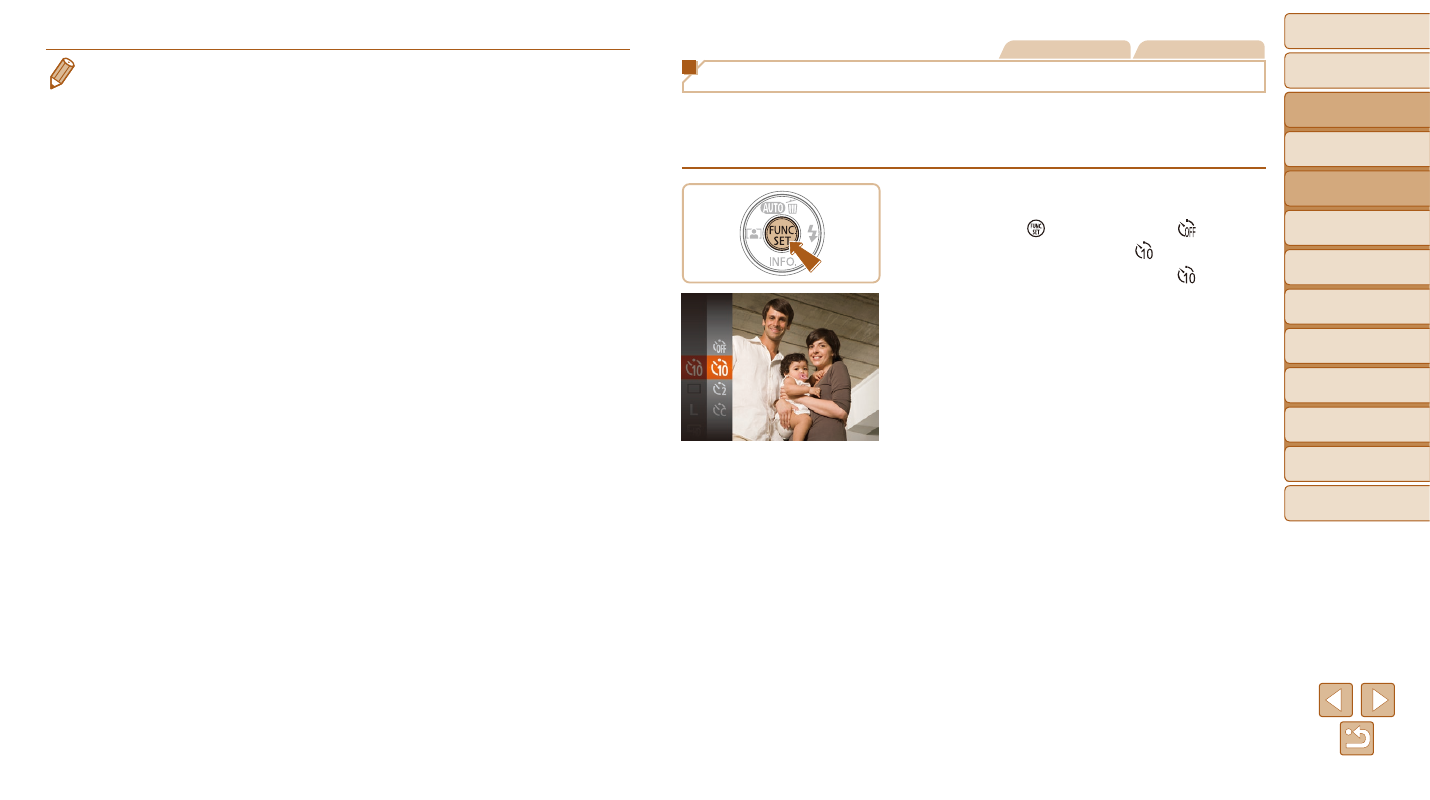
Using the Self-Timer
With the self-timer, you can include yourself in group photos or other timed
shots. The camera will shoot about 10 seconds after you press the shutter
button.
1
Configure the setting.
z
z
Press the [ ] button, choose [ ] in the
menu, and then choose [ ] (
z
z
Once the setting is complete, [ ] is
displayed.
2
Shoot.
z
z
For Still Images: Press the shutter button
halfway to focus on the subject, and then
press it all the way down.
z
z
For Movies: Press the movie button.