Saving images to a connected computer, In steps 5 – 8 in “using wps-compatible, Access points – Canon IXUS 180 User Manual
Page 78
78
Before Use
Basic Guide
Advanced Guide
Camera Basics
Auto Mode
Other Shooting
Modes
P Mode
Playback Mode
Setting Menu
Wi-Fi Functions
Accessories
Appendix
Index
•
For information on WPS compatibility and for instructions on checking settings,
refer to the access point user manual.
•
A router is a device that creates a network (LAN) structure for connecting multiple
computers. A router that contains an internal Wi-Fi function is called a “Wi-Fi router”.
•
This guide refers to all Wi-Fi routers and base stations as “access points”.
•
If you use MAC address filtering on your Wi-Fi network, be sure to add the
camera’s MAC address to your access point. You can check your camera’s
MAC address by choosing MENU (
) ► [ ] tab ► [Wireless settings]
► [Wi-Fi Settings] ► [Check MAC Address].
Using WPS-Compatible Access Points
WPS makes it easy to complete settings when connecting devices over
Wi-Fi. You can use either Push Button Configuration Method or PIN Method
for settings on a WPS supported device.
1
Confirm that the computer is
connected to an access point.
z
z
For instructions on checking the
connection, refer to the device and
access point user manuals.
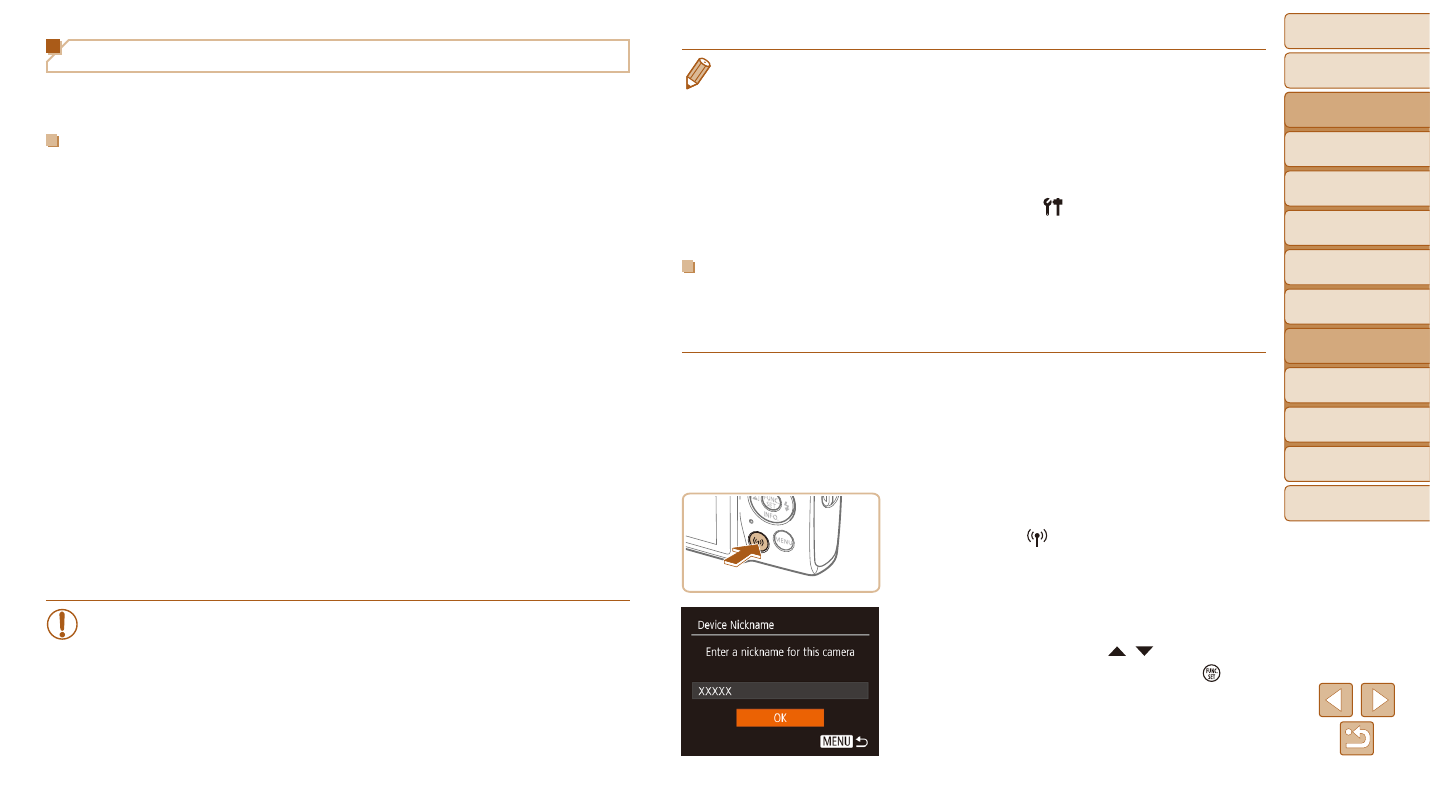
2
Access the Wi-Fi menu.
z
z
Press the [ ] button.
z
z
If the [Device Nickname] screen is
displayed, press the [ ][ ] buttons to
choose [OK], and then press the [ ]
button.
Saving Images to a Connected Computer
Connect to your access point via Wi-Fi as follows.
Also refer to the access point user manual.
Confirming Access Point Compatibility
Confirm that the Wi-Fi router or base station conforms to the Wi-Fi
Connection methods vary depending on whether the access point supports
). For non-WPS
access points, check the following information.
•
Network name (SSID/ESSID)
The SSID or ESSID for the access point you use. Also called the “access
point name” or “network name”.
•
Network authentication / data encryption (encryption method / encryption
mode)
The method for encrypting data during wireless transmission. Check
which security setting is used: WPA2-PSK (AES), WPA2-PSK (TKIP),
WPA-PSK (AES), WPA-PSK (TKIP), WEP (open system authentication),
or no security.
•
Password (encryption key / network key)
The key used when encrypting data during wireless transmission.
Also called the “encryption key” or “network key”.
•
Key index (transmit key)
The key set when WEP is used for network authentication / data
encryption. Use “1” as the setting.
•
If system administrator status is needed to adjust network settings,
contact the system administrator for details.
•
These settings are very important for network security. Exercise
adequate caution when changing these settings.